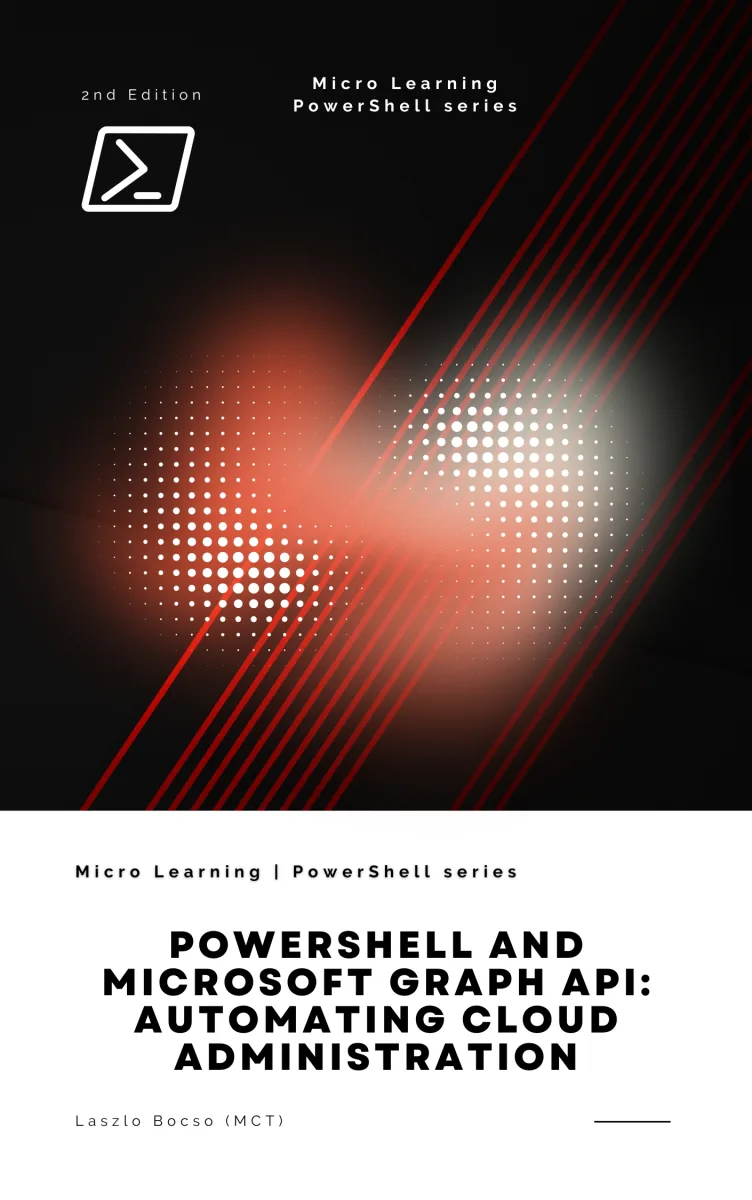
PowerShell and Microsoft Graph API
Automating Cloud Administration - 2nd Edition
What's Included:
At a Glance
PowerShell and Microsoft Graph API is a professional PowerShell eBook by László Bocsó (Microsoft Certified Trainer - MCT), 296 pages, available as an instant PDF and EPUB download for €7.90 with lifetime access and free updates. Automating Cloud Administration - 2nd Edition.
- Length: 296 pages
- Format: PDF and EPUB (instant download)
- Language: English
- Topic: PowerShell
- Edition: 2nd Edition
- Price: €7.90
Key Highlights
- Complete coverage of the Microsoft Graph PowerShell SDK v2.x
- Modern authentication: delegated, application, certificate, and managed identity
- Hands-on automation of users, groups, licenses, devices, and policies
- Bulk operations, pagination, throttling, and retry strategies explained clearly
- Real-world workflows for onboarding, offboarding, reporting, and governance
- Direct Graph API calls with
Invoke-MgGraphRequestandInvoke-RestMethod - Security best practices for production-grade scripts
- Intune, Teams, SharePoint, and Exchange Online automation examples
- Dedicated troubleshooting and common-errors appendix
- PowerShell and Graph API quick-reference cheat sheets included
- Ready-to-adapt scripts for immediate use in your environment
- Fully updated for 2026 with the latest Microsoft Graph endpoints
Overview
Master PowerShell automation for Microsoft 365, Entra ID, Intune, and Teams using the Microsoft Graph API. A complete hands-on guide from fundamentals to advanced production workflows, with real-world scripts and best practices.
The Problem
Managing a modern Microsoft 365 or Entra ID environment through the admin portals is slow, error-prone, and simply does not scale. Administrators face relentless pressure to provision users faster, audit access more rigorously, enforce policies consistently, and produce reports on demand—often across thousands of objects and multiple tenants.
The Microsoft Graph API exposes everything you need, but its documentation is scattered, its authentication model is intimidating, and the PowerShell SDK is evolving rapidly. Many admins end up copy-pasting half-working snippets from forums, unsure whether they are following current best practices or building brittle automations that will break at the worst possible moment.
Without a structured, up-to-date guide, you waste hours debugging token errors, permission scopes, and pagination quirks instead of delivering value.
The Solution
This book gives you a single, coherent path from PowerShell fundamentals to production-grade Microsoft Graph automation. Every chapter builds on the last, so you finish with the complete mental model needed to automate any Microsoft cloud service with confidence.
You will learn exactly how to authenticate securely, when to use the Graph PowerShell SDK versus direct REST calls, how to handle pagination, throttling, and errors gracefully, and how to design workflows that are resilient, auditable, and safe to run unattended.
With hundreds of working examples, ready-to-adapt scripts, and a dedicated troubleshooting appendix, you will stop guessing and start shipping automations that save your organization real time and money.
About This Book
Take Full Command of Your Microsoft Cloud with PowerShell and Graph API
Cloud administration has evolved dramatically. What once required hours of clicking through web portals can now be accomplished in seconds with a well-crafted script. PowerShell and Microsoft Graph API: Automating Cloud Administration, 2nd Edition is your comprehensive, hands-on guide to mastering the two technologies that power modern Microsoft cloud automation.
Written by Microsoft Certified Trainer Laszlo Bocso, this fully rewritten second edition reflects the latest changes in the Microsoft Graph PowerShell SDK, modern authentication models, and the expanding Graph endpoint surface across Microsoft 365, Entra ID (formerly Azure AD), Intune, Teams, SharePoint, Exchange Online, and beyond.
Why PowerShell + Microsoft Graph?
Microsoft Graph is the unified gateway to every major Microsoft cloud service. PowerShell is the object-oriented automation engine trusted by administrators worldwide. Together, they form the single most powerful toolkit for managing identities, devices, policies, licenses, and workloads at scale. Whether you are a sysadmin tired of repetitive tasks, a DevOps engineer building CI/CD pipelines, or an IT pro modernizing your skillset, this book will make you significantly more productive.
What Makes This Edition Different
The first edition resonated with readers because it treated PowerShell as the primary engine of cloud administration, not a supplementary tool. This second edition doubles down on that philosophy while adding:
- Updated coverage of the Microsoft Graph PowerShell SDK (v2.x)
- Modern authentication patterns including certificate-based auth, managed identities, and secure secret handling
- Real-world automation workflows for 2025 and beyond
- Expanded chapters on Intune, Conditional Access, and governance
- Ready-to-adapt scripts for bulk operations and reporting
- Troubleshooting strategies for common Graph API errors
From Fundamentals to Production-Ready Automation
The book is structured as a progressive learning path. You begin with PowerShell essentials—cmdlets, pipelines, objects, and scripting patterns—then move into Microsoft Graph architecture, authentication, and consent models. By the mid-point, you are automating users, groups, licenses, devices, and Microsoft 365 services at scale. The final chapters focus on security, governance, real-world workflows, and advanced troubleshooting.
Inside You Will Find
- 18 focused chapters and appendices covering over 280 pages of structured, practical content
- Hundreds of working PowerShell examples—from one-liners to complete automation scripts
- Both SDK-based and direct REST API approaches using
Invoke-MgGraphRequestandInvoke-RestMethod - A PowerShell command cheat sheet and Microsoft Graph API quick reference
- Common errors and fixes appendix to accelerate your debugging
- Real-world script ideas you can adapt to your own environment immediately
Built for Real Administrators
Every concept is grounded in real-world scenarios: onboarding hundreds of users, reporting on license consumption, auditing sign-in activity, managing Teams and SharePoint at scale, enforcing Conditional Access policies, and building resilient scheduled automations. You will not find abstract theory here—only techniques that deliver measurable business value.
Keep This Book Close to Your Terminal
Written in a clear, conversational style and organized for both sequential learning and quick reference, this book is designed to live beside your keyboard. Open a terminal, launch PowerShell, and start automating your Microsoft cloud today.
Happy scripting.
Who Is This Book For?
- System administrators managing Microsoft 365, Entra ID, Intune, or Teams
- DevOps engineers building automated provisioning and governance pipelines
- IT professionals modernizing their toolkit beyond the admin portal
- Consultants and MSPs working across multiple Microsoft 365 tenants
- Security and compliance specialists auditing identity and access at scale
- PowerShell users who want to harness the full power of Microsoft Graph
- Cloud engineers preparing for Microsoft certifications such as MS-102, AZ-104, or SC-300
Who Is This Book NOT For?
- Readers looking for a pure GUI-based, click-through admin guide
- Absolute beginners with no exposure to command-line tools or Microsoft 365
- Developers building end-user applications rather than administrative automation
- Administrators exclusively managing on-premises Active Directory with no cloud footprint
- Those seeking coverage of Linux-only automation or non-Microsoft cloud platforms
Table of Contents
- Introduction to PowerShell and Microsoft Graph
- Setting Up Your Automation Environment
- PowerShell Fundamentals for Administrators
- PowerShell Scripting for Real Automation
- Understanding Microsoft Graph API
- Authentication, Authorization, and Consent
- Working with Microsoft Graph in PowerShell
- Calling the Graph API Directly
- Managing Users, Groups, and Entra ID Objects
- Automating Microsoft 365 Administration
- Device, Policy, and Endpoint Automation
- Data Retrieval, Reporting, and Bulk Operations
- Security, Governance, and Best Practices
- Automation Workflows and Real-World Use Cases
- Advanced Techniques and Troubleshooting
- Appendix A: PowerShell Command Cheat Sheet
- Appendix B: Microsoft Graph API Quick Reference
- Appendix C: Common Errors and Fixes
- Appendix D: Real-World Automation Script Ideas
Requirements
- A Windows, macOS, or Linux machine capable of running PowerShell 7.x
- Basic familiarity with command-line interfaces
- A Microsoft 365 tenant (a free developer tenant is sufficient for all examples)
- Administrative access or the ability to consent to Graph API permissions in a test tenant
- An internet connection for downloading modules and calling the Graph API
- A text editor or IDE such as Visual Studio Code with the PowerShell extension
- No prior experience with the Microsoft Graph API is required