
The ChatGPT API is the backbone of thousands of AI-powered applications worldwide. Unlike ChatGPT the consumer product, the API gives developers full programmatic control over OpenAI's language models — from system prompts and temperature settings to function calling, streaming, and structured outputs. Whether you are building a chatbot, content generation pipeline, AI-powered search engine, or autonomous agent, understanding the ChatGPT API is an essential skill for modern developers.
In this comprehensive guide, we cover everything you need to know to build production-grade applications with the ChatGPT API: models, authentication, core endpoints, advanced features, cost optimization, and security best practices.
Understanding the ChatGPT API Landscape
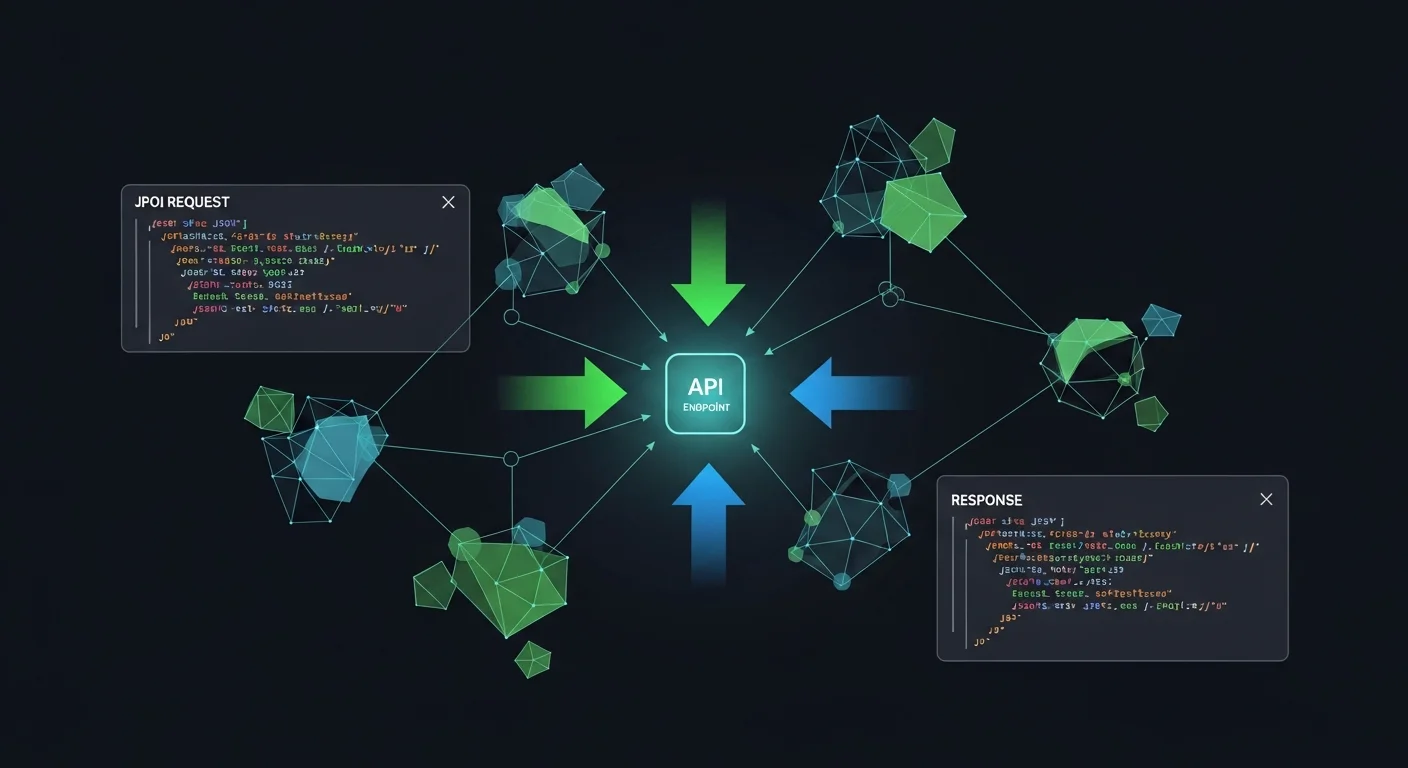
The OpenAI API is not a single endpoint — it is an ecosystem of interconnected services. The Chat Completions API is the core, but around it are embeddings for semantic search, the Assistants API for stateful agents, the Batch API for cost-effective bulk processing, vision capabilities for image analysis, and the moderation API for content safety.
Available Models in 2026
OpenAI offers a range of models optimized for different use cases and budgets:
- GPT-4.1 — The flagship model with a 1M token context window. Best for complex reasoning, coding, and long-document analysis. Priced at $2/1M input, $8/1M output tokens.
- GPT-4.1-mini — The sweet spot for most applications. Same 1M context window at 1/5th the price. Excellent quality-to-cost ratio.
- GPT-4.1-nano — The fastest and cheapest option at $0.10/1M input tokens. Ideal for high-volume classification, routing, and simple generation tasks.
- GPT-4o — The multimodal model that processes text, images, and audio natively. Essential for vision tasks, document processing, and audio transcription.
- o3 / o4-mini — Reasoning models that use chain-of-thought internally. Designed for complex STEM problems, mathematical proofs, and advanced logic tasks.
Which Model Should You Use?
Start with GPT-4.1-mini for development. It handles 90% of use cases at an affordable price point. Only upgrade to GPT-4.1 when you need maximum reasoning capability, or switch to GPT-4o when your application requires image or audio processing.
Authentication and Security
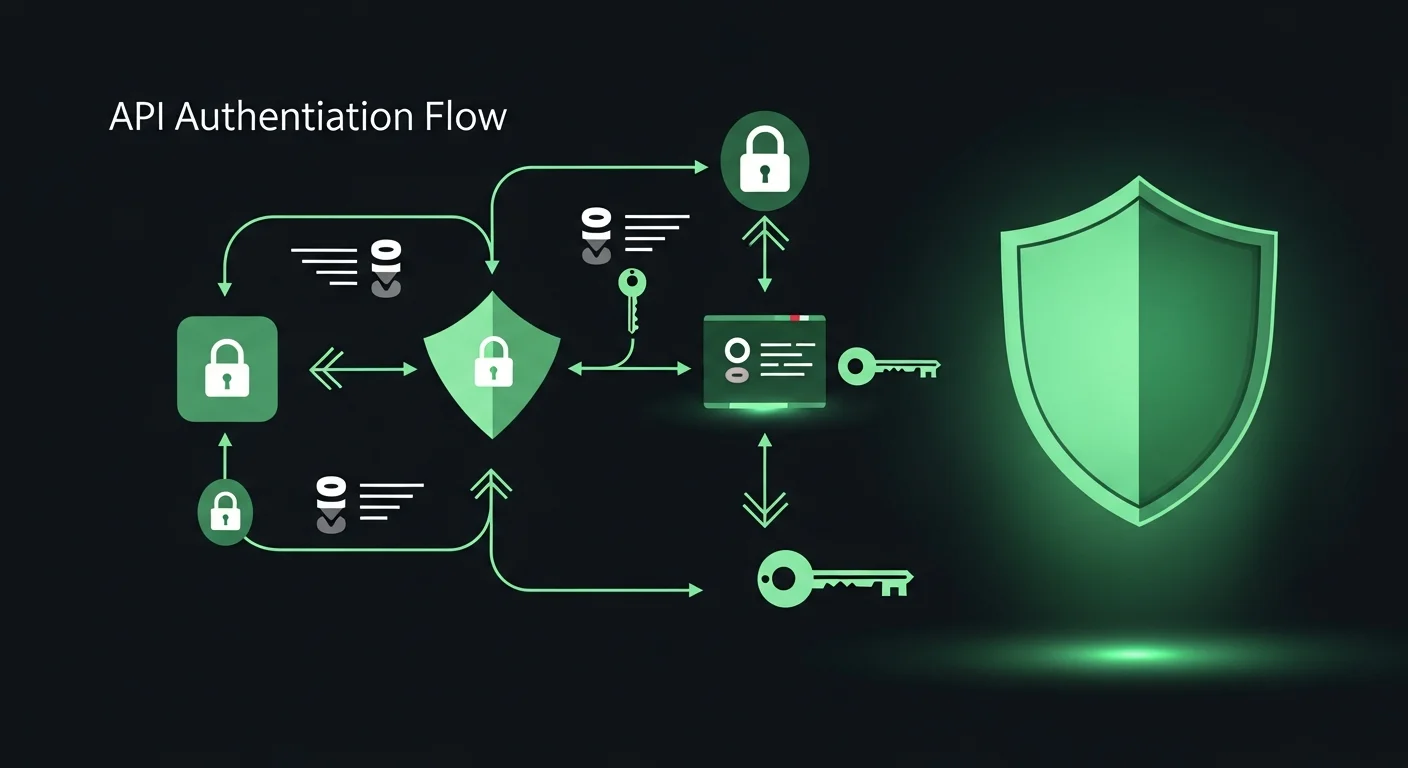
Every API request requires authentication via an API key sent in the Authorization header. OpenAI offers three types of keys:
- Project keys (sk-proj-...) — Scoped to a single project. Recommended for production applications because they limit blast radius if compromised.
- User keys (sk-...) — Access all projects under your account. Use only for personal development and testing.
- Service account keys (sk-svcacct-...) — Designed for automated systems, CI/CD pipelines, and server-to-server communication.
Security Best Practices
API key security is critical. A leaked key can result in thousands of dollars in unauthorized charges within hours. Follow these practices:
- Never hardcode keys in source code. Use environment variables or a secrets manager (AWS Secrets Manager, HashiCorp Vault, etc.).
- Use project-scoped keys with minimum required permissions.
- Rotate keys regularly — at least every 90 days, and immediately if you suspect compromise.
- Set usage limits in the OpenAI dashboard to cap monthly spending.
- Monitor usage daily. Unusual spikes often indicate key compromise or application bugs.
The Chat Completions API
The Chat Completions endpoint (POST /v1/chat/completions) is the foundation of every ChatGPT-powered application. It accepts an array of messages with roles (system, user, assistant) and returns a model-generated response.
The Message Array
The messages array represents a conversation. Each message has a role and content:
- system — Sets the AI''s behavior, persona, and constraints. This is the most important message for output quality.
- user — The human''s input or question.
- assistant — A previous AI response. Used to maintain conversation context in multi-turn chats.
- tool — The result of a function call, returned to the model for further processing.
Key Parameters
Understanding parameters is crucial for controlling output quality:
- temperature (0.0-2.0) — Controls randomness. Use 0 for deterministic outputs (code, data extraction), 0.7 for general conversation, and 1.0+ for creative writing.
- max_tokens — Limits the response length. Set this to prevent runaway costs and ensure concise outputs.
- top_p — Nucleus sampling. An alternative to temperature for controlling diversity. Use one or the other, not both.
- response_format — Set to
{"type": "json_object"}to force JSON output. Essential for data extraction and API responses. - seed — For reproducible outputs. Same seed + same prompt = same response. Critical for testing.
Streaming for Real-Time Responses
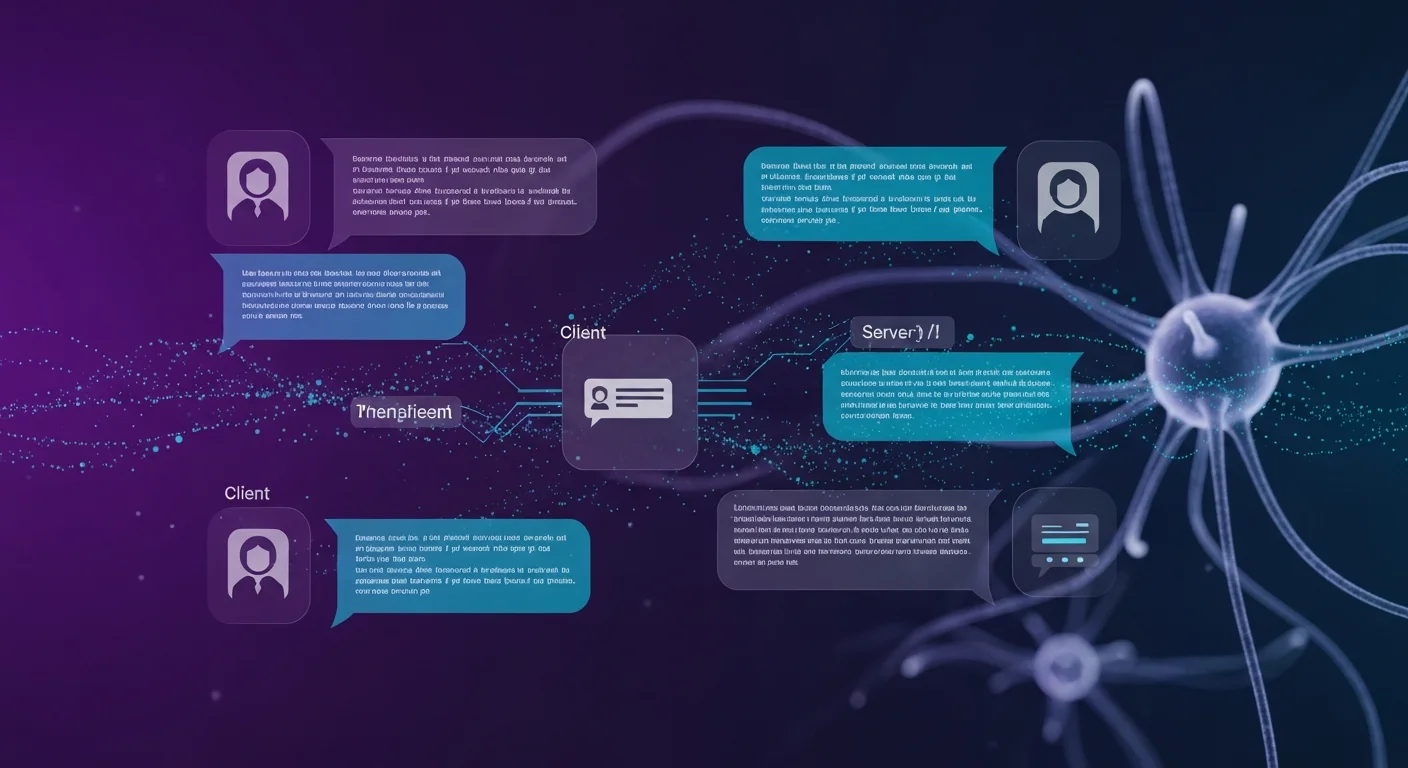
Without streaming, users wait for the entire response to be generated before seeing anything. A 5-second response feels like 5 seconds of nothing. With streaming, tokens appear in real-time as they are generated, making the same response feel instant.
How Streaming Works
When you set stream: true, the API returns a stream of Server-Sent Events (SSE). Each event contains a small chunk (usually a few tokens) of the response. Your frontend can render these chunks progressively, creating the familiar "typing" effect seen in ChatGPT.
Implementation Pattern
The typical streaming architecture for web applications:
- Frontend sends a request to your backend API.
- Backend opens a streaming connection to OpenAI.
- Backend proxies each chunk to the frontend via SSE (Server-Sent Events) or WebSocket.
- Frontend appends each chunk to the displayed response in real-time.
This architecture keeps your API key secure on the server while providing a real-time experience to users.
Function Calling (Tools)

Function calling is one of the most powerful features of the ChatGPT API. It allows the model to decide when to call your custom functions and with what arguments. This transforms GPT from a text generator into an intelligent agent that can interact with databases, external APIs, file systems, and any other tools you expose.
How It Works
- Define your available functions with names, descriptions, and JSON Schema parameters.
- Send the function definitions along with the user''s message.
- Model decides whether to call a function, and if so, which one with what arguments.
- You execute the function with the model-provided arguments.
- Return the function result to the model.
- Model responds with a natural language answer incorporating the function result.
Use Cases for Function Calling
- Database queries: "How many orders were placed last week?" — GPT calls
query_orders(start_date, end_date) - External APIs: "What''s the weather in Budapest?" — GPT calls
get_weather(location) - Calculations: "Calculate the compound interest on $10,000 at 5% for 10 years" — GPT calls
calculate_interest(principal, rate, years) - Data transformation: "Convert this CSV to JSON" — GPT calls
transform_data(input, format)
The key to effective function calling is writing detailed descriptions for each function and its parameters. The model uses these descriptions to decide when and how to call your functions.
Embeddings and Semantic Search
Embeddings convert text into numerical vectors that capture semantic meaning. Two pieces of text with similar meaning produce similar vectors, regardless of the exact words used. This enables powerful semantic search — finding relevant documents based on meaning rather than keyword matching.
The RAG Pattern
Retrieval-Augmented Generation (RAG) is the most important pattern in modern AI applications. Instead of relying solely on the model''s training data, RAG retrieves relevant documents from your own data and includes them in the prompt:
- Index: Embed your documents and store the vectors in a vector database (Pinecone, Weaviate, pgvector, etc.).
- Query: When a user asks a question, embed the question.
- Retrieve: Find the most similar document vectors (top-k nearest neighbors).
- Generate: Include the retrieved documents as context in the GPT prompt.
RAG dramatically reduces hallucinations because the model generates answers based on your actual data rather than its training knowledge.
Cost Optimization Strategies
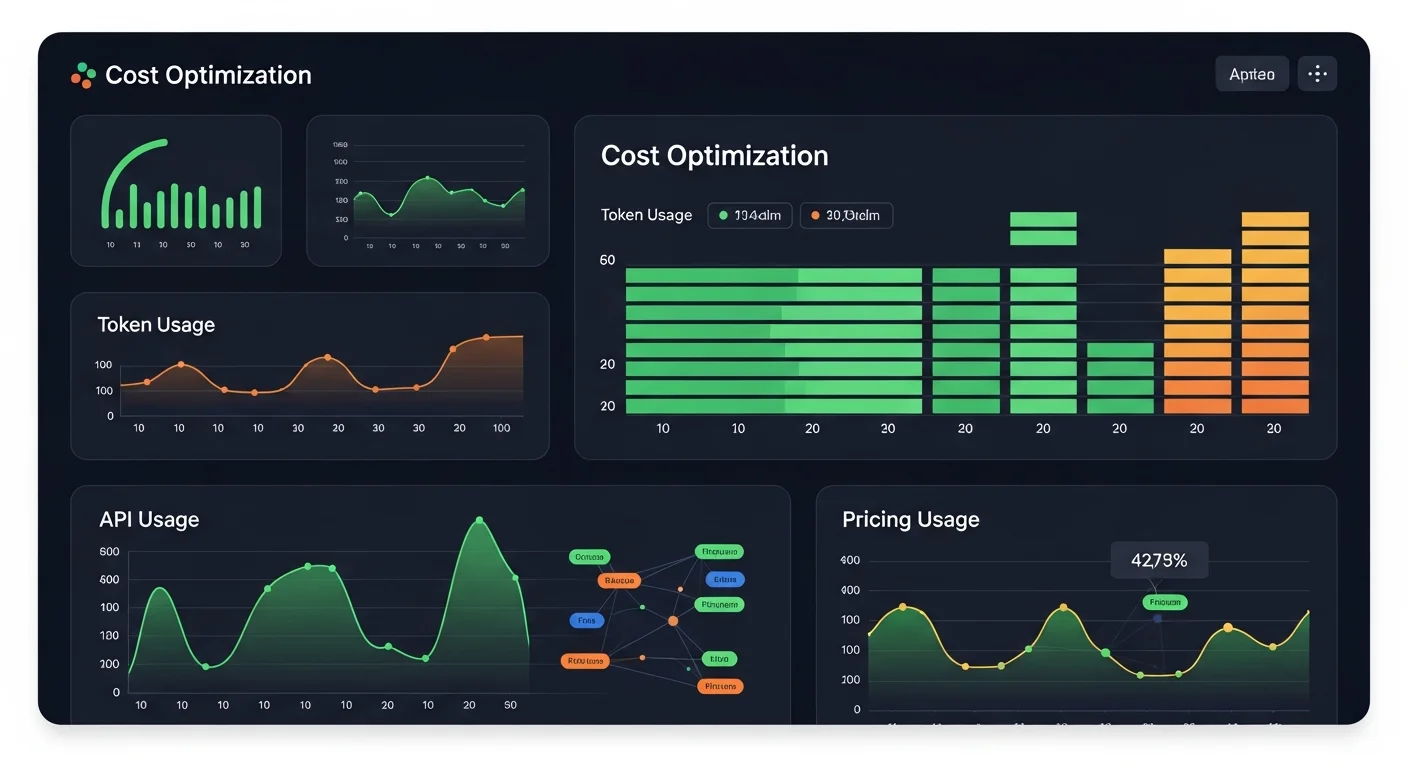
API costs can escalate quickly in production. Here are the most effective strategies to keep costs under control:
1. Choose the Right Model
This is the single biggest cost lever. GPT-4.1-nano is 20x cheaper than GPT-4.1 for input tokens. Many tasks that developers default to GPT-4.1 (classification, simple Q&A, data extraction) work perfectly fine with GPT-4.1-nano or GPT-4.1-mini.
2. Use the Batch API
For workloads that do not need real-time responses — content generation, data processing, bulk analysis — the Batch API offers a 50% discount with a 24-hour processing window. Submit a JSONL file with multiple requests, and OpenAI processes them in the background.
3. Leverage Prompt Caching
OpenAI automatically caches the longest common prefix of your prompts. If your system prompt is the same across requests (which it should be), you get a 50% discount on those cached tokens. Optimize by placing static content at the beginning and dynamic content at the end.
4. Cache Your Own Responses
Implement a response cache (Redis, database, or even in-memory) for frequently asked questions. If 30% of your queries are repeated, a simple cache eliminates 30% of your API costs entirely.
5. Use Embeddings as a Pre-filter
Instead of sending every user query to GPT, use cheap embeddings to classify or route queries first. Simple questions can be answered from a FAQ database without calling GPT at all.
Error Handling and Production Patterns
Production applications must handle API errors gracefully. The most important patterns:
- Exponential backoff for rate limit (429) and server (5xx) errors. Start with 1-second delay, double it each retry, cap at 32 seconds.
- Timeouts — Set a 30-second timeout for normal requests, 120 seconds for long generations. Kill stuck requests.
- Fallback models — If your primary model is unavailable, fall back to a smaller model. GPT-4.1-mini is an excellent fallback for GPT-4.1.
- Output validation — Never trust model output blindly. Validate JSON structure, check for hallucinations in factual content, and sanitize HTML output to prevent XSS.
- Request logging — Log request IDs, token usage, latency, and costs. This data is essential for debugging, optimization, and billing disputes.
Prompt Engineering Best Practices
The quality of your prompts determines the quality of your application. These patterns consistently produce the best results:
- Always use a system message — Set the role, task, constraints, and output format. A well-crafted system message is worth more than any parameter tuning.
- Few-shot examples — Include 2-5 examples of desired input/output pairs in your prompt. This is the most reliable way to control output format.
- Chain-of-thought — For complex reasoning, add "Think step by step" to the prompt. This improves accuracy on math, logic, and multi-step problems.
- Structured outputs — When you need JSON, specify the exact schema in the system message and use
response_format: {"type": "json_object"}. - Keep prompts focused — One task per prompt. "Summarize, translate, and classify this text" is three tasks that should be three separate calls for best quality.
Safety and Compliance
For production applications, safety is non-negotiable:
- Moderation API — Run all user input through
/v1/moderationsbefore sending to GPT. It is free and catches harmful content. - Prompt injection prevention — Treat user input as untrusted data. Sanitize it, use delimiters, and instruct the model to ignore override attempts.
- GDPR compliance — API data is not used for training. Sign OpenAI''s DPA. Strip PII from prompts when possible.
- Content filtering — Validate model outputs before showing to users. The model can generate inappropriate content despite safety training.
Download the Free Cheatsheet
We have compiled all the information in this guide into a free 14-page PDF cheatsheet with code examples, parameter tables, model comparisons, cost optimization strategies, and quick-reference guides. Keep it on your desk while developing.
Download the ChatGPT API Cheatsheet 2026 PDF
Recommended Reading
To master AI API development, explore these books on Dargslan:
- ChatGPT for Developers — The comprehensive guide to building applications with OpenAI''s APIs
- Prompt Engineering Mastery — Advanced techniques for crafting effective prompts that produce reliable results
- Prompt Engineering for Developers — Developer-focused prompt engineering with code examples and patterns
- AI-Assisted Coding Foundations — Build your foundation for working with AI coding tools effectively
- Becoming an AI-Driven Senior Engineer — Level up your career by mastering AI-augmented engineering practices



