
Table of Contents
- Introduction: Why Open-Source IT Tools Matter
- 120 Linux CLI Tools on PyPI
- 119 Windows Python CLI Tools
- 120 PowerShell Modules on PSGallery
- GitHub Repositories Overview
- Architecture & Design Philosophy
- Security & Threat Hunting Tools
- DevOps & Infrastructure Tools
- Getting Started Guide
- Recommended eBooks for IT Professionals
- Conclusion & Roadmap
Introduction: Why Open-Source IT Tools Matter in 2026
System administrators, DevOps engineers, and cybersecurity professionals face an ever-growing challenge: managing increasingly complex IT environments across Linux servers, Windows workstations, cloud infrastructure, and hybrid deployments. The need for reliable, well-documented, and freely available tools has never been greater.
At Dargslan, we have built one of the most comprehensive open-source IT tool ecosystems available today. With over 360 individual tools spanning Python packages on PyPI, PowerShell modules on PSGallery, and organized GitHub repositories, our ecosystem covers everything from basic system information gathering to advanced threat hunting and forensic analysis.
This article provides a complete technical overview of every component in the Dargslan ecosystem, including installation guides, use cases, architecture decisions, and recommended reading materials to deepen your expertise. Whether you are managing a single Linux server or overseeing a fleet of 10,000 Windows endpoints, there is something here for you.
120 Linux CLI Tools on PyPI — Complete System Administration from the Terminal
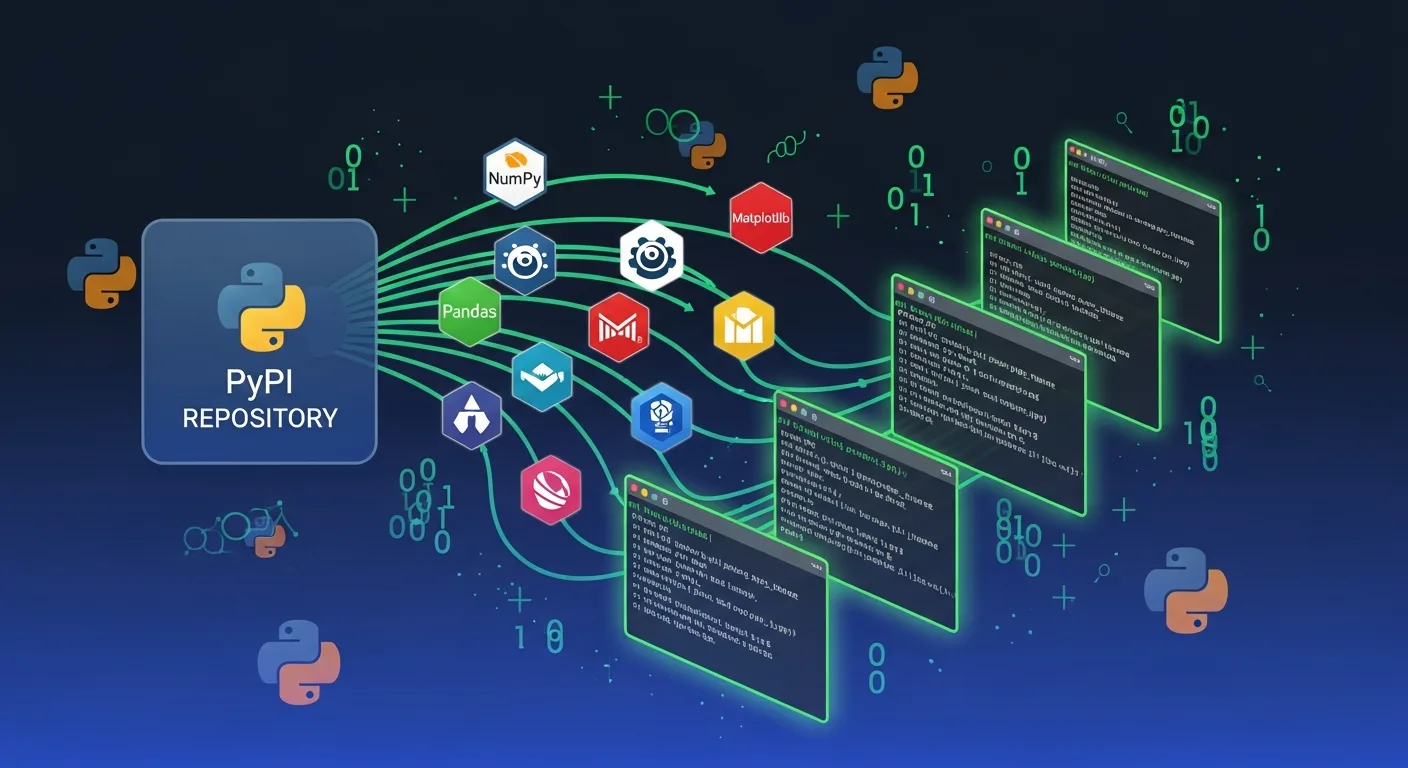
Our Linux tool collection consists of 120 professional CLI packages published on PyPI, the Python Package Index. Each tool is designed to work across major Linux distributions including Ubuntu, Debian, Fedora, CentOS, RHEL, and Arch Linux.
Core System Tools
The foundation of any Linux administration workflow starts with system visibility. Our core tools provide instant insights:
- dargslan-linux-sysinfo — Complete system inventory: CPU, RAM, disk, kernel version, uptime, and hardware details
- dargslan-linux-process-monitor — Real-time process monitoring with CPU/memory usage, zombie detection, and resource limits
- dargslan-linux-disk-analyzer — Disk space analysis, inode usage, mount points, SMART health, and filesystem fragmentation
- dargslan-linux-memory-audit — Memory usage analysis, swap monitoring, OOM killer history, and memory leak detection
- dargslan-linux-cpu-benchmark — CPU performance benchmarking, frequency scaling, thermal throttling detection
Network & Security Tools
Network troubleshooting and security auditing are critical for any production environment:
- dargslan-linux-firewall — iptables/nftables rule analysis, open ports, policy audit, and firewall hardening
- dargslan-linux-selinux — SELinux status, policy analysis, boolean management, and AVC denial investigation
- dargslan-linux-ssh-audit — SSH server configuration audit, key strength analysis, authentication methods, and hardening
- dargslan-linux-network-diag — Network adapter status, routing tables, DNS resolution, ARP cache, and bandwidth monitoring
- dargslan-linux-ssl-check — SSL/TLS certificate validation, cipher suite analysis, protocol compliance testing
Installation
# Install individual tools
pip install dargslan-linux-sysinfo
pip install dargslan-linux-firewall
pip install dargslan-linux-selinux

# Run any tool directly
dargslan-linux-sysinfo
dargslan-linux-firewall --json
dargslan-linux-ssh-audit --verbose
All 120 packages follow a consistent naming convention (dargslan-linux-{tool}), support JSON output for automation, and include built-in help documentation. They are compatible with Python 3.8+ and require no additional dependencies beyond the Python standard library.
📦 Browse all 120 Linux packages: pypi.org/search/?q=dargslan-linux
119 Windows Python CLI Tools — PowerShell Meets Python
For Windows administrators who prefer Python, we maintain 119 Windows-specific CLI packages on PyPI. These tools use WMI, CIM, Win32 APIs, and PowerShell through Python subprocess calls to provide deep system visibility.
Key Windows Python Tools
- dargslan-win-sysinfo — Windows system information, OS version, hotfixes, license status, hardware inventory
- dargslan-win-firewall — Windows Defender Firewall rules, profiles, blocked connections, advanced filtering
- dargslan-win-defender — Windows Defender status, signature age, scan history, exclusions, threat detection
- dargslan-win-services — Service management, startup types, failed services, dependency chains
- dargslan-win-updates — Windows Update history, pending patches, WSUS configuration, reboot status
- dargslan-win-bitlocker — BitLocker encryption status, recovery keys, TPM information, compliance
- dargslan-win-ad-tools — Active Directory users, OUs, groups, replication health (requires RSAT)
Installation
# Install from PyPI
pip install dargslan-win-sysinfo
pip install dargslan-win-firewall
pip install dargslan-win-defender

# Run from command line
dargslan-win-sysinfo
dargslan-win-firewall --json
Each Windows Python tool mirrors the functionality of its PowerShell counterpart, making it ideal for teams that standardize on Python across both Linux and Windows environments. The consistent --json output flag enables easy integration with monitoring systems, SIEM platforms, and automation pipelines.
120 PowerShell Modules on PSGallery — The Ultimate Windows Admin Toolkit
Our flagship offering is the Dargslan Windows Admin Toolkit — a collection of 120 professional PowerShell modules published to the PowerShell Gallery. Each module uses native Windows APIs including WMI, CIM, the Windows Registry, and PowerShell cmdlets to deliver enterprise-grade system administration capabilities.
Batch 1 — Core System Administration (Modules 1–20)
The foundation modules cover everyday Windows administration tasks:
| Module | Function | Install |
|---|---|---|
| Dargslan.WinSysInfo | Hardware, OS, BIOS, memory inventory | Install-Module Dargslan.WinSysInfo |
| Dargslan.WinFirewall | Firewall rules, profiles, blocked connections | Install-Module Dargslan.WinFirewall |
| Dargslan.WinDefender | Defender status, signatures, scan results | Install-Module Dargslan.WinDefender |
| Dargslan.WinEventLog | Security/system/application event analysis | Install-Module Dargslan.WinEventLog |
| Dargslan.WinSecurityAudit | Security policies, vulnerabilities, compliance | Install-Module Dargslan.WinSecurityAudit |
Batch 2 — Infrastructure & Server (Modules 21–40)
For Windows Server environments with Active Directory, Hyper-V, IIS, and clustering:
- Dargslan.WinHyperV — Virtual machine management, switches, snapshots, replication monitoring
- Dargslan.WinIISMgr — IIS site management, app pools, SSL bindings, request filtering
- Dargslan.WinADTools — Active Directory users, OUs, groups, GPOs, replication health
- Dargslan.WinClusterMgr — Failover cluster nodes, resources, quorum, CSV volumes
- Dargslan.WinSQLHealth — SQL Server instances, database status, backup history, performance
Batch 3 — Security & Cloud (Modules 41–60)
The 2026 Edition security modules address modern threats and cloud-managed endpoints:
- Dargslan.WinDefenderATP — Endpoint Detection and Response status, threat history
- Dargslan.WinAppLocker — Application whitelisting policies, rules, enforcement events
- Dargslan.WinCredentialGuard — VBS status, HVCI, credential isolation configuration
- Dargslan.WinWDAC — Windows Defender Application Control, code integrity policies
- Dargslan.WinIntuneMgr — Intune enrollment, compliance status, policy assignment
Batch 4 — Developer Tools & Diagnostics (Modules 61–80)
Developer environment auditing and system diagnostics:
- Dargslan.WinNuGetAudit — .NET SDK versions, NuGet packages, vulnerability scanning
- Dargslan.WinPythonAudit — Python installations, pip packages, PATH validation
- Dargslan.WinNodeJSAudit — Node.js, npm, global packages, nvm configuration
- Dargslan.WinGitAudit — Git config, SSH keys, credential helpers, alias management
- Dargslan.WinSMARTHealth — Disk SMART data, temperature, wear level, failure prediction
Batch 5 — Advanced Security & Compliance (Modules 81–100)
Enterprise compliance and advanced security assessment:
- Dargslan.WinKerberos — Kerberos ticket cache, SPN inventory, delegation analysis
- Dargslan.WinLSAProtection — LSA Protection audit, RunAsPPL, WDigest, LSASS hardening
- Dargslan.WinASRRules — Attack Surface Reduction rules, compliance scoring
- Dargslan.WinOSHarden — CIS benchmark checks, STIG compliance, hardening score
- Dargslan.WinRemediation — Security remediation status, baseline enforcement scoring
Batch 6 — Threat Hunting & Forensics (Modules 101–120)
The most advanced category, designed for incident responders and threat hunters:
- Dargslan.WinThreatHunt — Suspicious processes, IOC detection, unsigned DLLs, anomalous connections
- Dargslan.WinWMIPersis — WMI persistence detection, event subscriptions, backdoor hunting
- Dargslan.WinCOMHijack — COM hijacking detection, orphaned CLSIDs, DLL side-loading risks
- Dargslan.WinMemoryForensic — Memory-based threat scanning, injected threads, suspicious DLLs
- Dargslan.WinAMSI — AMSI provider audit, bypass detection, script scanning status
- Dargslan.WinTPM — Trusted Platform Module status, version, attestation, key storage
Quick Install — All 120 Modules
# Install a single module
Install-Module -Name Dargslan.WinSysInfo -Scope CurrentUser

# Run the audit
Import-Module Dargslan.WinSysInfo
Get-SystemInfo
Get-SystemInfo -Json  # JSON output for automation
🔧 PowerShell Gallery Profile: powershellgallery.com/profiles/Dargslan
GitHub Repositories — Source Code & Documentation
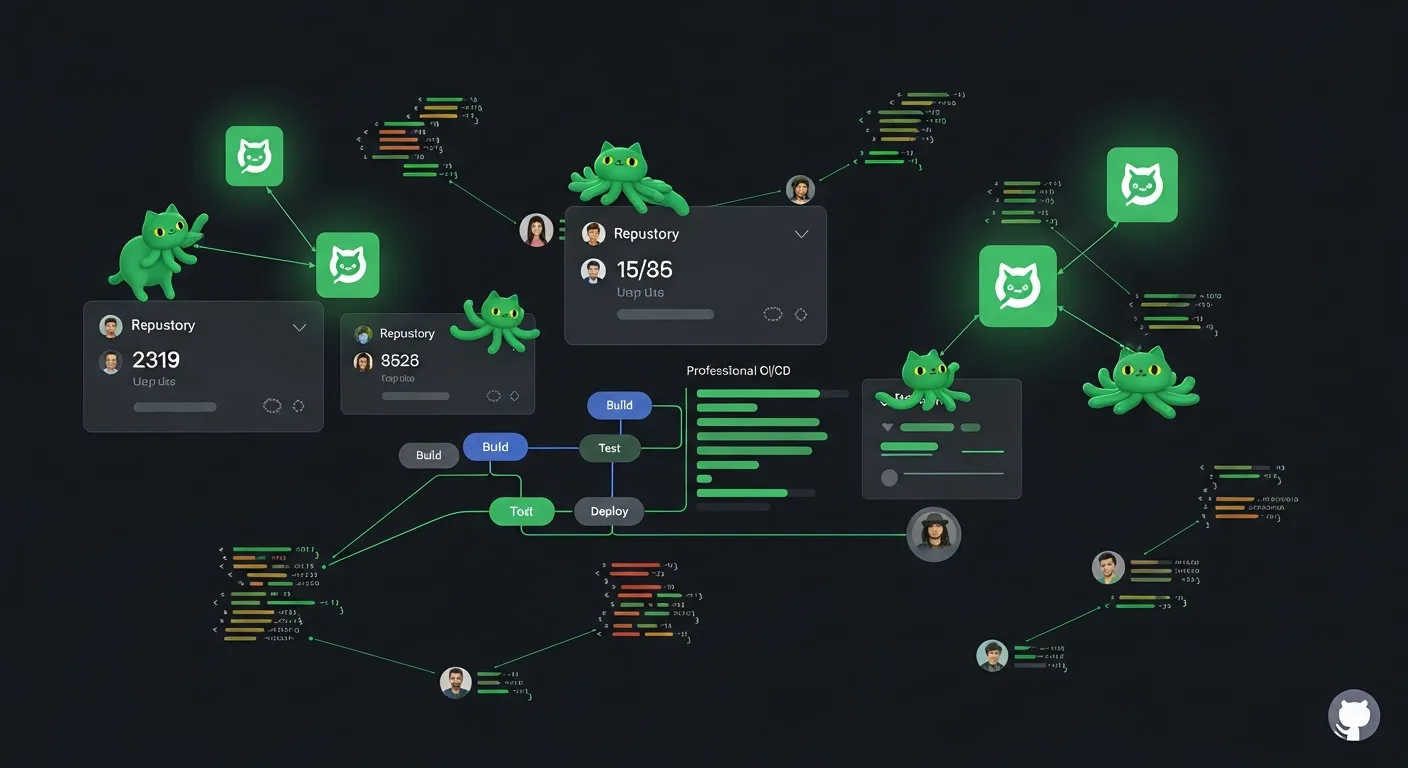
All source code is hosted on GitHub under the Dargslan organization. Our repositories serve as both distribution channels and documentation hubs:
Key Repositories
| Repository | Content | Packages |
|---|---|---|
| powershell-admin-scripts | Windows Admin Toolkit — PSGallery modules | 120 modules |
| linux-admin-tools | Linux CLI tools — PyPI packages | 120 packages |
| windows-python-tools | Windows Python CLI tools — PyPI packages | 119 packages |
The powershell-admin-scripts repository features a comprehensive README with the complete 120-module catalog organized into 6 categories, one-click install commands, and detailed documentation for each module. It has become one of the most complete open-source Windows administration resources on GitHub.
Repository Structure
Each repository follows a consistent structure that makes it easy to navigate, contribute, and integrate into your own workflows:
repository/
├── Dargslan.WinSysInfo/          # Each tool has its own directory
│   ├── Dargslan.WinSysInfo.psd1  # Module manifest
│   ├── Dargslan.WinSysInfo.psm1  # Module code
│   └── README.md                 # Per-tool documentation
├── Dargslan.WinFirewall/
│   └── ...
├── README.md                     # Master catalog with install commands
└── LICENSE                       # MIT License
Architecture & Design Philosophy
Every tool in the Dargslan ecosystem follows strict design principles that ensure consistency, reliability, and ease of use:
1. Zero External Dependencies
Tools use only built-in OS capabilities — WMI, CIM, PowerShell cmdlets, registry access, and Python standard library. No third-party modules means no supply chain risk and instant deployment.
2. Dual Output Modes
Every tool supports both human-readable output (formatted tables, color-coded warnings) and JSON output (-Json flag in PowerShell, --json in Python) for automation and SIEM integration.
3. Security Scoring
Security-focused tools calculate a quantitative security score (0–100) with letter grades (A–D). This enables tracking improvements over time and comparing configurations across your fleet.
4. Non-Destructive Read-Only
All tools are read-only audit tools. They never modify system configuration, making them safe to run on production systems, domain controllers, and critical infrastructure.
5. Consistent Naming
Predictable naming patterns across all platforms: Dargslan.Win{Tool} for PowerShell, dargslan-linux-{tool} for Linux Python, and dargslan-win-{tool} for Windows Python.
Security & Threat Hunting Deep Dive
The security tooling in Batch 5 and Batch 6 of the PowerShell Toolkit represents the most advanced capabilities in our ecosystem. These tools are designed for blue team operations, incident response, and proactive threat hunting.
Credential Protection Assessment
# Audit LSA Protection and credential hardening
Install-Module Dargslan.WinLSAProtection
Get-LSAProtectionStatus

# Check for WMI-based persistence (backdoors)
Install-Module Dargslan.WinWMIPersis
Get-WMIPersistenceAudit

# Detect COM hijacking attempts
Install-Module Dargslan.WinCOMHijack
Get-COMHijackAudit

# Memory forensics — detect injected threads
Install-Module Dargslan.WinMemoryForensic
Get-MemoryForensicScan
Compliance & Hardening
The WinOSHarden module runs 13+ CIS benchmark checks including password policies, audit configuration, service hardening, and network protocol security. Combined with WinRemediation, you get both assessment and actionable remediation tracking.
DevOps & Infrastructure Integration
For DevOps teams, our tools integrate seamlessly into CI/CD pipelines, monitoring stacks, and infrastructure-as-code workflows:
Monitoring Integration
# Linux: pipe JSON output to your monitoring system
dargslan-linux-disk-analyzer --json | jq '.disks[] | select(.usage_percent > 80)'

# PowerShell: export to CSV for reporting
Get-SystemInfo -Json | ConvertFrom-Json | Export-Csv -Path C:\Reports\sysinfo.csv
Scheduled Auditing
# Create a daily security audit scheduled task
$action = New-ScheduledTaskAction -Execute "powershell" -Argument "-Command Import-Module Dargslan.WinSecurityAudit; Get-SecurityAudit -Json | Out-File C:\Audits\daily-$(Get-Date -Format yyyyMMdd).json"
$trigger = New-ScheduledTaskTrigger -Daily -At "06:00"
Register-ScheduledTask -TaskName "DargslanDailyAudit" -Action $action -Trigger $trigger
Getting Started — Complete Setup Guide
Linux Setup (2 Minutes)
# 1. Install Python 3.8+
sudo apt install python3 python3-pip  # Ubuntu/Debian
sudo dnf install python3 python3-pip  # Fedora/RHEL

# 2. Install your first 5 tools
pip install dargslan-linux-sysinfo dargslan-linux-firewall dargslan-linux-network-diag dargslan-linux-ssh-audit dargslan-linux-disk-analyzer

# 3. Run a complete system audit
dargslan-linux-sysinfo
dargslan-linux-firewall
dargslan-linux-ssh-audit
Windows Setup (2 Minutes)
# 1. Open PowerShell as Administrator
# 2. Install your first 5 modules
Install-Module Dargslan.WinSysInfo, Dargslan.WinSecurityAudit, Dargslan.WinFirewall, Dargslan.WinDefender, Dargslan.WinEventLog -Scope CurrentUser -Force

# 3. Run security assessment
Import-Module Dargslan.WinSecurityAudit
Get-SecurityAudit
Recommended eBooks for IT Professionals
To get the most out of these tools and deepen your technical expertise, we recommend the following eBooks from our Dargslan eBook store — featuring over 210 professional titles covering Linux, cybersecurity, DevOps, networking, and cloud computing:
For Linux Administrators
Linux System Administration — The Complete Guide
Master Linux server management from basics to enterprise-level administration. Covers systemd, package management, user administration, and performance tuning.
Browse Linux Books →Bash Scripting & Shell Automation
Automate everything with Bash. Learn scripting patterns, cron jobs, text processing with awk/sed, and building production-ready automation scripts.
Browse Scripting Books →For Security Professionals
Cybersecurity Fundamentals & Threat Hunting
Understand attack vectors, build detection capabilities, and master incident response. Covers MITRE ATT&CK framework, IOC analysis, and forensic techniques.
Browse Security Books →Windows Security Hardening Handbook
Enterprise Windows hardening based on CIS benchmarks and STIG guidelines. Active Directory security, GPO best practices, and credential protection.
Browse Windows Books →For DevOps Engineers
Docker & Kubernetes Production Guide
Container orchestration from development to production. Includes Docker Compose, Kubernetes deployments, Helm charts, and monitoring with Prometheus/Grafana.
Browse DevOps Books →Infrastructure as Code with Ansible & Terraform
Automate infrastructure provisioning and configuration management. Multi-cloud deployments, state management, and GitOps workflows.
Browse IaC Books →📚 Explore 210+ Professional IT eBooks
Linux, cybersecurity, DevOps, networking, Python, and more — all at dargslan.com
Browse the Complete Library →Conclusion & 2026 Roadmap
The Dargslan open-source ecosystem represents over 360 individual tools designed by system administrators, for system administrators. Here is what we have built:
| Platform | Count | Registry |
|---|---|---|
| Linux Python CLI | 120 packages | PyPI |
| Windows Python CLI | 119 packages | PyPI |
| PowerShell Modules | 120 modules | PSGallery |
| eBooks | 210+ titles | dargslan.com/books |
| Cheat Sheets | 380+ PDFs | dargslan.com/cheat-sheets |
| Total | 360+ tools |
What is Coming Next
- macOS administration tools — Python CLI packages for macOS system management
- Cloud-native modules — AWS, Azure, and GCP audit tools
- Centralized dashboard — Web-based UI to aggregate results from all tools
- API integrations — Direct export to Splunk, ELK, Microsoft Sentinel, and Grafana
All tools are MIT licensed and free to use in both personal and commercial environments. We believe that better tooling leads to better security posture, and every IT professional deserves access to enterprise-grade tools regardless of budget.
🔗 Quick Links
Published April 2026 — Last updated April 14, 2026. Written by the Dargslan Team. Visit dargslan.com for the latest tools and resources.



