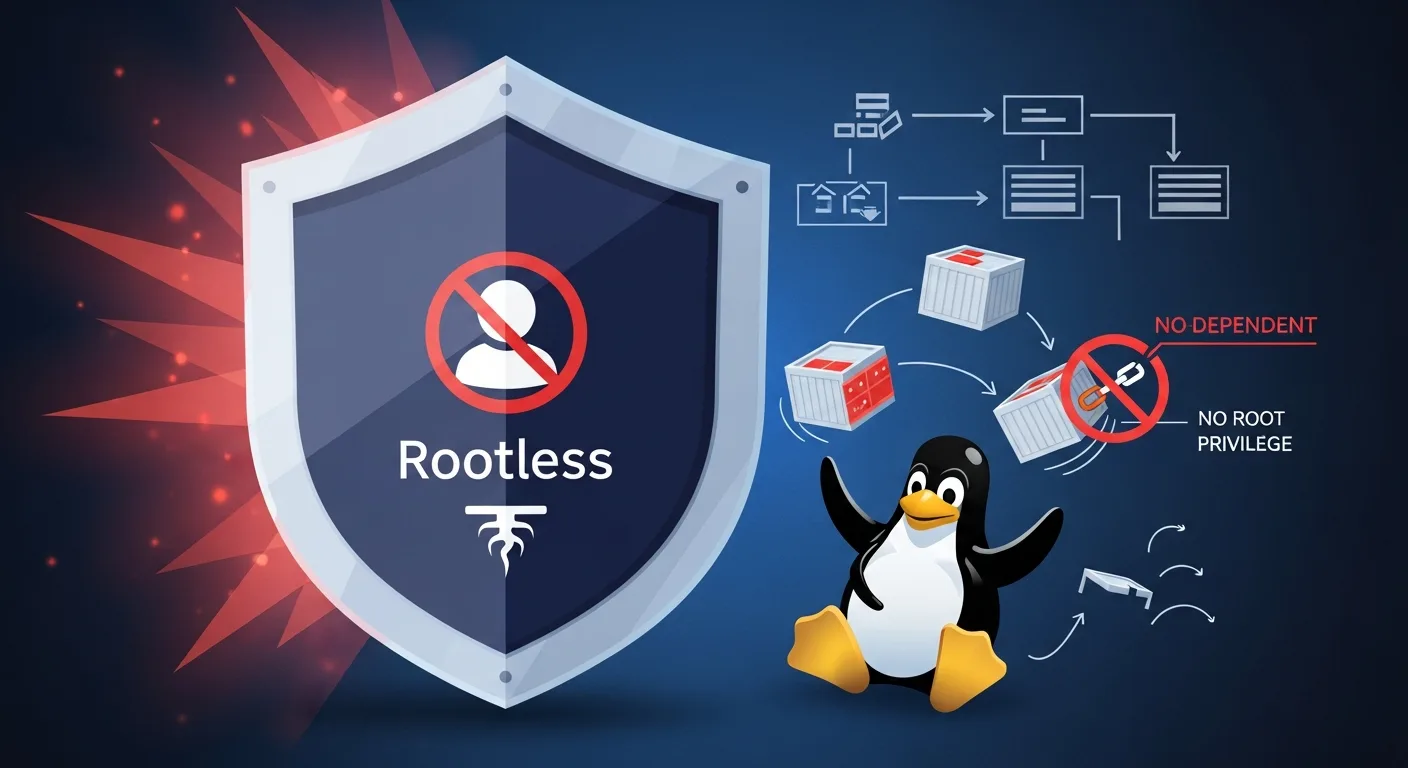
Podman is the next-generation container engine that runs containers without a daemon and without root privileges. Developed by Red Hat as a secure, drop-in replacement for Docker, Podman introduces native pod support, rootless containers by default, and seamless systemd integration. This guide covers everything from installation to production deployment.
Whether you are migrating from Docker, building security-hardened container infrastructure, or deploying containers on RHEL-based systems — Podman provides a modern, daemonless approach to container management. This comprehensive guide takes you from first container to enterprise-ready rootless workflows.
What is Podman?
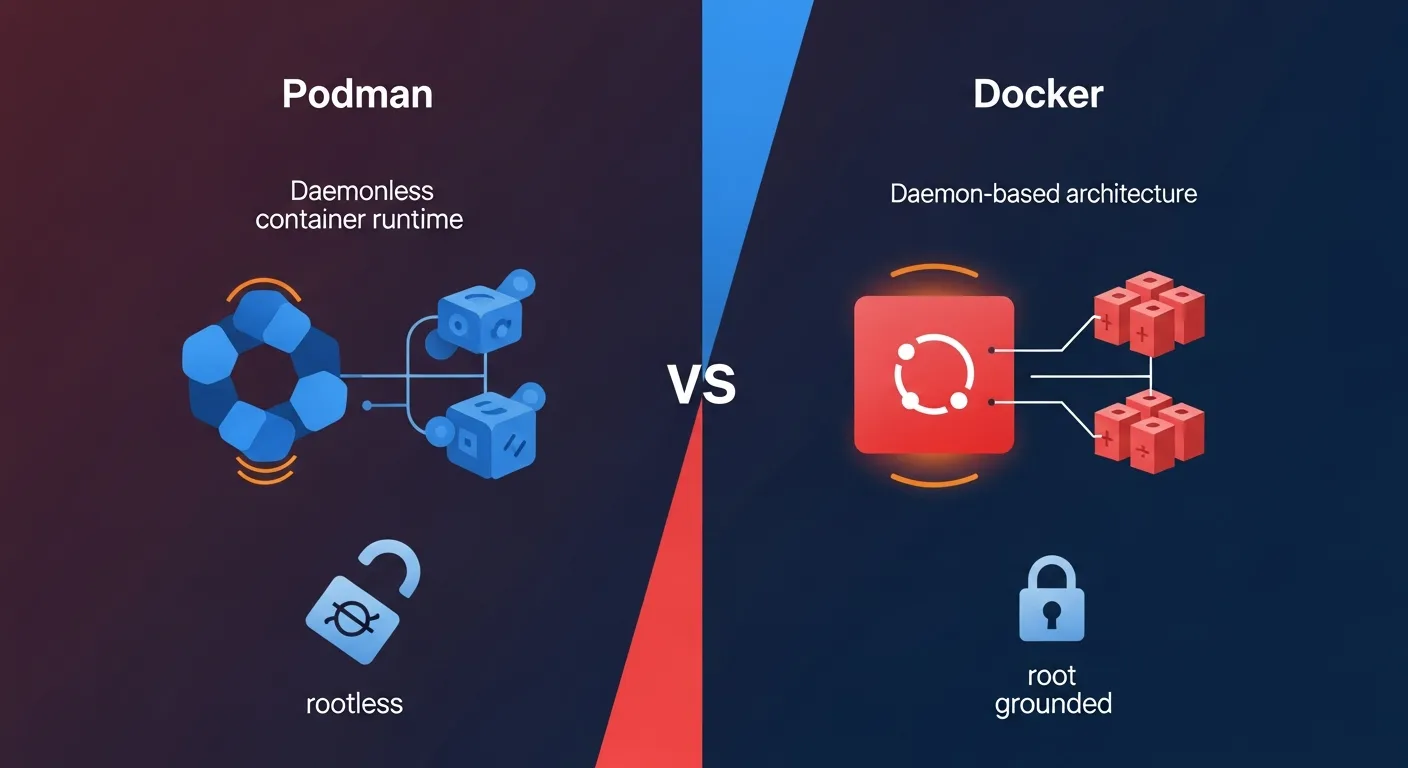
Podman (Pod Manager) is an OCI-compliant container engine developed by Red Hat that manages containers, pods, and images without requiring a daemon process. Unlike Docker, which relies on a long-running dockerd daemon with root privileges, Podman runs each container as a direct child process of the user who started it.
Podman is part of a container tool ecosystem that includes Buildah (building images), Skopeo (inspecting and copying images), and CRI-O (Kubernetes container runtime). Together, they provide a complete container management solution without any single daemon dependency.
Why Podman in 2026?
Podman has matured significantly and is now the default container engine on RHEL, CentOS Stream, Fedora, and AlmaLinux. Key reasons to choose Podman:
Security: Rootless by default — containers run without root privileges, dramatically reducing the attack surface. No daemon means no single point of failure with root access.
Docker Compatibility: Podman is CLI-compatible with Docker. Most docker commands work by simply replacing docker with podman. You can even alias docker=podman.
Native Pod Support: Podman natively supports pods — groups of containers sharing the same network namespace — mirroring the Kubernetes pod concept.
Systemd Integration: Generate systemd unit files directly from running containers with podman generate systemd, enabling container management through standard Linux service tools.
Installation & Setup
Podman is available in the default repositories of most modern Linux distributions:
# Fedora / RHEL / AlmaLinux
sudo dnf install podman

# Debian / Ubuntu
sudo apt-get install podman

# macOS (via Homebrew)
brew install podman
podman machine init
podman machine start

# Verify installation
podman --version
podman info
For rootless operation, ensure your user has entries in /etc/subuid and /etc/subgid for user namespace mapping. Most modern distributions configure this automatically during installation.
Basic Container Commands
Podman commands mirror Docker almost exactly, making migration straightforward:
# Pull an image
podman pull nginx:alpine

# Run a container
podman run -d --name webserver -p 8080:80 nginx:alpine

# List running containers
podman ps

# List all containers (including stopped)
podman ps -a

# View logs
podman logs -f webserver

# Execute command in container
podman exec -it webserver sh

# Stop and remove
podman stop webserver
podman rm webserver

# Remove all stopped containers
podman container prune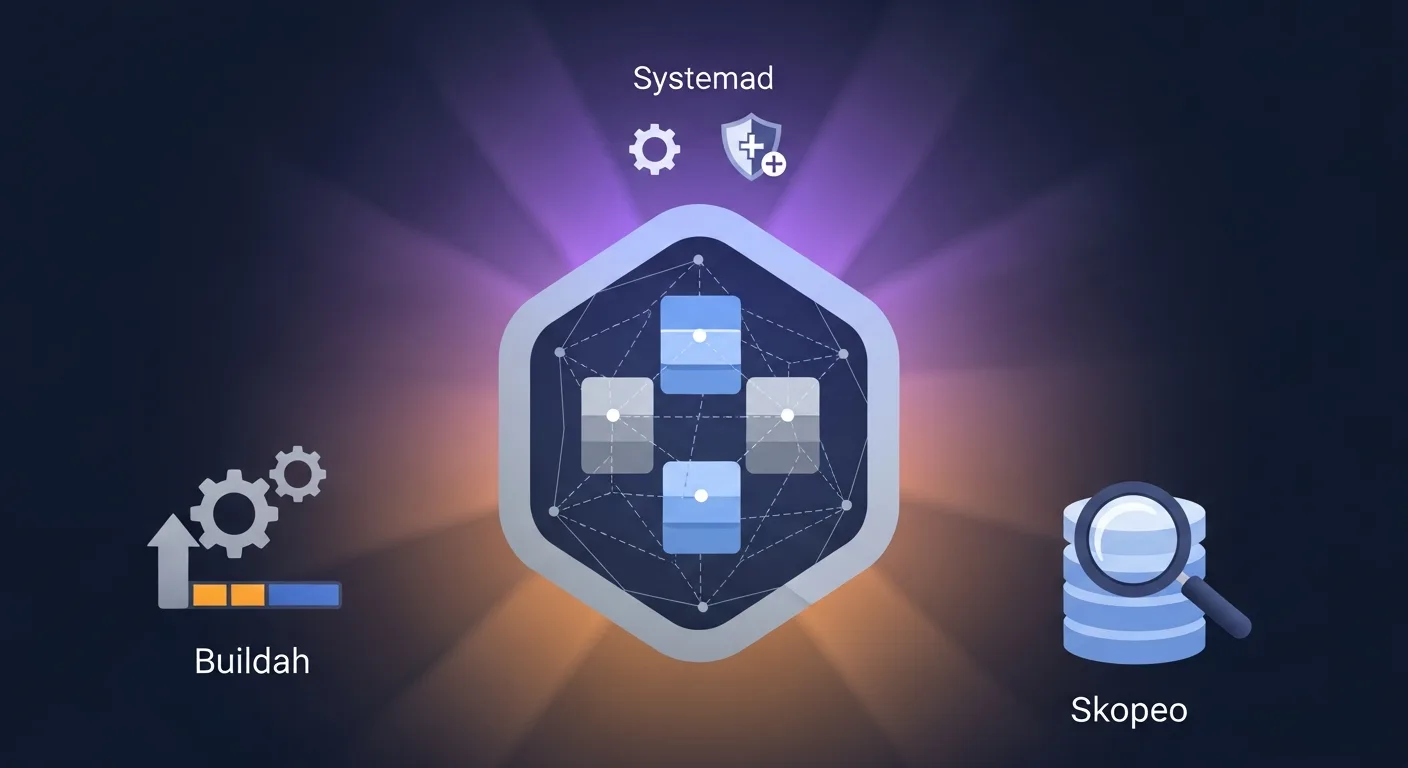
Rootless Containers
Rootless containers are Podman's defining feature. When you run podman run as a regular user, the container runs entirely without root privileges using Linux user namespaces.
How it works: Podman uses newuidmap/newgidmap to map a range of UIDs inside the container to unprivileged UIDs on the host. The container sees itself as root (UID 0), but on the host it runs as your regular user with no elevated privileges.
Limitations: Rootless containers cannot bind to ports below 1024 by default (use sysctl net.ipv4.ip_unprivileged_port_start=80 to change this). Some storage drivers have different performance characteristics in rootless mode.
# Run rootless container (default - no sudo needed)
podman run -d --name myapp -p 8080:80 nginx:alpine

# Check: container runs as your user
ps aux | grep nginx
# youruser  12345 ... nginx
Pod Management
Pods group multiple containers that share the same network namespace, similar to Kubernetes pods. Containers in a pod can communicate via localhost and share the same IP address.
# Create a pod with port mapping
podman pod create --name webapp -p 8080:80 -p 5432:5432

# Add containers to the pod
podman run -d --pod webapp --name web nginx:alpine
podman run -d --pod webapp --name db postgres:16-alpine

# The web container can reach postgres at localhost:5432

# List pods
podman pod list

# Stop/start entire pod
podman pod stop webapp
podman pod start webapp

# Generate Kubernetes YAML from pod
podman generate kube webapp > webapp.yaml

# Deploy Kubernetes YAML with Podman
podman play kube webapp.yaml
The ability to generate and play Kubernetes YAML makes Podman an excellent bridge between local development and Kubernetes production deployment.
Building Images with Buildah
While Podman can build images using podman build (which uses Buildah under the hood), Buildah offers more granular control over the build process without requiring a Dockerfile:
# Standard Dockerfile build (works like docker build)
podman build -t myapp:latest .

# Buildah scripted build (no Dockerfile needed)
container=$(buildah from alpine:3.19)
buildah run $container apk add --no-cache python3 pip
buildah copy $container ./app /app
buildah config --cmd "python3 /app/main.py" $container
buildah commit $container myapp:latest
Inspecting Images with Skopeo
Skopeo inspects and copies container images between registries without pulling the full image:
# Inspect image metadata without downloading
skopeo inspect docker://docker.io/library/nginx:alpine

# Copy image between registries
skopeo copy docker://docker.io/myimage:v1 docker://registry.example.com/myimage:v1

# Copy image to local directory
skopeo copy docker://nginx:alpine dir:/tmp/nginx-image
Systemd Integration
Podman integrates natively with systemd, enabling containers to be managed as standard Linux services. This is one of Podman's strongest advantages over Docker for server deployments:
# Generate systemd unit file from running container
podman generate systemd --name webserver --files --new

# Install as user service (rootless)
mkdir -p ~/.config/systemd/user/
cp container-webserver.service ~/.config/systemd/user/
systemctl --user daemon-reload
systemctl --user enable --now container-webserver

# Or install as system service (rootful)
sudo cp container-webserver.service /etc/systemd/system/
sudo systemctl daemon-reload
sudo systemctl enable --now container-webserver
With Podman 4.x+, Quadlet provides an even simpler way to define containers as systemd services using .container files in /etc/containers/systemd/.
Networking & Storage
Podman uses Netavark (replacing CNI plugins) as its default network stack since Podman 5.0. Create custom networks for container isolation and inter-container communication:
# Create custom network
podman network create mynet

# Run container on custom network
podman run -d --network mynet --name web nginx:alpine
podman run -d --network mynet --name api node:20-alpine

# Containers can reach each other by name: http://web, http://api
For storage, Podman uses overlay for rootful and overlay (with fuse-overlayfs fallback) for rootless containers. Named volumes work identically to Docker.
Docker Compatibility
Podman provides a Docker-compatible API socket for tools that expect Docker. Enable the Podman socket to use Docker Compose, VS Code Dev Containers, and other Docker ecosystem tools:
# Enable Podman socket (rootless)
systemctl --user enable --now podman.socket

# Set DOCKER_HOST for compatibility
export DOCKER_HOST=unix:///run/user/$(id -u)/podman/podman.sock

# Now Docker Compose works with Podman
docker compose up -d
Podman vs Docker
| Feature | Podman | Docker |
|---|---|---|
| Architecture | Daemonless (fork/exec) | Client-server (dockerd daemon) |
| Root Required | No (rootless by default) | Yes (rootless experimental) |
| Pod Support | Native pods | No native pods |
| Systemd Integration | Native (generate systemd, Quadlet) | Limited |
| CLI Compatibility | Docker-compatible | Standard |
| Image Building | Buildah (granular control) | BuildKit |
| Compose Support | Via podman-compose or Docker socket | Native (docker compose) |
| Kubernetes Integration | Generate/play kube YAML | Docker Desktop only |
| Default on RHEL/Fedora | Yes | No (third-party) |
| Docker Hub Support | Yes | Yes |
Best Practices
1. Always run rootless — Use rootful only when absolutely necessary. Rootless is more secure and sufficient for most workloads.
2. Use pods for related containers — Group containers that need to share networking into pods instead of custom networks.
3. Leverage Quadlet for services — Use .container files instead of manually generating systemd units.
4. Use Buildah for CI/CD — Buildah builds images without requiring a daemon, perfect for CI/CD pipelines.
5. Keep images minimal — Use Alpine or distroless base images to minimize attack surface.
6. Enable auto-update — Use podman auto-update with Quadlet to automatically pull and restart updated images.
7. Use Skopeo for registry operations — Inspect and copy images without pulling the full image locally.
8. Set resource limits — Use --memory and --cpus flags to prevent container resource exhaustion.
Recommended Resources
Continue your Podman learning with these professional eBooks from the Dargslan store, each designed with real-world examples and production-ready configurations.