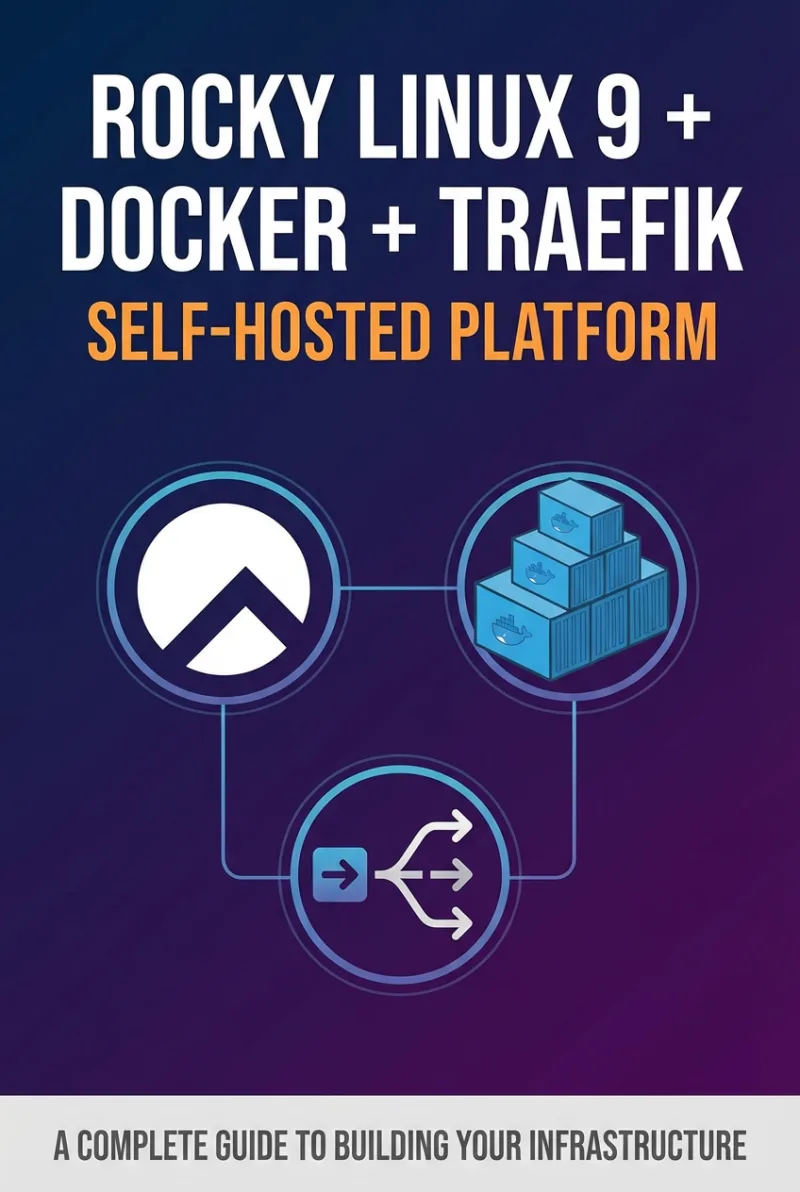
Rocky Linux 9 + Docker + Traefik: Self-Hosted Platform
Building a Secure, Scalable, and Automated Self-Hosting Infrastructure
What's Included:
At a Glance
Rocky Linux 9 + Docker + Traefik: Self-Hosted Platform is a professional RHEL / AlmaLinux eBook by Julien Moreau, 403 pages, available as an instant PDF and EPUB download for €13.90 with lifetime access and free updates. Building a Secure, Scalable, and Automated Self-Hosting Infrastructure.
- Length: 403 pages
- Format: PDF and EPUB (instant download)
- Language: English
- Topic: RHEL / AlmaLinux
- Edition: 1st Edition
- Price: €13.90
Key Highlights
- Rocky Linux 9 hardened installation guide
- Secure Docker deployment best practices
- Traefik reverse proxy with automatic Let's Encrypt integration
- Multi-container orchestration using Docker Compose
- Network segmentation and container isolation
- Backup and disaster recovery planning
- Automated update workflows
- Scaling strategies for growing services
- Production-ready infrastructure mindset
- Reusable templates and configuration references
Overview
Build a secure, scalable self-hosted platform on Rocky Linux 9 using Docker and Traefik. Learn installation, container orchestration, automatic HTTPS, security hardening, backups, scaling, and production-ready automation.
The Problem
Many self-hosted environments start as experiments and grow into fragile systems.
- Unsecured Docker installations exposed to the internet
- Improper reverse proxy configuration
- No network isolation between containers
- Manual certificate management
- No automated updates or patching strategy
- No backup or disaster recovery planning
Without a structured design, self-hosting becomes risky, difficult to maintain, and hard to scale.
The Solution
Rocky Linux 9 + Docker + Traefik provides a step-by-step blueprint for building a production-ready self-hosted platform.
- Security-first Rocky Linux installation
- Proper Docker hardening and isolation
- Traefik configuration with automatic HTTPS
- Structured multi-service deployment using Docker Compose
- Network segmentation for container security
- Automated update workflows
- Robust backup and recovery systems
- Scalable architecture for growth
By the end, you will operate your self-hosted platform with the mindset of a platform engineer—not just a hobbyist.
About This Book
Rocky Linux 9 + Docker + Traefik: Self-Hosted Platform is a complete, production-focused guide to building your own secure and scalable infrastructure on Rocky Linux 9.
Self-hosting is no longer just a hobby—it is a strategic decision. Rising cloud costs, privacy concerns, and the need for operational control have driven individuals and organizations toward owning their infrastructure. This book provides a structured blueprint for building that foundation correctly from the start.
Beginning with a hardened installation of Rocky Linux 9, you will layer Docker for containerization and Traefik as a modern, dynamic reverse proxy with automatic HTTPS. Together, these technologies form a powerful self-hosted platform capable of running web applications, databases, APIs, and internal services with confidence.
What You'll Learn
- Designing a modern self-hosted architecture
- Installing and hardening Rocky Linux 9
- Installing and securing Docker
- Managing multi-service environments with Docker Compose
- Deploying Traefik as an intelligent reverse proxy
- Automatic HTTPS with Let’s Encrypt
- Deploying web applications and database containers
- Network segmentation and container isolation
- Security hardening for production workloads
- Automating updates and patch management
- Backup and disaster recovery planning
- Scaling services and managing multi-domain setups
This is not a collection of copy-paste commands. It is a systems-thinking guide designed to help you understand every layer of your self-hosted stack.
Own your infrastructure. Build it securely. Scale it with confidence.
Who Is This Book For?
- System administrators building internal infrastructure
- Developers self-hosting applications and APIs
- Privacy-focused individuals seeking infrastructure control
- DevOps engineers designing container-based environments
- Teams migrating away from shared hosting or unmanaged VPS setups
Who Is This Book NOT For?
- Readers seeking GUI-only hosting platforms
- Cloud-managed PaaS users without server access
- Windows-based server administrators
Table of Contents
- Designing a Self-Hosted Platform
- Installing and Hardening Rocky Linux 9
- Installing and Securing Docker
- Docker Compose for Multi-Service Environments
- Installing and Configuring Traefik
- Automatic HTTPS with Let’s Encrypt
- Deploying a Web Application
- Deploying a Database Container
- Network Segmentation
- Securing the Platform
- Automating Updates
- Backup and Disaster Recovery
- Scaling Services
- Multi-Domain and Multi-Service Architecture
- Designing a Production-Ready Platform
- From Self-Hosting to Platform Engineering
- Appendices: Docker Templates, Traefik Reference, Security Checklist, Backup Scripts
Requirements
- Basic Linux command-line familiarity
- A VPS or dedicated server running Rocky Linux 9
- Basic understanding of networking concepts
- Willingness to configure and test containers hands-on