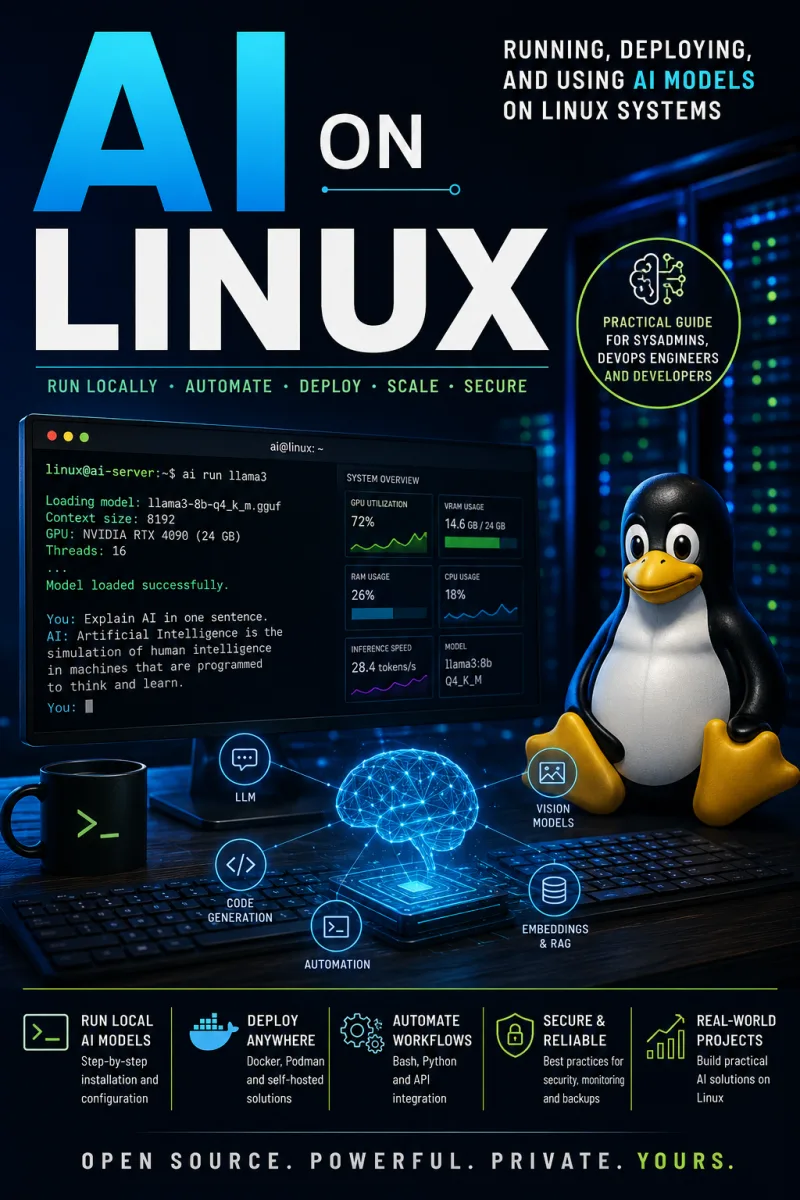
AI on Linux
Running, Deploying, and Using AI Models on Linux Systems
What's Included:
At a Glance
AI on Linux is a professional DATA & AI eBook by Dargslan AI Team, 324 pages, available as an instant PDF and EPUB download for €16.90 with lifetime access and free updates. Running, Deploying, and Using AI Models on Linux Systems.
- Length: 324 pages
- Format: PDF and EPUB (instant download)
- Language: English
- Topic: DATA & AI
- Price: €16.90
Key Highlights
- Run AI locally on your own Linux hardware—no vendor lock-in or cloud dependencies
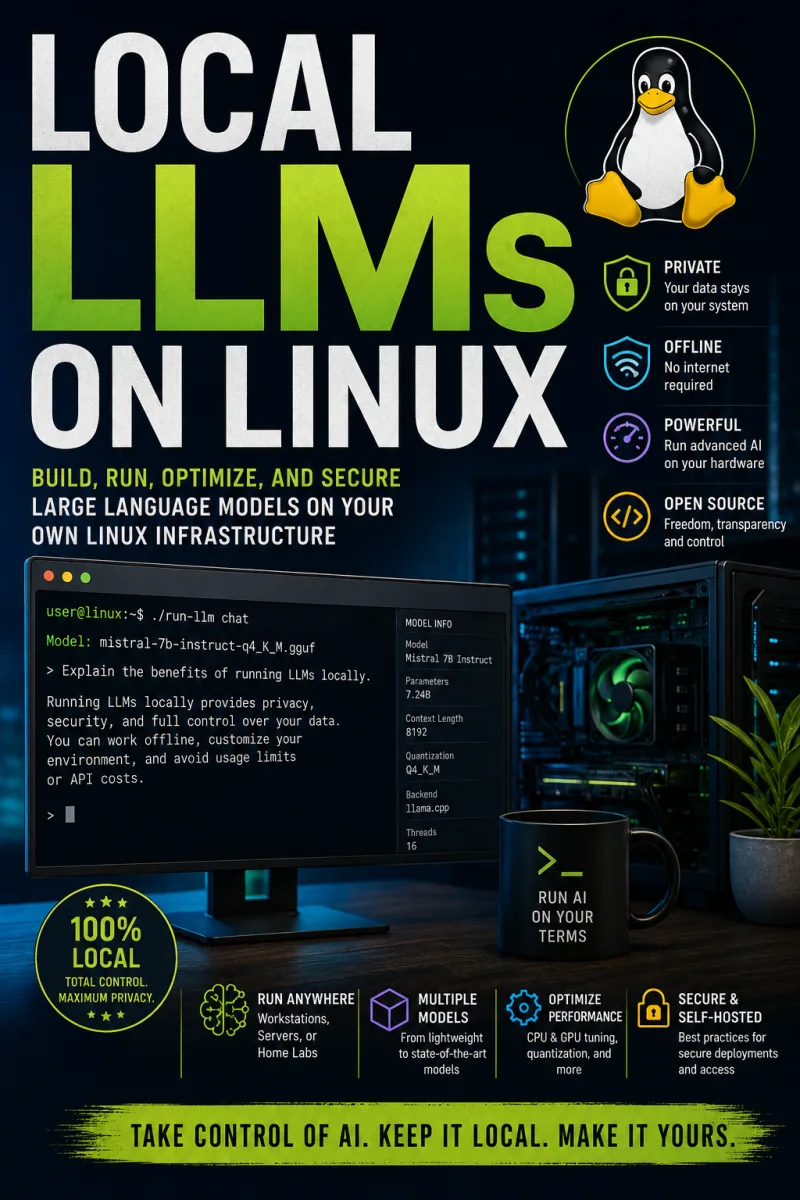
- Local-first approach for privacy, performance, and full control
- Install and manage GPU drivers, CUDA, ROCm, and Python environments
- Run local LLMs with Ollama, llama.cpp, and vLLM
- Choose the right models for productivity, development, and API workflows
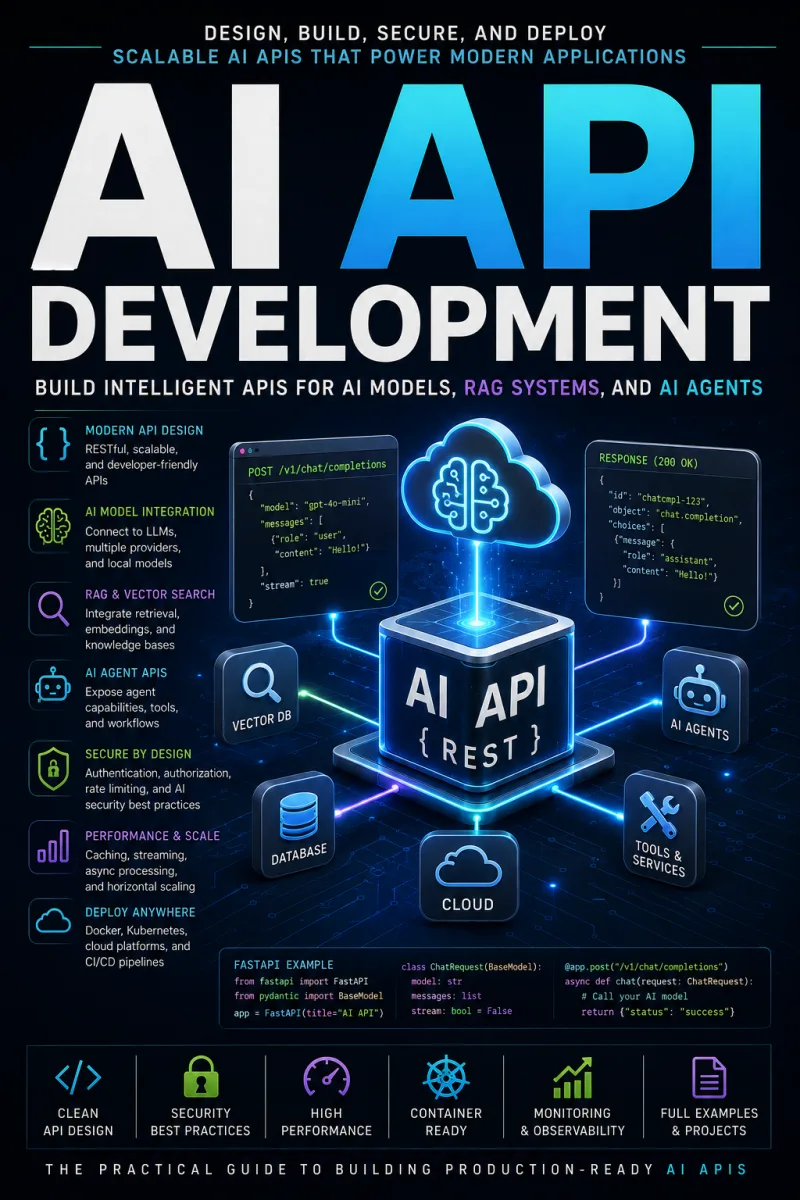
- Deploy AI APIs and containerized inference services
- Containerize AI with Docker and Podman
- Automate workflows with shells, systemd, and scripting
- Monitor, secure, and scale AI services using Linux best practices
- Build a dedicated AI workstation from the ground up
- Coverage across major distributions including Ubuntu, Arch, and Debian
- Five reference appendices: command cheat sheet, GPU compatibility guide, tool comparison, deployment checklist, and learning roadmap
Overview
Harness AI directly on your own Linux machines—no vendor lock-in, no cloud dependencies. Install GPU drivers and CUDA, run local LLMs with Ollama and llama.cpp, deploy containerized inference, and automate, secure, and scale AI workloads. A hands-on guide for developers, admins, and enthusiasts.
The Problem
AI is everywhere, but for most people it means renting someone else's computer. You send your prompts and your data to a cloud API, pay a recurring subscription, accept rate limits and opaque model changes, and hope the service stays available and private. For developers, researchers, and privacy-conscious users, that trade-off is increasingly uncomfortable—and increasingly unnecessary.
The catch is that running AI yourself feels intimidating. GPU drivers, CUDA and ROCm versions, Python environment conflicts, container configuration, and Kubernetes scaling all sit between you and a working local model. Documentation is scattered across project READMEs and forum threads, distributions differ in subtle ways, and one mismatched driver version can send you down hours of debugging. Without a clear, Linux-focused path, self-hosting AI stays out of reach—so you keep paying for the cloud.
The Solution
AI on Linux gives you a clear, hands-on path to running artificial intelligence on your own hardware—no vendor lock-in, no subscriptions, no opaque cloud dependencies. It focuses on exactly what makes Linux the natural home of AI: open tooling, an unmatched driver ecosystem, and native support for containerization and orchestration.
Following a progressive journey from fundamentals to production, you'll configure AI-ready hardware, install GPU drivers, CUDA, ROCm, and Python environments, and run local LLMs with Ollama, llama.cpp, and vLLM. Then you'll go further—deploying AI APIs, containerizing inference with Docker and Podman, and automating, monitoring, securing, and scaling workloads with the Linux tools professionals rely on. With command cheat sheets, a GPU compatibility guide, a tool comparison, and a deployment checklist, this book turns self-hosted AI from an intimidating unknown into something you can confidently build and run.
About This Book
AI on Linux: Running, Deploying, and Using AI Models on Linux Systems is a practical, hands-on guide for everyone who wants to put artificial intelligence to work on their own Linux machines. Artificial intelligence has moved from research labs into everyday tools, and the operating system quietly powering nearly all of that transformation is Linux—from massive GPU clusters training frontier models to modest home servers running local chatbots.
This book is written for the growing community of developers, system administrators, researchers, and enthusiasts who want to harness AI directly—without vendor lock-in, subscription fees, or opaque cloud dependencies. It's not a theoretical treatise on machine learning or a survey of proprietary platforms. Instead, it focuses on what makes Linux uniquely suited to AI work: its openness, its powerful command-line tooling, its unmatched hardware and driver ecosystem, and its central role in containerization, orchestration, and automation.
Local-First AI, on Your Terms
Whether you're installing your first local LLM on Ubuntu, configuring CUDA drivers on Arch, containerizing an inference API with Docker on Debian, or scaling GPU workloads across a Kubernetes cluster, this book guides you every step of the way using native Linux tools and workflows. The emphasis throughout is on local-first AI—running models on your own hardware for privacy, performance, and complete control.
What You'll Be Able to Do
By the end of this book, you'll be able to:
- Configure a Linux workstation or server optimized for AI workloads
- Install and manage GPU drivers, CUDA, ROCm, and Python environments across major distributions
- Run local large language models using tools like Ollama, llama.cpp, and vLLM
- Deploy AI APIs and containerized inference services on Linux
- Automate, monitor, secure, and scale AI systems using the Linux ecosystem
- Build your own AI workstation from the ground up
A Progressive, Practical Journey
The book is organized as a progressive journey that meets you where you are and takes you into production. It begins by establishing the fundamentals of AI and explaining exactly why Linux is the platform of choice—from kernel-level GPU support to package managers that make dependency installation reproducible. From there you'll move through hardware requirements, installing AI dependencies, and running your first local models.
The middle chapters help you choose the right models and apply AI to real productivity, development, and API-driven workflows. Then the focus shifts to production concerns that separate a hobby project from a reliable service: containerizing AI with Docker and Podman, automating workflows with shells and systemd, monitoring AI services, securing AI systems with Linux best practices, and scaling workloads across clusters. The final chapters cover building a dedicated AI workstation and look ahead to the future of AI in the Linux ecosystem.
Command-Line Mastery and Real Tooling
Throughout, you'll develop genuine command-line mastery—using shells, systemd, and scripting to automate AI workflows the way professionals do. The book leans on the real, open-source tools the AI community actually uses: PyTorch, Hugging Face Transformers, Ollama, llama.cpp, vLLM, Docker, Podman, and Kubernetes—technologies born on and perfected for Linux. You'll also apply Linux best practices for security and observability to your AI services, so what you build is not just functional but trustworthy and maintainable.
References You'll Keep Coming Back To
The appendices are designed for long-term use: a command cheat sheet, a GPU compatibility guide, a Linux AI tool comparison, an AI deployment checklist, and an AI learning roadmap. These quick references will serve you well after your first read, whenever you're standing up a new environment or troubleshooting a deployment.
Why This Book
Linux has always empowered curious minds to build extraordinary things, and AI is simply the next great chapter in that story. If you want the privacy, performance, control, and freedom of running AI on your own terms—on the open platform that powers the field—this book is your invitation to do exactly that. Open a terminal, and let's begin.
Who Is This Book For?
- Developers who want to run and integrate AI models locally on Linux
- System administrators deploying and scaling AI services in production
- Researchers and data scientists seeking control over their own AI environments
- Privacy-conscious users who want local-first AI without cloud dependencies
- Self-hosting enthusiasts and homelab builders running local LLMs
- DevOps engineers containerizing and orchestrating AI workloads
- Anyone building a dedicated AI workstation from the ground up
Who Is This Book NOT For?
- Readers seeking a theoretical machine learning textbook or the math behind neural networks
- Users who only want to use cloud AI services through a web interface or app
- Those working exclusively on Windows or macOS with no interest in Linux
- Data scientists looking to train frontier models from scratch rather than run and deploy them
- Complete Linux beginners with no command-line experience at all (some familiarity is assumed)
Table of Contents
- Understanding Artificial Intelligence
- Why Linux Is the Platform for AI
- Hardware Requirements
- Installing AI Dependencies
- Running Local LLMs
- Choosing AI Models
- AI for Productivity
- AI for Developers
- AI APIs on Linux
- Containerizing AI
- AI Automation
- Monitoring AI Services
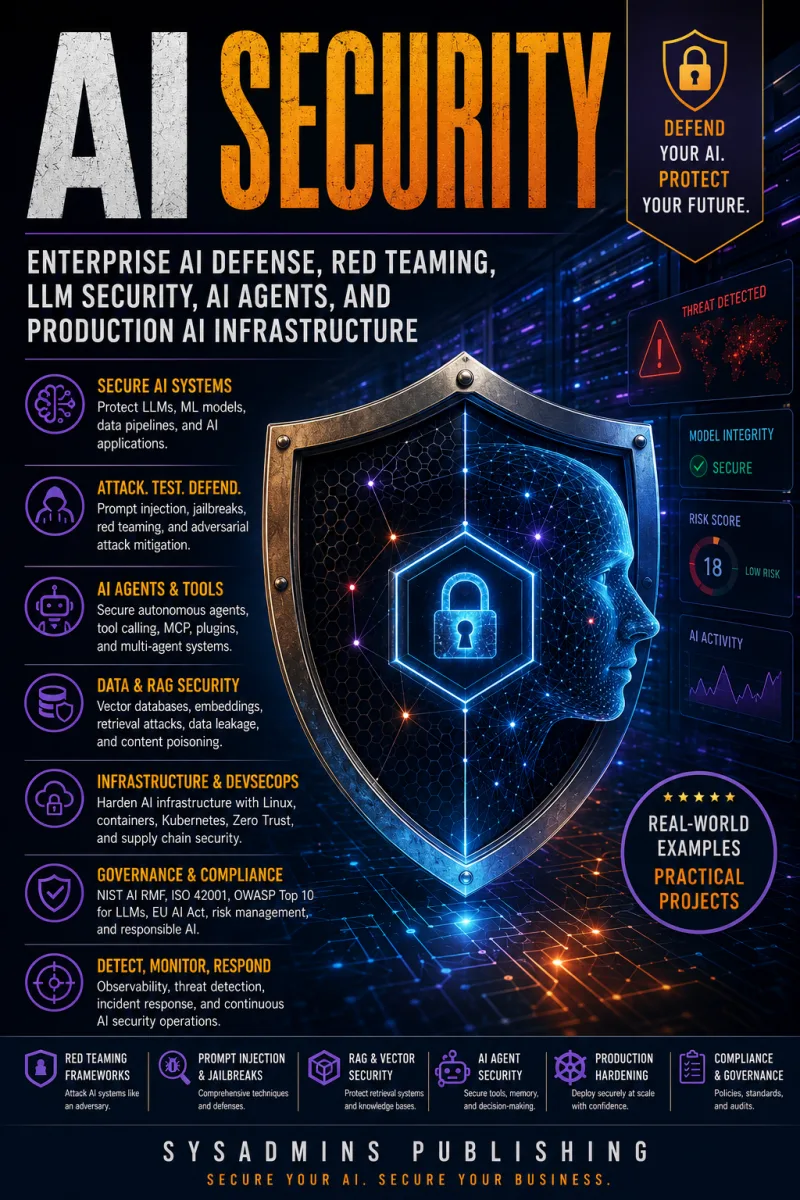
- Securing AI Systems
- Scaling AI Workloads
- Building an AI Workstation
- The Future of AI on Linux
- Appendix: AI on Linux Command Cheat Sheet
- Appendix: GPU Compatibility Guide
- Appendix: Linux AI Tool Comparison
- Appendix: AI Deployment Checklist
- Appendix: AI Learning Roadmap
Requirements
- Basic familiarity with the Linux command line and shell navigation
- A Linux system (Ubuntu, Debian, Arch, or similar) to follow along
- A machine with a compatible GPU is recommended for best performance (CPU-only setups are also covered)
- Root or sudo access to install drivers, dependencies, and services
- General understanding of what AI and large language models are (helpful but not required)
- Basic Python and Docker familiarity is useful for later chapters but built up as needed