Docker Compose is the essential tool for defining and running multi-container Docker applications. With a single YAML file, you can configure all your application services — databases, web servers, caches, message queues — and launch them with one command. This guide covers everything from basic syntax to production-ready deployment patterns.
Whether you are building a WordPress site with MySQL, a microservices architecture with multiple APIs, or a development environment that mirrors production — Docker Compose makes complex container orchestration simple and reproducible. This comprehensive guide takes you from beginner to production expert.
What is Docker Compose?
Docker Compose is a tool for defining and running multi-container Docker applications. Using a docker-compose.yml (or compose.yaml) file, you describe all the services your application needs — their images, ports, volumes, networks, and dependencies — in a declarative format. A single docker compose up command creates and starts everything.
Originally a separate Python-based tool (docker-compose), Docker Compose was completely rewritten in Go and integrated into the Docker CLI as docker compose (without the hyphen) starting with Docker Compose V2. In 2026, V2 is the standard, offering better performance, BuildKit integration, and profile support.
Why Docker Compose in 2026?
While Kubernetes dominates large-scale production orchestration, Docker Compose remains the preferred choice for local development, testing, small-to-medium deployments, and CI/CD pipelines. Its simplicity, zero infrastructure overhead, and perfect Docker integration make it indispensable.
Key advantages include: declarative configuration (infrastructure as code), reproducibility (same setup everywhere), service dependency management (start order, health checks), built-in networking (automatic DNS between services), and volume management for persistent data.
Installation & Setup
Docker Compose V2 comes bundled with Docker Desktop (Windows, macOS) and Docker Engine (Linux). If you have Docker installed, you likely already have Compose. Verify with:
docker compose version
# Docker Compose version v2.27.0
On Linux servers without Docker Desktop, install the compose plugin:
sudo apt-get update
sudo apt-get install docker-compose-plugin
Create your first compose.yaml file in your project root. The filename compose.yaml is the new default (replacing docker-compose.yml), though both are supported.
YAML File Syntax
A Compose file has several top-level elements: services (required), networks, volumes, configs, and secrets. Here is a complete example:
services:
  web:
    build: .
    ports:
      - "8080:80"
    depends_on:
      db:
        condition: service_healthy
    environment:
      - DATABASE_URL=postgres://user:pass@db:5432/app
    volumes:
      - ./src:/app/src
    networks:
      - frontend
      - backend

  db:
    image: postgres:16-alpine
    environment:
      POSTGRES_DB: app
      POSTGRES_USER: user
      POSTGRES_PASSWORD: pass
    volumes:
      - pgdata:/var/lib/postgresql/data
    healthcheck:
      test: ["CMD-SHELL", "pg_isready -U user -d app"]
      interval: 10s
      timeout: 5s
      retries: 5
    networks:
      - backend

volumes:
  pgdata:

networks:
  frontend:
  backend: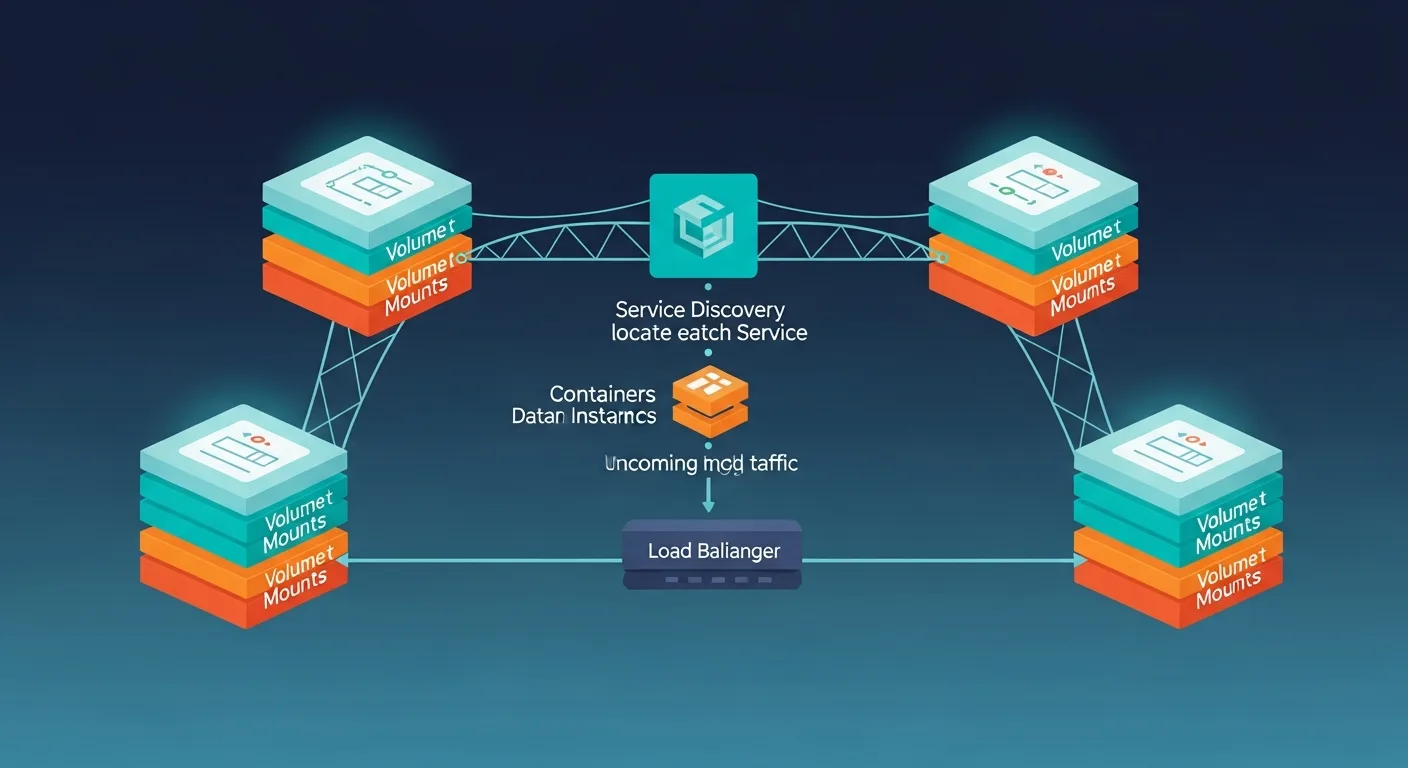
Defining Services
Each service represents a container. Services can be built from a Dockerfile or pulled from a registry image. Key service configuration options include:
Image vs Build: Use image: for pre-built images from Docker Hub or private registries. Use build: to build from a local Dockerfile with context, target, and build arguments.
Port Mapping: The ports: section maps host ports to container ports. Use "8080:80" format for explicit mapping or expose: for internal-only ports.
Dependencies: depends_on: controls startup order. With V2, use condition: service_healthy to wait for health checks rather than just container start.
Restart Policies: Set restart: unless-stopped for production services that should survive host reboots. Options: no, always, on-failure, unless-stopped.
Networking & Service Discovery
Compose creates a default network for your project where all services can reach each other by service name. Service web can connect to db simply by using db as the hostname — Docker DNS handles the resolution automatically.
For more complex setups, define custom networks to isolate services. A frontend network connects the web server and reverse proxy, while a backend network connects the web server and database — keeping the database unreachable from the reverse proxy.
Volumes & Data Persistence
Docker Compose supports two volume types: named volumes (managed by Docker, persist across restarts) and bind mounts (map host directories into containers). Named volumes are preferred for databases and persistent data; bind mounts are ideal for development where you want live code reloading.
services:
  db:
    volumes:
      - pgdata:/var/lib/postgresql/data   # Named volume
  web:
    volumes:
      - ./src:/app/src                     # Bind mount
      - node_modules:/app/node_modules     # Named volume for deps

volumes:
  pgdata:
    driver: local
  node_modules:
Environment Variables & Secrets
Compose supports multiple ways to inject environment variables: inline in the YAML, from .env files, or from the host environment. For sensitive data, use Docker secrets or external secret management tools.
services:
  app:
    environment:
      - NODE_ENV=production
      - API_KEY                          # Inherited from host
    env_file:
      - .env
      - .env.local                       # Override per environment
The .env file in the same directory as compose.yaml is automatically loaded for variable substitution: ${POSTGRES_VERSION:-16} uses a default if not set.
Essential Commands
Docker Compose V2 commands use docker compose (space, not hyphen). The most important commands every developer should know:
# Start all services (detached)
docker compose up -d

# Start with rebuild
docker compose up -d --build

# Stop and remove containers, networks
docker compose down

# Stop and remove everything including volumes
docker compose down -v

# View logs (follow)
docker compose logs -f web

# Execute command in running container
docker compose exec web bash

# Scale a service
docker compose up -d --scale worker=3

# List running services
docker compose ps

# Pull latest images
docker compose pull
Multi-Stage & Multi-File Compose
For complex projects, split configuration across multiple Compose files. Use a base compose.yaml with overrides for different environments:
# Development
docker compose -f compose.yaml -f compose.dev.yaml up

# Production
docker compose -f compose.yaml -f compose.prod.yaml up -d
Compose V2 also supports profiles to group services that should only start in certain scenarios:
services:
  web:
    # Always starts
  debug:
    profiles: ["debug"]
    # Only starts with: docker compose --profile debug up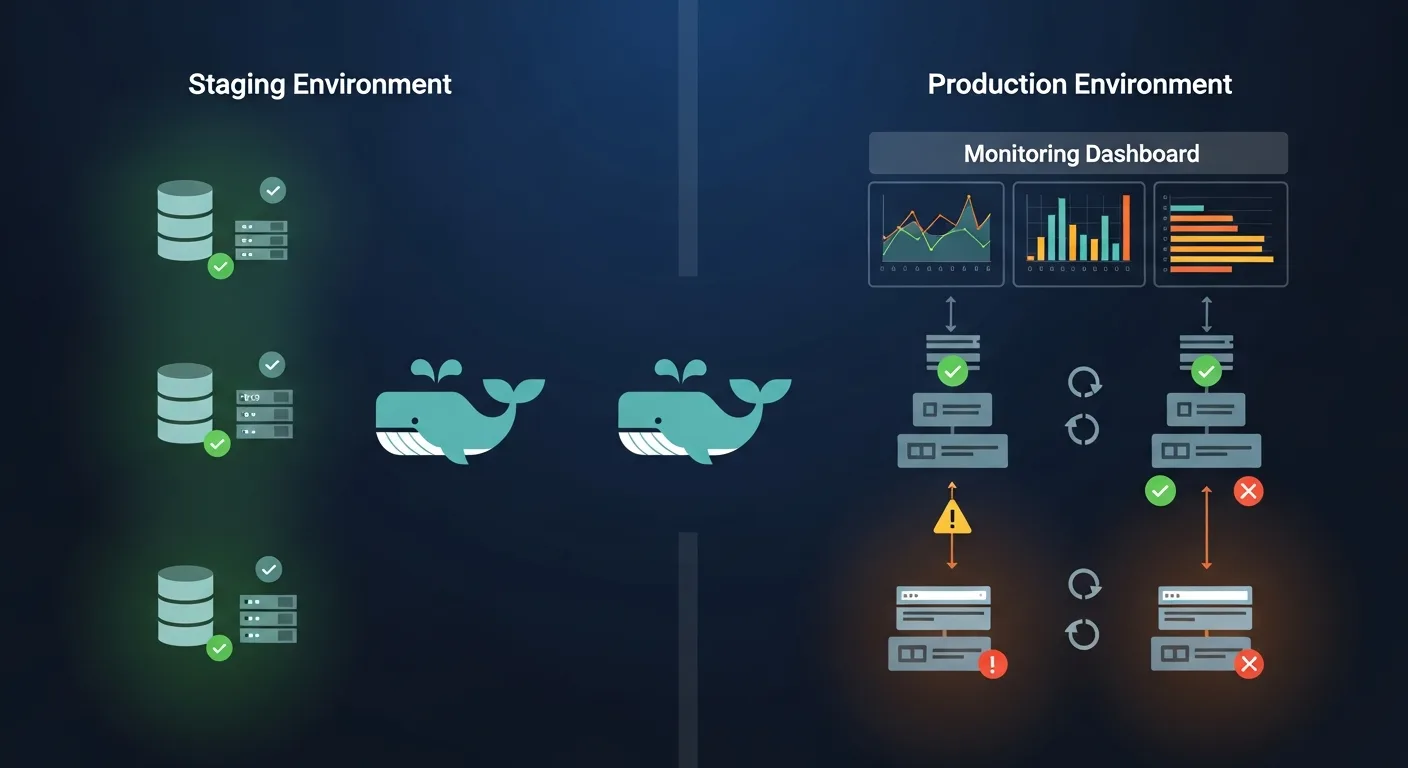
Production Deployment
While Docker Compose is often associated with development, it is perfectly viable for small-to-medium production deployments. Key production considerations include:
Health Checks: Always define health checks for critical services. Use depends_on conditions to prevent cascading failures during startup.
Resource Limits: Set CPU and memory limits to prevent runaway containers from consuming all host resources. Use deploy.resources.limits in Compose V2.
Logging: Configure log drivers to ship container logs to centralized logging. Use logging: section with json-file limits or syslog/fluentd drivers.
Reverse Proxy: Put services behind Traefik or Nginx as a reverse proxy for SSL termination, load balancing, and routing.
services:
  web:
    deploy:
      resources:
        limits:
          cpus: "1.0"
          memory: 512M
        reservations:
          cpus: "0.25"
          memory: 128M
      restart_policy:
        condition: on-failure
        delay: 5s
        max_attempts: 3
Docker Compose vs Alternatives
| Feature | Docker Compose | Kubernetes | Docker Swarm | Podman Compose |
|---|---|---|---|---|
| Complexity | Low | Very High | Medium | Low |
| Scaling | Single host | Multi-cluster | Multi-node | Single host |
| Production Use | Small/Medium | Enterprise | Medium | Small/Medium |
| Learning Curve | 1-2 days | Weeks-Months | Days | 1-2 days |
| Health Checks | Yes | Yes | Yes | Yes |
| Auto-Scaling | Manual | HPA/VPA | Basic | Manual |
| Service Discovery | DNS | DNS + Service | DNS + VIP | DNS |
Best Practices
1. Use specific image tags — Never use :latest in production. Pin versions like postgres:16.3-alpine.
2. Implement health checks — Every critical service needs a health check for reliable dependency management.
3. Use named volumes for data — Bind mounts for development, named volumes for persistent production data.
4. Keep .env files out of version control — Use .env.example as a template, add .env to .gitignore.
5. Use multi-stage Dockerfiles — Smaller images, faster builds, no build tools in production.
6. Configure logging limits — Prevent disk space exhaustion with max-size and max-file options.
7. Use profiles for optional services — Debug tools, admin panels, and monitoring as profiles.
8. Run security scans — Use docker scout or Trivy to scan images for vulnerabilities.
Recommended Resources
Continue your Docker Compose learning with these professional eBooks from the Dargslan store, each designed with real-world examples and production-ready configurations.