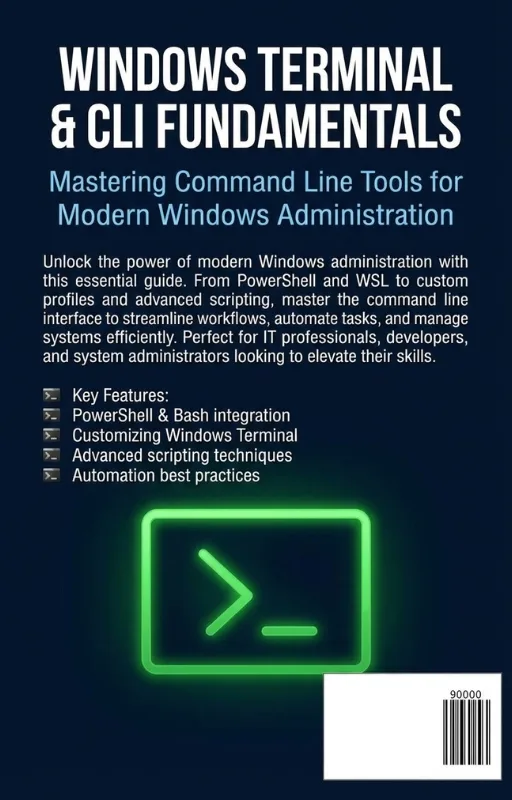
Windows Terminal & CLI Fundamentals
Mastering Command Line Tools for Modern Windows Administration
What's Included:
At a Glance
Windows Terminal & CLI Fundamentals is a professional Windows eBook by Even R. Whitlock, 364 pages, available as an instant PDF and EPUB download for €12.90 with lifetime access and free updates. Mastering Command Line Tools for Modern Windows Administration.
- Length: 364 pages
- Format: PDF and EPUB (instant download)
- Language: English
- Topic: Windows
- Edition: 1st Edition
- Price: €12.90
Key Highlights
- Modern Windows Terminal setup and customization
- Comprehensive CMD command coverage
- Batch file scripting fundamentals
- PowerShell introduction and scripting basics
- Service and system management from the CLI
- Network and troubleshooting commands
- Secure usage patterns
- DevOps integration overview
- Automation toolkit development
- Reference cheat sheets and configuration templates
Overview
Learn Windows Terminal, CMD, and PowerShell from beginner to advanced. Master command-line tools, scripting, troubleshooting, security, and automation for modern Windows administration.
The Problem
Many Windows users rely entirely on graphical tools. As a result:
- Routine tasks take longer than necessary
- Automation opportunities are missed
- Troubleshooting is limited to surface-level tools
- Security and permission issues are misunderstood
- PowerShell remains underutilized
- DevOps integration feels inaccessible
Without CLI proficiency, administrators operate below their potential efficiency.
The Solution
Windows Terminal & CLI Fundamentals delivers a complete, structured learning path.
- Foundational CMD knowledge
- Practical batch scripting skills
- Core and intermediate PowerShell techniques
- Security-first command-line practices
- Troubleshooting and diagnostics mastery
- Automation and DevOps integration guidance
This book transforms the Windows command line from a curiosity into a professional toolset.
About This Book
Windows Terminal & CLI Fundamentals: Mastering Command Line Tools for Modern Windows Administration is a structured, hands-on guide to mastering the Windows command-line ecosystem.
The Windows terminal is no longer a relic of the past. With Windows Terminal as a modern interface, the continued relevance of CMD, and the power of PowerShell, the command line has become one of the most important skill sets for IT professionals, developers, and power users.
This book provides a progressive learning path—from understanding the role of the command line in modern Windows environments to building automation toolkits that improve your daily workflow and long-term career growth.
What You'll Learn
- Why the Windows command line matters in modern IT environments
- How to configure and customize Windows Terminal effectively
- Essential CMD commands for navigation, file management, and diagnostics
- Writing and running batch files
- PowerShell fundamentals and object-based pipelines
- Managing files, processes, and Windows services
- Performing network diagnostics from the CLI
- Querying system information and configuration settings
- Secure command-line practices and permission management
- Troubleshooting Windows issues using terminal tools
- Integrating CLI workflows with DevOps practices
- Building a reusable automation toolkit for real-world tasks
By the end of this book, you will not only understand how to use the Windows command line—you will know how to rely on it confidently in production, support, and automation scenarios.
The blinking cursor isn’t a limitation—it’s leverage.
Who Is This Book For?
- Helpdesk technicians and IT support staff
- System administrators
- PowerShell beginners
- Windows power users
- Developers working on Windows environments
- IT students building foundational skills
Who Is This Book NOT For?
- Users uninterested in command-line tools
- Professionals seeking deep Windows kernel internals
- Readers without basic Windows familiarity
Table of Contents
- Why Learn the Windows Command Line?
- Understanding Windows Terminal
- Essential CMD Commands
- Batch File Basics
- Introduction to PowerShell
- Working with Files and Processes
- Network Diagnostics
- Managing Windows Services
- PowerShell Scripting Basics
- Working with System Information
- Secure Command Line Usage
- Troubleshooting from the CLI
- Customizing Windows Terminal
- Integrating CLI with DevOps
- From Beginner to Windows Administrator
- Building Your First Automation Toolkit
- Appendices and Reference Materials
Requirements
- Basic familiarity with Windows operating systems
- Access to Windows 10 or Windows 11
- Willingness to practice commands hands-on