Windows Server 2025: Manage with PowerShell
Automating Administration, Configuration, and Monitoring Tasks on Windows Server 2025 Using PowerShell
What's Included:
At a Glance
Windows Server 2025: Manage with PowerShell is a professional Windows Server eBook by Dargslan Editorial Team (Dargslan), 499 pages, available as an instant PDF and EPUB download for €14.90 with lifetime access and free updates. Automating Administration, Configuration, and Monitoring Tasks on Windows Server 2025 Using PowerShell.
- Length: 499 pages
- Format: PDF and EPUB (instant download)
- Language: English
- Topic: Windows Server
- Edition: 1st Edition
- Price: €14.90
Key Highlights
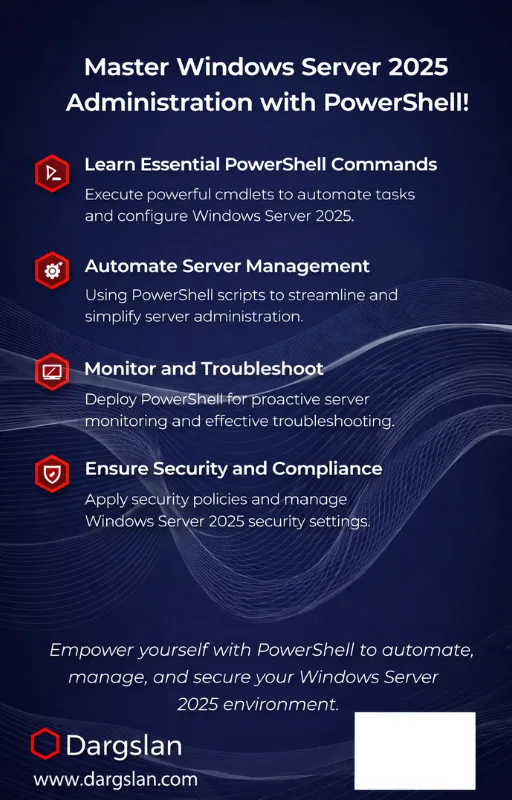
- PowerShell-first Windows Server 2025 administration
- Roles & features automation
- AD/local user and group management at scale
- Permissions, storage, networking, and firewall scripting
- Remoting, patching, auditing, and security baselines
- Monitoring, logs, scheduled tasks, and background jobs
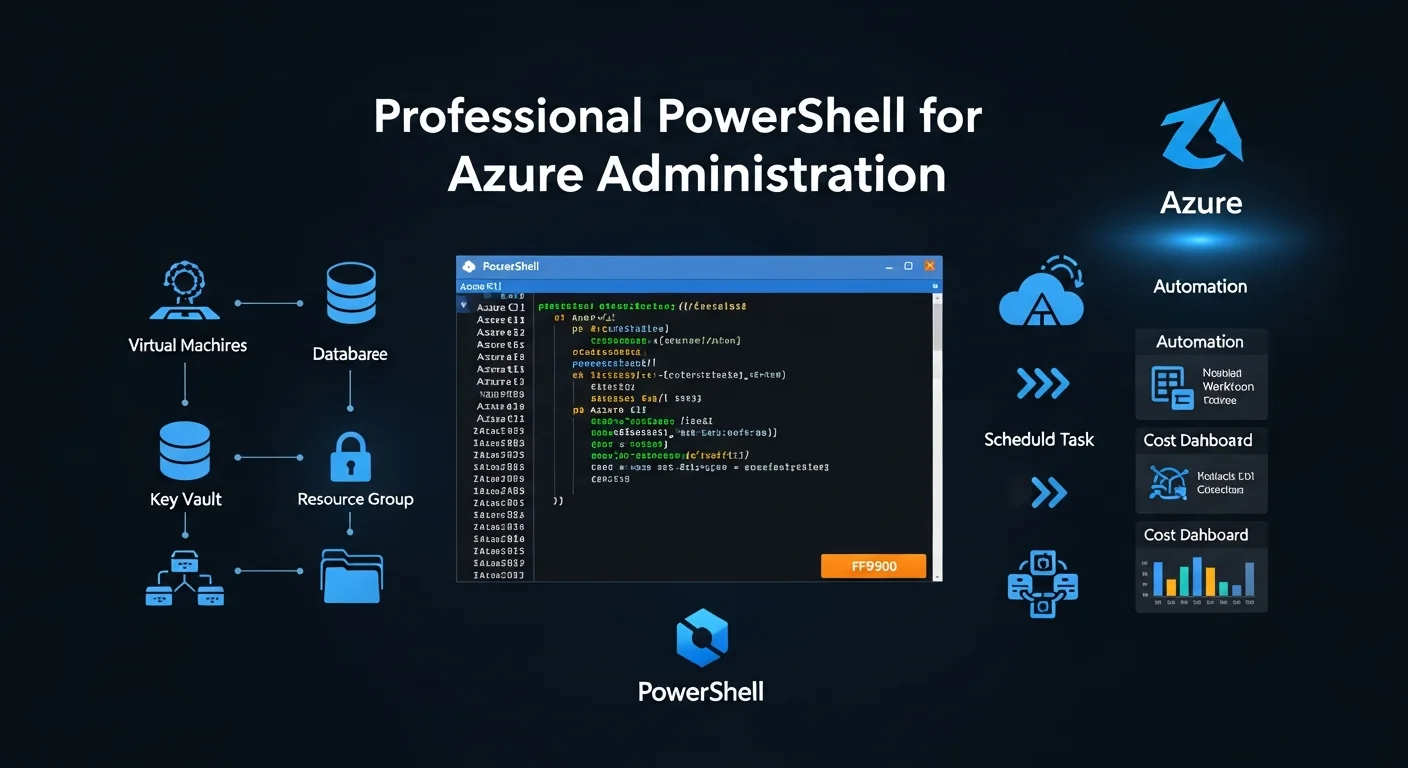
- Hyper-V and Azure automation workflows
Overview
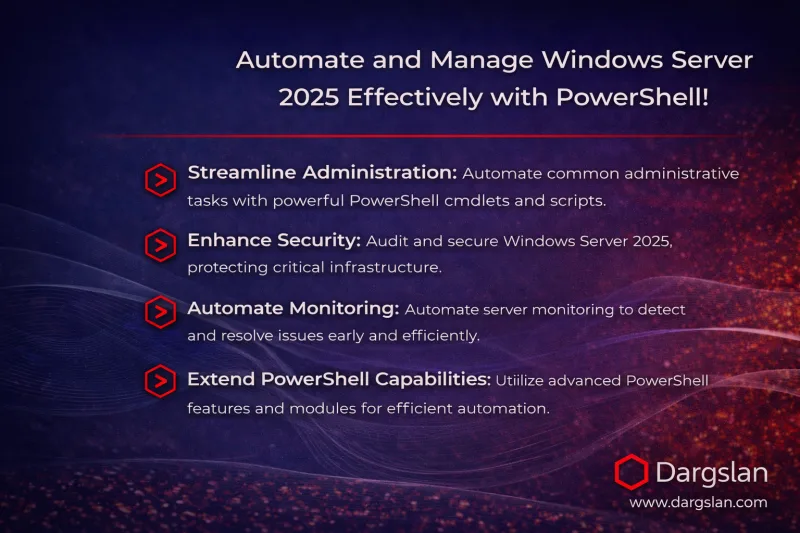
Administer Windows Server 2025 the scalable way. Automate roles, users, permissions, storage, networking, firewall, updates, auditing, monitoring, remoting, Hyper-V and Azure tasks using practical PowerShell scripts.
The Problem
GUI-based Windows Server administration does not scale. Manual configuration leads to inconsistent servers, slow deployments, missed security settings, and higher operational risk—especially in hybrid environments.
The Solution
This book teaches a PowerShell-first approach to Windows Server 2025: automate configuration, standardize administration, enforce security settings, monitor health, and manage infrastructure reliably—locally and remotely.
About This Book
Automate Windows Server 2025 Administration with PowerShell
Windows Server 2025: Manage with PowerShell is a hands-on, production-minded guide for administrators who want to manage Windows Server faster, safer, and at scale.
Modern Windows environments are larger, more hybrid, and more security-sensitive than ever. Point-and-click administration does not scale—and it creates inconsistency. PowerShell changes everything: repeatable deployments, standardized configuration, faster troubleshooting, and reliable automation you can reuse across hundreds of servers.
What You’ll Learn
- PowerShell essentials and a clean admin workflow
- Setting up your environment for consistent scripting
- Managing server roles and features
- User and group administration (AD or local)
- File systems, permissions, and access control
- Disk and storage management
- Network interfaces and IP configuration
- Windows Firewall automation
- PowerShell Remoting for distributed management
- Windows Updates and patch workflow automation
- Audit policies and security settings
- Health checks, monitoring, and performance baselines
- Scheduled tasks and background jobs
- Logs and event forwarding practices
- Hyper-V management with PowerShell
- Managing Azure resources with PowerShell
- Windows Admin Center + PowerShell workflows
Real-World Scripts You Can Reuse
This book emphasizes practical automation patterns, safe execution, and troubleshooting. The appendices include a Windows Server cheat sheet, reusable daily admin scripts, PowerShell error troubleshooting, and guidance for PowerShell 5.1 vs 7+ differences.
Who This Book Helps Most
If you manage Windows servers in production and want more speed, more consistency, and fewer mistakes, this book will become a daily reference.
Welcome to the future of Windows administration—powered by PowerShell.
Dargslan
Who Is This Book For?
- Windows Server administrators managing production environments
- IT professionals moving from GUI to automation workflows
- Sysadmins managing AD, permissions, patching, and monitoring
- DevOps / platform engineers working with Windows + Azure
- Hyper-V admins and hybrid infrastructure teams
Who Is This Book NOT For?
- Readers who want a GUI-only Windows Server guide
- Absolute beginners with no Windows Server basics
- PowerShell experts who only want advanced language internals
Table of Contents
- PowerShell Essentials Refresher
- Setting Up Your PowerShell Environment
- Managing Server Roles and Features
- User and Group Management (AD or Local)
- Managing File Systems and Permissions
- Disk and Storage Management
- Managing Network Interfaces and IP Settings
- Managing Windows Firewall with PowerShell
- Enabling and Using PowerShell Remoting
- Managing Windows Updates
- Audit Policies and Security Settings
- Monitoring System Health and Performance
- Scheduled Tasks and Background Jobs
- Handling Logs and Event Forwarding
- Using PowerShell for Hyper-V Management
- Managing Azure Resources with PowerShell
- Windows Admin Center + PowerShell
Requirements
- Basic Windows Server familiarity (roles, users, services)
- Basic PowerShell knowledge (or willingness to learn from Chapter 1)
- A lab environment: VM or test server recommended
- Admin privileges for practicing configuration tasks