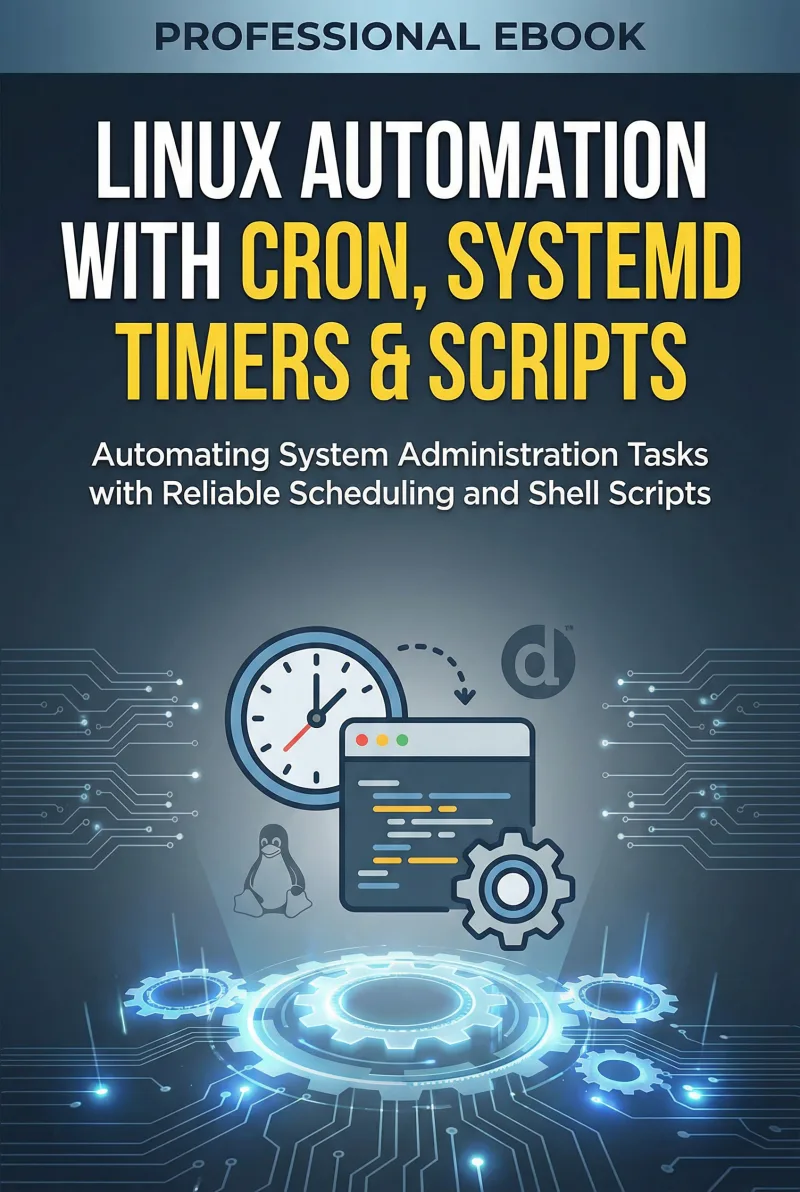
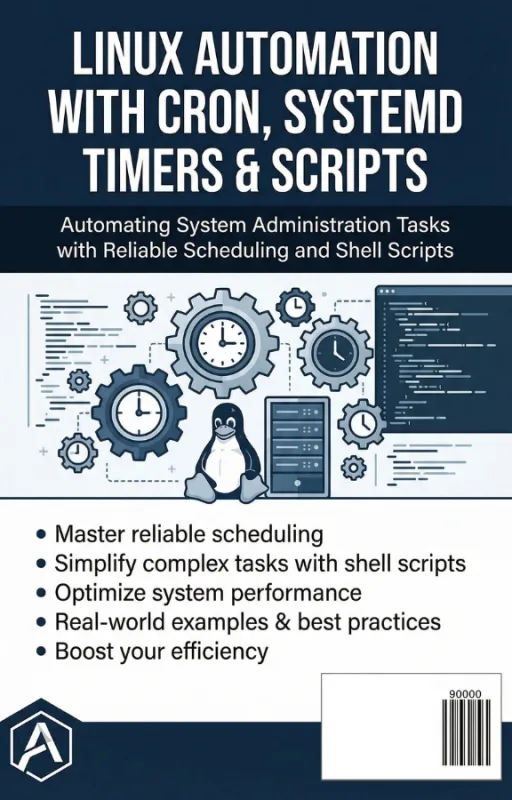
Linux Automation with Cron, Systemd Timers & Scripts
Automating System Administration Tasks with Reliable Scheduling and Shell Scripts
What's Included:
At a Glance
Linux Automation with Cron, Systemd Timers & Scripts is a professional Linux Administration eBook by Elliot Mercer, 362 pages, available as an instant PDF and EPUB download for €12.90 with lifetime access and free updates. Automating System Administration Tasks with Reliable Scheduling and Shell Scripts.
- Length: 362 pages
- Format: PDF and EPUB (instant download)
- Language: English
- Topic: Linux Administration
- Edition: 1st Edition
- Price: €12.90
Key Highlights
- Bash scripting fundamentals for automation
- Cron job scheduling and crontab management
- systemd timer configuration and advanced scheduling
- Logging and output management for automated jobs
- Backup automation strategies
- System maintenance automation
- Monitoring automated tasks
- Security practices for scheduled scripts
- Multi-server automation strategies
- Integrating Linux automation with DevOps workflows
Overview
Automate Linux administration tasks with cron, systemd timers, and Bash scripts. Learn reliable scheduling, monitoring, backup automation, and DevOps-ready workflows.
The Problem
Many Linux administrators still perform repetitive maintenance tasks manually. Backup scripts, log cleanup, system updates, and monitoring routines often rely on manual execution.
This leads to several common problems:
- Human error in repetitive tasks
- Missed maintenance windows
- Inconsistent script execution
- Unreliable automation setups
- Lack of monitoring for automated jobs
Without reliable automation, system administrators spend time on routine work instead of solving real infrastructure challenges.
The Solution
Linux Automation with Cron, Systemd Timers & Scripts teaches you how to build reliable automation systems using the tools already available in Linux.
You will learn how to:
- Write Bash scripts for system automation
- Create reliable cron jobs for scheduled tasks
- Use systemd timers for modern scheduling
- Monitor and secure automated jobs
- Automate backups and maintenance workflows
- Extend automation across multiple servers
The result is a Linux environment that runs routine operations automatically, safely, and consistently.
About This Book
Linux Automation with Cron, Systemd Timers & Scripts is a practical guide to automating system administration tasks using the powerful tools built into every Linux system. From simple scheduled jobs to reliable automation pipelines, this book shows how to transform repetitive manual work into dependable automated processes.
Linux has always excelled at automation. With tools like cron, systemd timers, and Bash scripting, administrators can schedule tasks, manage maintenance routines, and orchestrate system operations without human intervention. Yet many administrators only use a fraction of what these tools can accomplish.
Master the Core Tools of Linux Automation
This book begins by establishing a solid foundation in Bash scripting and the principles of automation. From there, you will learn how to:
- Create and manage cron jobs effectively
- Understand and configure systemd timers
- Handle job output, logging, and error reporting
- Prevent common failures in automated tasks
Real Automation for Real Systems
The later chapters focus on practical administration workflows such as backup automation, maintenance tasks, monitoring automated jobs, and securing scheduled scripts.
Automation at Scale
Finally, the book expands into automation strategies for multiple servers and DevOps environments, showing how traditional Linux scheduling tools integrate into modern infrastructure workflows.
This book turns routine Linux tasks into reliable automation systems.
Who Is This Book For?
- Linux system administrators
- DevOps and infrastructure engineers
- IT professionals managing Linux servers
- Developers automating operational tasks
- Anyone learning Linux system automation
Who Is This Book NOT For?
- Readers unfamiliar with the Linux command line
- Developers seeking application-level automation frameworks only
- Advanced automation engineers using orchestration platforms exclusively
- Those looking only for graphical automation tools
Table of Contents
- Why Automation Matters in System Administration
- Bash Scripting Fundamentals
- Understanding Cron
- Managing Crontabs
- Logging and Output Management
- Preventing Automation Failures
- Introduction to systemd Timers
- Advanced Timer Scheduling
- Backup Automation
- System Maintenance Automation
- Monitoring Automated Jobs
- Securing Automated Tasks
- Automation Across Multiple Servers
- Integrating Automation with DevOps
- Designing Reliable Automation Systems
- From System Administrator to Automation Engineer
- Appendices and Reference Guides
Requirements
- Basic familiarity with Linux command line
- Access to a Linux system for testing automation
- Basic understanding of shell commands
- No prior automation experience required