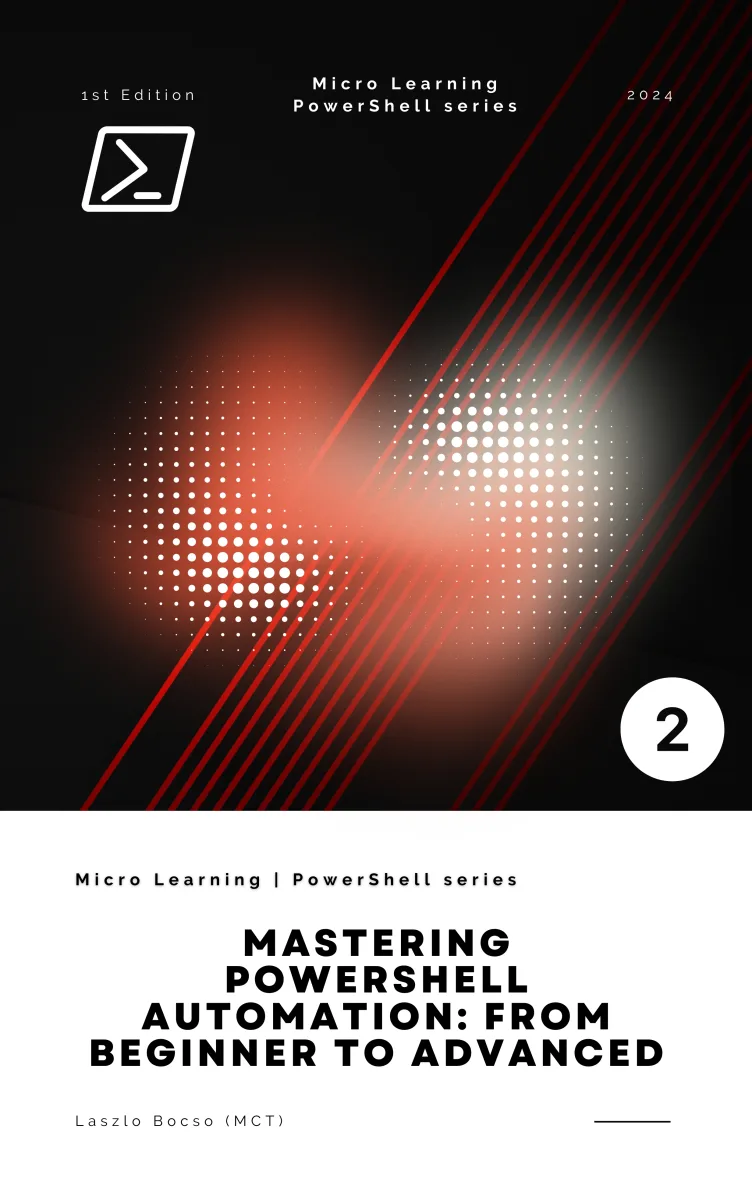
Mastering PowerShell Automation: From Beginner to Advanced
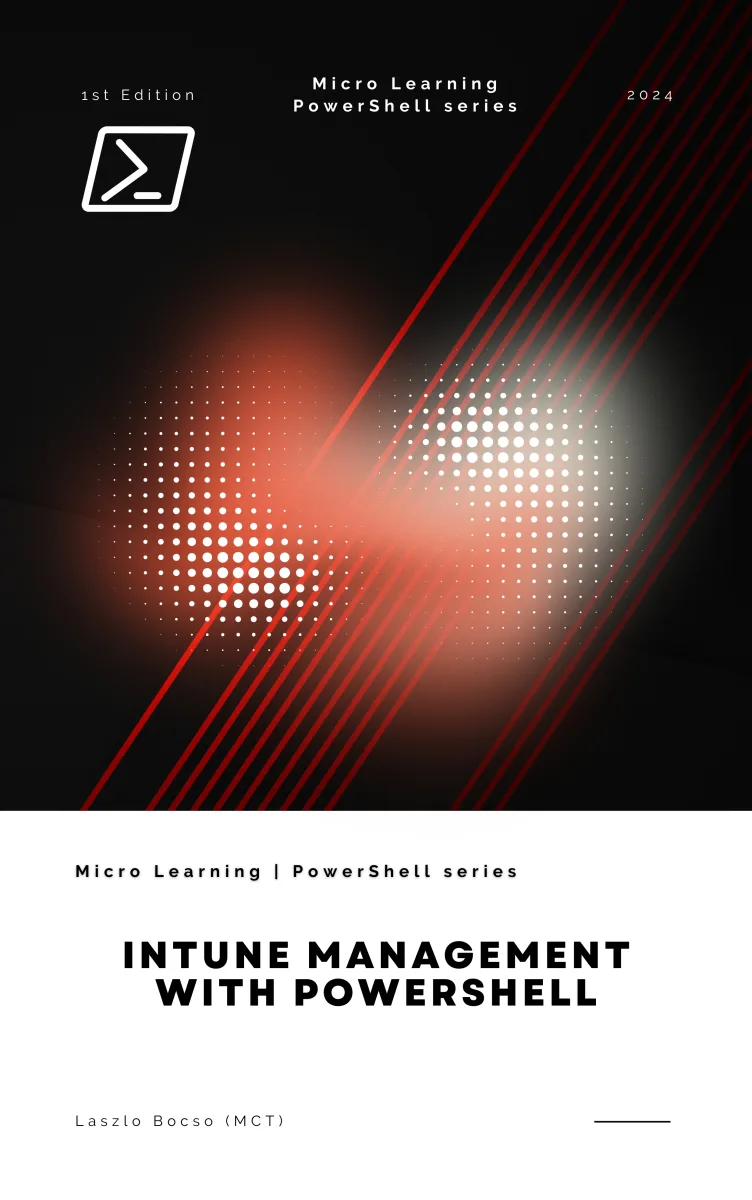
Part of Micro Learning | PowerShell Series – Book No. 2
What's Included:
At a Glance
Mastering PowerShell Automation: From Beginner to Advanced is a professional PowerShell eBook by Laszlo Bocso, 216 pages, available as an instant PDF and EPUB download for €8.90 with lifetime access and free updates. Part of Micro Learning | PowerShell Series – Book No. 2.
- Length: 216 pages
- Format: PDF and EPUB (instant download)
- Language: English
- Topic: PowerShell
- Edition: 1st Edition
- Price: €8.90
Key Highlights
- Complete beginner-to-advanced PowerShell roadmap
- Core scripting and modular programming techniques
- Windows system automation and scheduled tasks
- Remoting and networking automation
- Cloud and DevOps integration coverage
- Real-world Active Directory and monitoring automation
- Security automation best practices
- Advanced debugging and error handling techniques
- Extending PowerShell and community contributions
Overview
Master PowerShell automation from beginner to advanced. Learn scripting, modules, remoting, cloud automation, DevOps integration, error handling, and real-world automation projects.
The Problem
Many IT professionals use PowerShell only at a basic level. They:
- Run individual commands without understanding the pipeline deeply
- Write scripts that are hard to maintain or reuse
- Avoid modularization and structured scripting practices
- Struggle with error handling and debugging
- Fail to integrate PowerShell into cloud and DevOps workflows
- Automate locally—but not at scale
This limits productivity and prevents automation from reaching its full potential.
The Solution
Mastering PowerShell Automation provides a structured progression from beginner scripting to advanced infrastructure automation.
- Clear foundational understanding of objects and the pipeline
- Professional scripting structure and modular design
- System administration and enterprise automation patterns
- Cloud and DevOps integration strategies
- Real-world automation case studies
- Robust debugging and error-handling practices
You’ll move from “running commands” to engineering repeatable, reliable automation systems.
About This Book
Mastering PowerShell Automation: From Beginner to Advanced is a comprehensive, hands-on guide designed to take you from PowerShell fundamentals to advanced, production-ready automation.
PowerShell is more than a command-line shell—it's a full automation framework used across Windows, Linux, and macOS environments. Built on the .NET platform, it allows administrators and engineers to manage infrastructure, automate complex workflows, integrate cloud services, and streamline DevOps pipelines with precision and reliability.
This book is structured as a complete learning path, helping you build automation skills step by step—starting with basic commands and moving toward enterprise-scale scripting and infrastructure management.
What You'll Learn
- PowerShell fundamentals and command-line basics
- Writing scripts with proper structure and best practices
- Creating reusable functions and modules
- Working with data, objects, pipelines, and advanced filtering
- Flow control structures and scripting logic
- Automating Windows system administration tasks
- Scheduled jobs and background automation
- Networking, remoting, and cross-machine management
- Managing cloud resources with PowerShell
- Integrating PowerShell into DevOps and CI/CD workflows
- Consuming REST APIs and working with web services
- Automating Active Directory operations
- Monitoring, reporting, and security automation
- Advanced error handling and debugging strategies
- Extending PowerShell and contributing to modules
From writing your first script to automating enterprise-scale infrastructure, this book equips you with the mindset and technical depth required to become a confident automation engineer.
Automation is leverage. PowerShell is the tool. This book shows you how to master it.
Who Is This Book For?
- System administrators automating Windows environments
- IT professionals transitioning into DevOps roles
- Network engineers managing infrastructure with scripts
- Cloud engineers using PowerShell in Azure environments
- Anyone seeking career growth through automation skills
Who Is This Book NOT For?
- Readers looking only for GUI-based system management
- Users uninterested in scripting and automation
- Complete beginners with no basic IT knowledge
Table of Contents
- Introduction to PowerShell
- PowerShell Basics
- Navigating the File System
- Scripting Fundamentals
- Working with Functions and Modules
- Advanced Data Handling
- Flow Control
- Managing Windows Systems
- Automating Tasks with Scheduled Jobs
- Networking and Remoting
- Managing Cloud Resources
- DevOps and Continuous Integration
- Working with APIs and Web Services
- Automating Active Directory
- Monitoring and Reporting
- PowerShell for Security
- Best Practices in PowerShell Scripting
- Advanced Error Handling and Debugging
- Extending PowerShell
- Appendices and References
Requirements
- Basic familiarity with Windows operating systems
- General IT or system administration knowledge
- Access to a Windows machine (lab or VM recommended)
- Willingness to practice by writing and testing scripts