
Claude Code has changed how developers approach their daily coding workflows. Rather than using AI as a simple autocomplete tool, Claude Code acts as a full-fledged terminal agent that can understand your entire codebase, execute commands, edit files across your project, and manage Git operations autonomously. But the real power lies not in individual commands — it lies in structured workflows that chain multiple capabilities together into repeatable processes.
In this comprehensive guide, we break down 14 essential Claude Code workflows that every professional developer should master. Whether you are debugging production issues, refactoring legacy code, or shipping new features, these workflows will dramatically accelerate your development speed while maintaining code quality.
1. The Bug Fixing Workflow
Bugs are inevitable, but the speed at which you fix them determines your team's velocity. The Claude Code bug fixing workflow follows a systematic five-step process that ensures bugs are not just fixed, but properly diagnosed and prevented from recurring.
The Five-Step Process
Step 1 — Reproduce: Start by giving Claude the exact error message, stack trace, and steps to trigger the bug. The more context you provide, the faster Claude can locate the root cause. Paste the full error output, not a summary.
Step 2 — Diagnose: Ask Claude to trace the root cause. It will read the relevant source files, follow the call chain from the error location upward, and identify exactly where things go wrong. A good prompt here is: "Debug why [endpoint/function] returns [wrong result]. Show me the root cause before making changes."
Step 3 — Fix: Claude proposes a code fix. Review the diff carefully before accepting. Check that the fix addresses the root cause rather than just suppressing the symptom. A band-aid fix that silences an error without solving the underlying issue will come back to haunt you.
Step 4 — Verify: Ask Claude to run the test suite. If tests fail, iterate. If no relevant tests exist, ask Claude to write a regression test that specifically covers the bug you just fixed. This prevents the same bug from reappearing in the future.
Step 5 — Commit: Let Claude generate a conventional commit message that documents what was fixed and why. A well-written fix commit message saves future developers hours of archaeology.
The Power Move
For sessions with multiple related bugs, try this prompt: "Run all tests, fix every failure, then run tests again until everything passes." Claude will autonomously iterate through the red-green cycle, fixing bugs one by one until the entire suite is green.
2. The Safe Refactoring Workflow
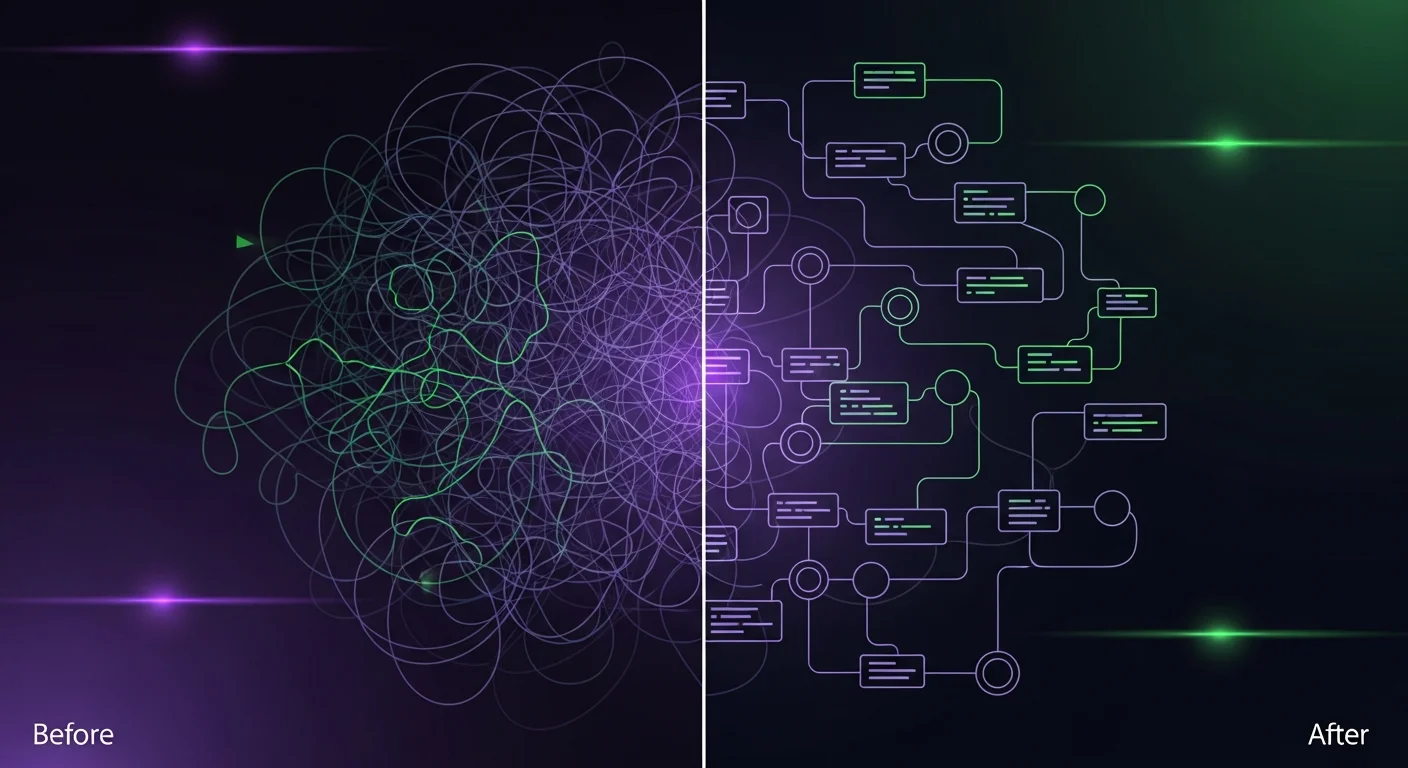
Refactoring is the most underappreciated discipline in software engineering. Done well, it keeps codebases healthy and velocity high. Done poorly (or not at all), it leads to technical debt that eventually grinds development to a halt.
Claude Code makes refactoring dramatically safer and faster, but only if you follow the right process.
The Six-Step Safe Refactoring Process
- Assess: Ask Claude to analyze the module and list all code smells, duplication, and improvement opportunities without making any changes. Understanding the problem fully before acting is critical.
- Test First: Before touching any code, have Claude write comprehensive tests for the current behavior. These tests are your safety net — they will catch any unintended behavior changes during refactoring.
- Plan: Ask Claude to create a step-by-step refactoring plan. Each step should be small, focused, and independently verifiable.
- Execute One Step at a Time: Implement one refactoring step per prompt. Run tests after each step. This keeps the change set small and easy to review or revert.
- Verify: After completing all steps, run the full test suite and manually verify critical paths.
- Review: Ask Claude to compare the before/after architecture and summarize what improved.
Critical Rule
Never combine refactoring with feature work in the same prompt. "Refactor X and also add feature Y" leads to tangled diffs that are hard to review, hard to revert, and hard to understand. Keep refactoring and feature work in separate commits.
Common Refactoring Prompts
- "Extract [logic] from [file] into a new service class."
- "Remove code duplication between [file1] and [file2]."
- "Rename [old-name] to [new-name] across the entire codebase."
- "Split [large-file] into smaller, focused modules."
- "Replace direct DB queries with the repository pattern."
3. Test-Driven Development (TDD) Workflow
TDD is one of the most effective software development practices, and Claude Code makes it significantly easier. Instead of writing tests being a chore, it becomes a conversation.
The TDD Cycle with Claude Code
Red: "Write a failing test for [feature] that verifies [expected behavior]." — Claude generates a test that captures your intent. The test fails because the feature does not exist yet.
Green: "Implement the minimum code needed to make this test pass." — Claude writes only what the test requires. No premature optimization, no gold plating.
Refactor: "Refactor the implementation while keeping all tests green." — Claude cleans up the code structure without changing behavior.
Edge Cases: "Add tests for edge cases: null inputs, empty strings, boundary values, invalid data." — Claude identifies and tests the corners where bugs hide.
This cycle produces code that is correct by construction, with comprehensive test coverage built in from the start.
4. Code Review Workflow
Code reviews are critical for maintaining quality, but they are also one of the biggest bottlenecks in the development process. Claude Code can handle the mechanical aspects of code review — bug detection, security scanning, performance analysis, style checking — freeing human reviewers to focus on architecture and design decisions.
The Self-Review Process
Before pushing your changes, run a self-review:
- "Review my staged changes for bugs, security issues, and code quality."
- "Check these changes for SQL injection, XSS, auth bypass, and sensitive data exposure."
- "Identify any performance issues: N+1 queries, missing indexes, unnecessary loops."
- "Verify these changes follow our coding conventions defined in CLAUDE.md."
This catches 80% of issues before any human reviewer sees the code, dramatically speeding up the review process.
5. Database Migration Workflow
Database migrations are high-risk operations. A bad migration can corrupt data, cause downtime, or create irreversible problems. Claude Code helps by generating safe migration patterns and warning about dangerous operations.
The Safe Migration Process
Start by asking Claude to explain the current schema. Then describe the change you need. Claude will generate the migration with both up and down paths, update the ORM models, and update any affected queries.
Dangerous Operations to Watch For
- Dropping a column: Always backup data first. Deprecate before dropping.
- Changing a column type: Add a new column, migrate data, then drop the old one.
- Adding NOT NULL: Set a default value and backfill existing rows before adding the constraint.
- Adding a unique constraint: Find and resolve duplicates first, or the migration will fail.
6. API Development Workflow
Building APIs with Claude Code follows an API-first approach: design the schema, validate inputs, implement endpoints, test thoroughly, and generate documentation — all in a structured sequence that produces production-ready APIs.
The key prompts in this workflow:
- "Design a REST API for [resource]. Define endpoints, request/response schemas, status codes, and error formats."
- "Create input validation for all endpoints using [validation library]."
- "Write integration tests covering success cases, validation errors, auth requirements, and edge cases."
- "Generate OpenAPI/Swagger documentation for the API."
7. Git Workflow Patterns
Git operations are where Claude Code truly shines. It generates significantly better commit messages than most developers write manually, because it reads the actual diff, understands the intent, and follows conventional commit format automatically.
Feature Branch Workflow
- "Create a feature branch named feature/[name] from main."
- Work with Claude across multiple prompts to build the feature.
- "Review all changes on this branch compared to main."
- "Squash commits into logical units with conventional commit messages."
- "Rebase onto main and resolve any conflicts."
- "Generate a PR description summarizing changes and testing instructions."
Conflict Resolution
Merge conflicts are one of the most tedious parts of Git. Claude can resolve them intelligently because it understands the intent of both sides. Try: "Rebase onto main and resolve all conflicts. Explain each conflict resolution."
8. Production Debugging Workflow
Production incidents require a different approach than development debugging. Speed matters, but safety matters more. The production debugging workflow emphasizes evidence gathering, minimal hotfixes, and post-mortem analysis.
The Incident Response Sequence
- Gather Evidence: Collect error logs, stack traces, user reports, and metrics.
- Analyze: Pipe logs into Claude for categorization and timeline reconstruction.
- Root Cause: Ask Claude to trace the code path that leads to the failure.
- Hotfix: Create a minimal fix with strict constraints: no refactoring, backward compatible, no migrations.
- Regression Test: Write a test that reproduces the production bug before deploying the fix.
- Post-mortem: Ask Claude to generate a blameless post-mortem documenting the incident.
9. Documentation Workflow
Documentation is the most neglected aspect of most codebases. Claude Code can generate comprehensive documentation from your actual code, and more importantly, keep it synchronized as the code changes.
Key documentation prompts:
- "Generate JSDoc/docstrings for all public functions in [file]."
- "Write a README.md for this project based on the actual codebase."
- "Create an onboarding guide for new developers."
- "Compare our README with the actual project setup. List everything outdated."
10. Dependency & Security Audit Workflow
Keeping dependencies up to date is a security necessity. Claude Code can analyze audit reports, categorize risks, and apply fixes — turning a tedious chore into a streamlined process.
The workflow: audit, assess risk, plan updates, execute one at a time, test after each update. For security vulnerabilities, Claude can parse CVE reports and apply the specific fix needed.
11. Performance Optimization Workflow
The golden rule of performance optimization: measure first, optimize second. Never tell Claude to "make it faster" without providing specific performance targets and current measurements.
The most common performance wins Claude can find:
- N+1 queries: Database queries inside loops, converted to JOINs or eager loading
- Missing indexes: Slow WHERE and JOIN operations on unindexed columns
- Large payloads: Over-fetching data, solved with field selection and pagination
- No caching: Repeated expensive computations, solved with memoization or Redis
- Sync I/O: Blocking file or network operations, converted to async
12. CI/CD & Deployment Workflow
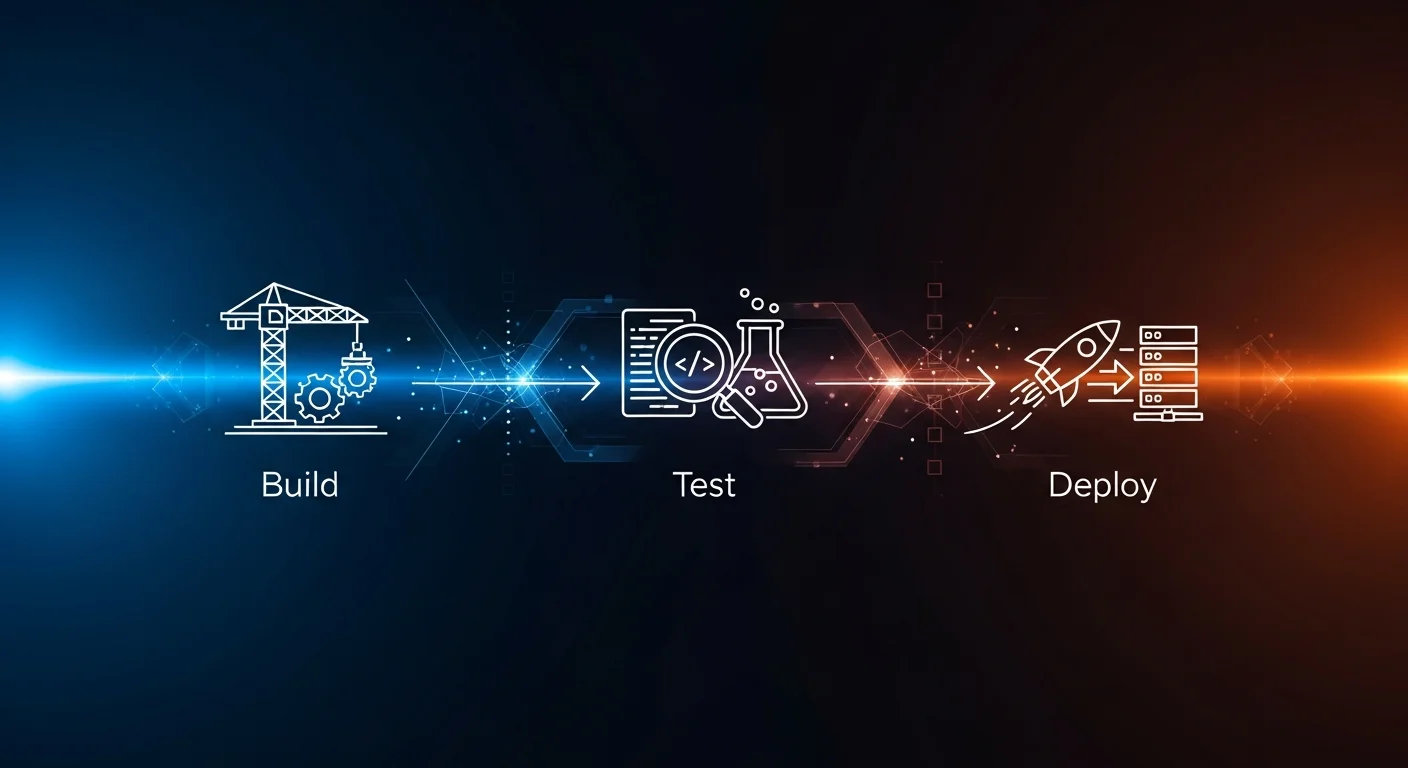
The most productive teams use Claude Code in every stage of their CI/CD pipeline. Automated lint fixing saves 10+ minutes per PR. Automated code review catches issues before human reviewers see the code. Automated security scanning provides continuous protection.
The Complete CI/CD Pipeline
- Lint & Format: Claude fixes formatting and lint errors automatically.
- Test: Claude runs the full test suite and fixes any failures.
- Security Scan: Claude audits for vulnerabilities and dependency CVEs.
- Code Review: Claude performs automated review and flags issues by severity.
- Deploy: After all checks pass, deploy with confidence.
- Monitor: Pipe production logs back to Claude for anomaly detection.
13. Full-Stack Feature Implementation Workflow
Building a complete feature — from database to frontend — is the ultimate test of a developer's workflow. Claude Code excels here because it can maintain context across the entire stack, ensuring consistency between the database schema, API contracts, and frontend components.
The Nine-Step Process
- Design: Define data model, API endpoints, and UI components.
- Database: Create migrations with tables, columns, and indexes.
- Backend API: Implement endpoints with validation and error handling.
- Backend Tests: Comprehensive API tests covering all scenarios.
- Frontend: Build UI components following the existing design system.
- Integration: Connect frontend to API with loading states and error handling.
- E2E Tests: End-to-end tests for the complete user flow.
- Review: Security, performance, and code quality review.
- Deploy: Conventional commits, PR description, and deployment.
For large features, split work across multiple sessions using --resume to maintain continuity. Use /compact between major phases to prevent context overflow.
14. The Daily Developer Workflow
Putting it all together, here is what a productive day with Claude Code looks like:
- Morning:
claude --resumeto continue yesterday's work, or start fresh. - Feature Work: Use the full-stack workflow to implement features systematically.
- Bug Fixes: Use the bug fixing workflow for any issues that arise.
- Testing: "Run all tests and fix any failures" — let Claude handle the cycle.
- Review: Self-review all changes before committing.
- Commit: Conventional commit messages generated by Claude.
- End of Day:
/costto check spending,/compactto save context.
Download the Free Cheat Sheet
We have compiled all 14 workflows into a free 14-page PDF cheat sheet with step-by-step instructions, prompt templates, comparison tables, and quick reference guides. Keep it on your desk or in your bookmarks for instant access while coding.
Download the Claude Code Workflow Cheatsheet 2026 PDF
Recommended Reading
To dive deeper into AI-assisted development workflows, explore these books on Dargslan:
- AI-Assisted Coding Foundations — Build your foundation for working with AI coding tools effectively
- Prompt Engineering for Developers — Master the art of writing prompts that get precise, useful results
- Building Production-Ready Apps with AI Pair Programming — Ship real software with AI assistance at production quality
- Debugging & Refactoring with AI — Advanced techniques for AI-powered code improvement and maintenance
- Becoming an AI-Driven Senior Engineer — Level up your career by mastering AI-augmented engineering practices



