
Claude AI agents become dramatically more powerful when you teach them with SKILL.md files. These structured Markdown documents act as modular instruction sets that extend Claude's capabilities for specific tasks — from database management and deployment to media generation and automated testing.
Whether you are working in Replit, Cursor, or any Claude-powered development environment, understanding the skill system is the key to unlocking consistent, high-quality AI assistance. This guide covers everything from basic file format to advanced patterns used in production projects.
What is SKILL.md?
A SKILL.md file is a specialized Markdown document that teaches Claude how to perform a specific type of task. Think of it as a "plugin" for the AI agent — except instead of executable code, it contains structured instructions that Claude reads and follows.
Each skill lives in its own directory under .local/skills/ and contains a SKILL.md file with YAML frontmatter, detailed instructions, code examples, and references to supporting files. When Claude encounters a task that matches a skill's domain, it loads the skill and follows its instructions precisely.
Why Skills Matter
- Consistency: Without skills, Claude might handle the same task differently each time. Skills enforce consistent patterns and conventions
- Accuracy: Skills contain authoritative instructions — the right API calls, parameter formats, and error handling for each tool
- Efficiency: Claude only loads skills when needed, keeping its context focused on the current task
- Reusability: Write instructions once, use them across every session and team member
- Domain Knowledge: Teach Claude about your specific project, APIs, and conventions that it cannot know from general training
SKILL.md File Format
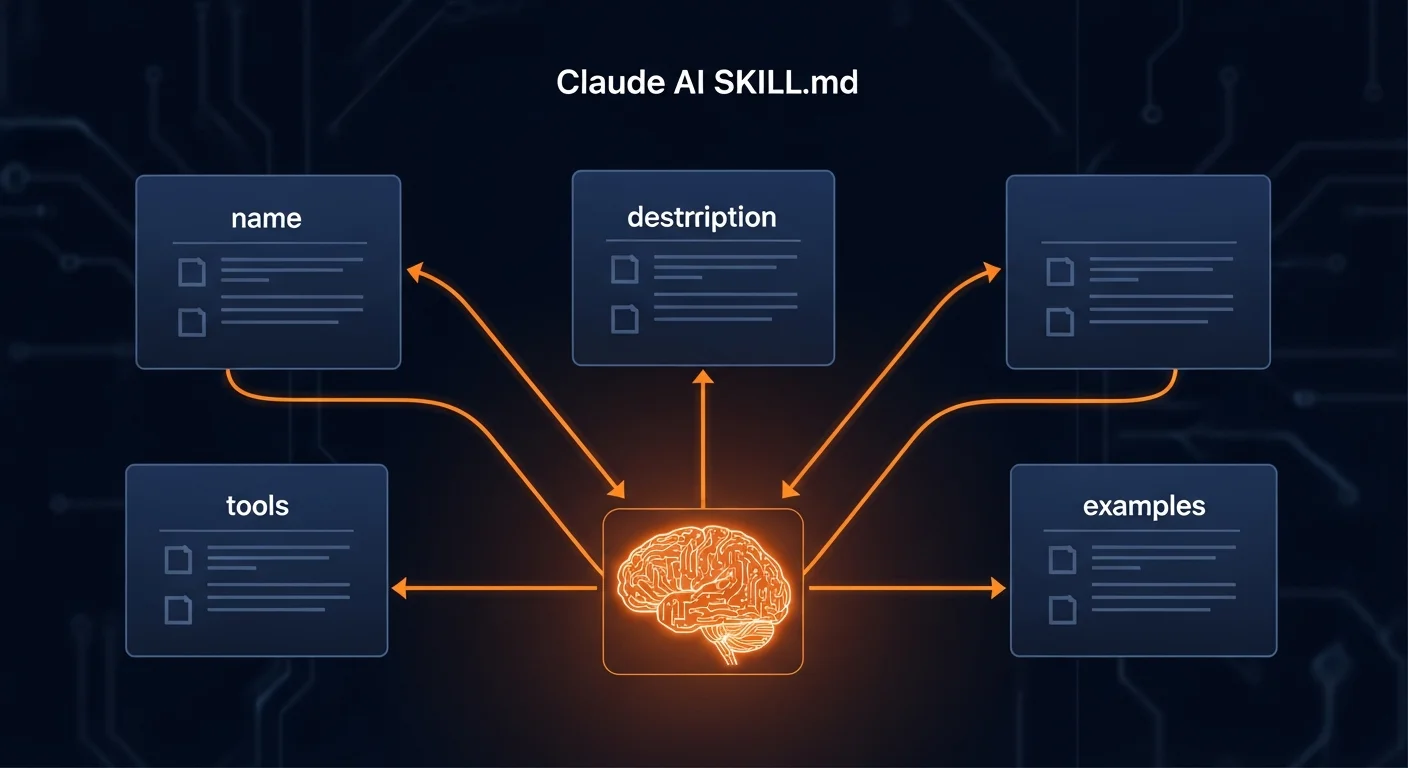
Every SKILL.md file follows a consistent structure with YAML frontmatter and Markdown content:
---
name: my-custom-skill
description: Brief description of what this skill does.
---

# My Custom Skill

## Overview
Detailed explanation of the skill purpose and when to use it.

## Instructions
1. Step one: what to do first
2. Step two: how to proceed
3. Step three: verification

## Available Functions
### myFunction(param1, param2)
Description of what the function does.
**Parameters:**
- param1 (string, required): Description
- param2 (number, optional): Description
**Returns:** Description of return value

## Examples
```javascript
const result = await myFunction("hello", 42);
console.log(result);
```
Frontmatter Fields
The YAML frontmatter between the --- delimiters defines the skill's identity:
- name (required): Unique identifier in kebab-case (e.g.,
my-custom-skill) - description (required): One-line summary shown in the skill listing. This helps Claude decide whether to load the skill for a given task
Skill Directory Structure
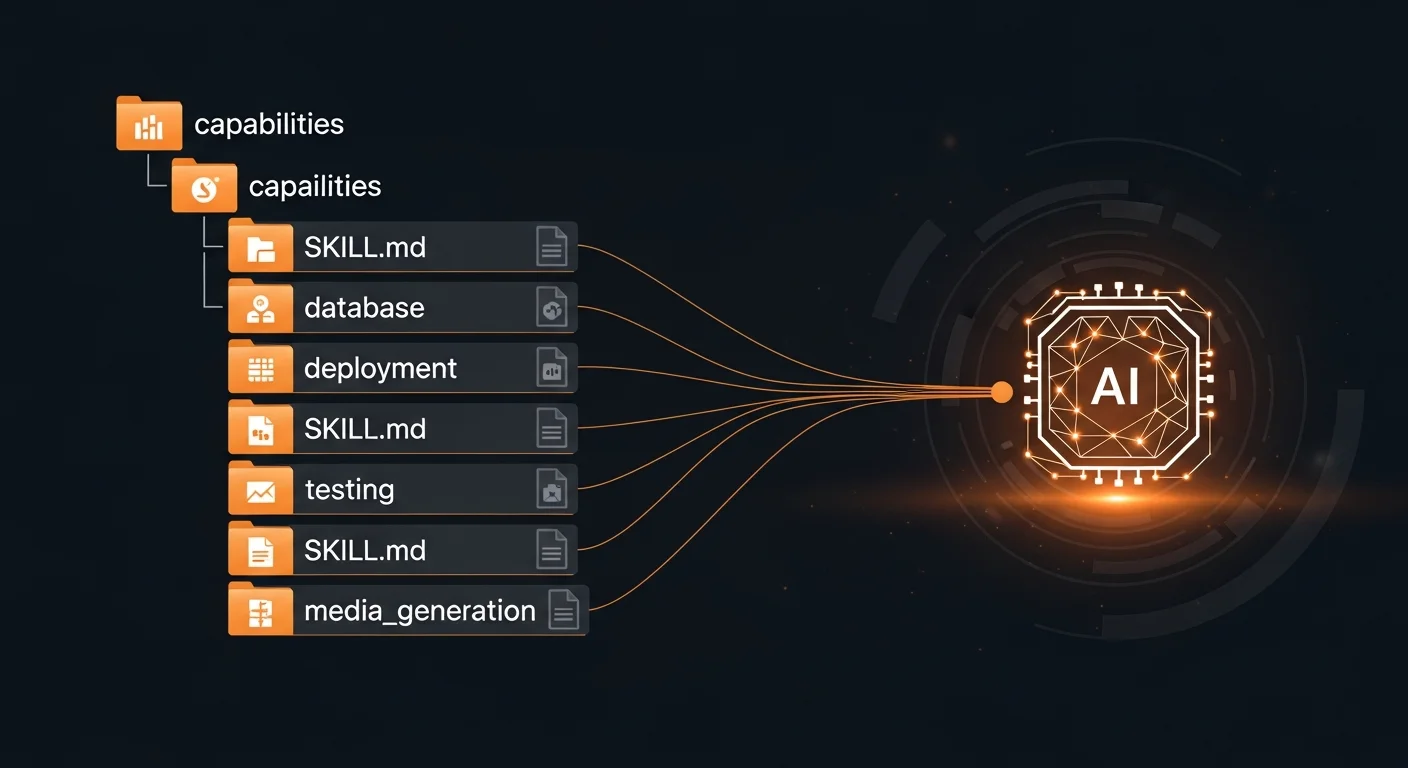
Skills live in the .local/skills/ directory within your project. Each skill gets its own subdirectory containing the SKILL.md file and any supporting files:
.local/
  skills/
    database/
      SKILL.md              # Main instructions
      scripts/
        check-db.sh         # Supporting shell scripts
    deployment/
      SKILL.md
    testing/
      SKILL.md
    media-generation/
      SKILL.md
    my-custom-skill/
      SKILL.md
      templates/
        email.html          # Supporting templates
      config.json           # Supporting config
How Claude Discovers and Loads Skills
- Startup: Claude sees all skill names and descriptions in its initial context
- Relevance check: When a task arrives, Claude identifies which skills might be relevant
- Lazy loading: Claude reads the full SKILL.md only when it determines a skill is needed
- Supporting files: Additional files are read only if the SKILL.md explicitly references them
- Session persistence: Once loaded, skill instructions remain available for the rest of the session
Built-in Skills Reference
Most Claude-powered development environments come with a set of platform-provided skills. Here are the most important ones:
| Skill | Purpose |
|---|---|
| database | Create/manage PostgreSQL databases, execute SQL with safety checks |
| deployment | Configure and publish projects to production cloud |
| testing | Run Playwright-based end-to-end UI tests |
| media-generation | Generate AI images, videos, retrieve stock photos |
| package-management | Install language runtimes, packages, system dependencies |
| environment-secrets | View, set, delete environment variables and secrets |
| workflows | Configure, start, stop, restart application processes |
| integrations | Connect third-party services (Stripe, GitHub, OpenAI, etc.) |
| delegation | Spawn subagents for parallel/sequential task execution |
| code_review | Deep architectural analysis via architect subagent |
| web-search | Search the web and fetch content from URLs |
| diagnostics | LSP diagnostics and project rollback suggestions |
Tool Callbacks and Code Execution
Skills define tool callbacks — pre-registered async functions that Claude can call from a JavaScript sandbox environment. These are the bridge between skill instructions and actual tool execution.
Code Execution Sandbox
Claude has access to a special JavaScript/Node.js execution environment that works like a notebook. State persists across calls, and tool callbacks are available without imports:
// Tool callbacks are pre-registered — call them directly
const result = await executeSql({
  sqlQuery: "SELECT id, name FROM users LIMIT 5"
});
console.log(result.output);

// State persists across calls
const data = [1, 2, 3]; // Available in the next call

// Use dynamic imports for packages
const path = await import("path");
const fs = await import("fs");
Key Tool Callbacks
- generateImage: Create AI images from text prompts (must output .png, convert to .webp after)
- generateVideo: Generate short video clips (4-8 seconds)
- stockImage: Retrieve stock photography
- executeSql: Run SQL queries against your database
- webSearch: Search the web for information
- runTest: Execute Playwright end-to-end tests
- subagent: Delegate tasks to specialized subagents (synchronous)
- startAsyncSubagent: Launch background subagents (asynchronous)
- architect: Deep code review and architectural analysis
Database Skills in Practice
The database skill is one of the most commonly used skills. It provides safe SQL execution with built-in guardrails:
// Query data
const result = await executeSql({
  sqlQuery: "SELECT id, title, price FROM books WHERE is_published = true LIMIT 10"
});

// Create tables (always use IF NOT EXISTS)
await executeSql({
  sqlQuery: `CREATE TABLE IF NOT EXISTS products (
    id SERIAL PRIMARY KEY,
    name VARCHAR(255) NOT NULL,
    price DECIMAL(10,2),
    created_at TIMESTAMP DEFAULT NOW()
  )`
});

// Safe column additions
await executeSql({
  sqlQuery: "ALTER TABLE orders ADD COLUMN IF NOT EXISTS payment_method VARCHAR(50)"
});
Critical safety rules: never change primary key types, always use IF NOT EXISTS clauses, check the schema before making changes, and use parameterized queries in application code.
Media Generation Workflow
The media-generation skill provides AI image generation, video creation, and stock photo retrieval:
// Generate images (MUST use images array wrapper, MUST use .png)
const result = await generateImage({
  images: [{
    prompt: "Professional dark themed tech illustration",
    outputPath: "public/images/hero.png",
    aspectRatio: "16:9",
    negativePrompt: "blurry, low quality, watermark"
  }]
});

// Then convert to WebP via shell:
// cwebp -q 85 hero.png -o hero.webp && rm hero.png
Common mistakes: forgetting the images: [...] wrapper (even for single images), using .jpg/.webp extensions (only .png works), and not converting to WebP afterward for web optimization.
Delegation and Subagent Patterns
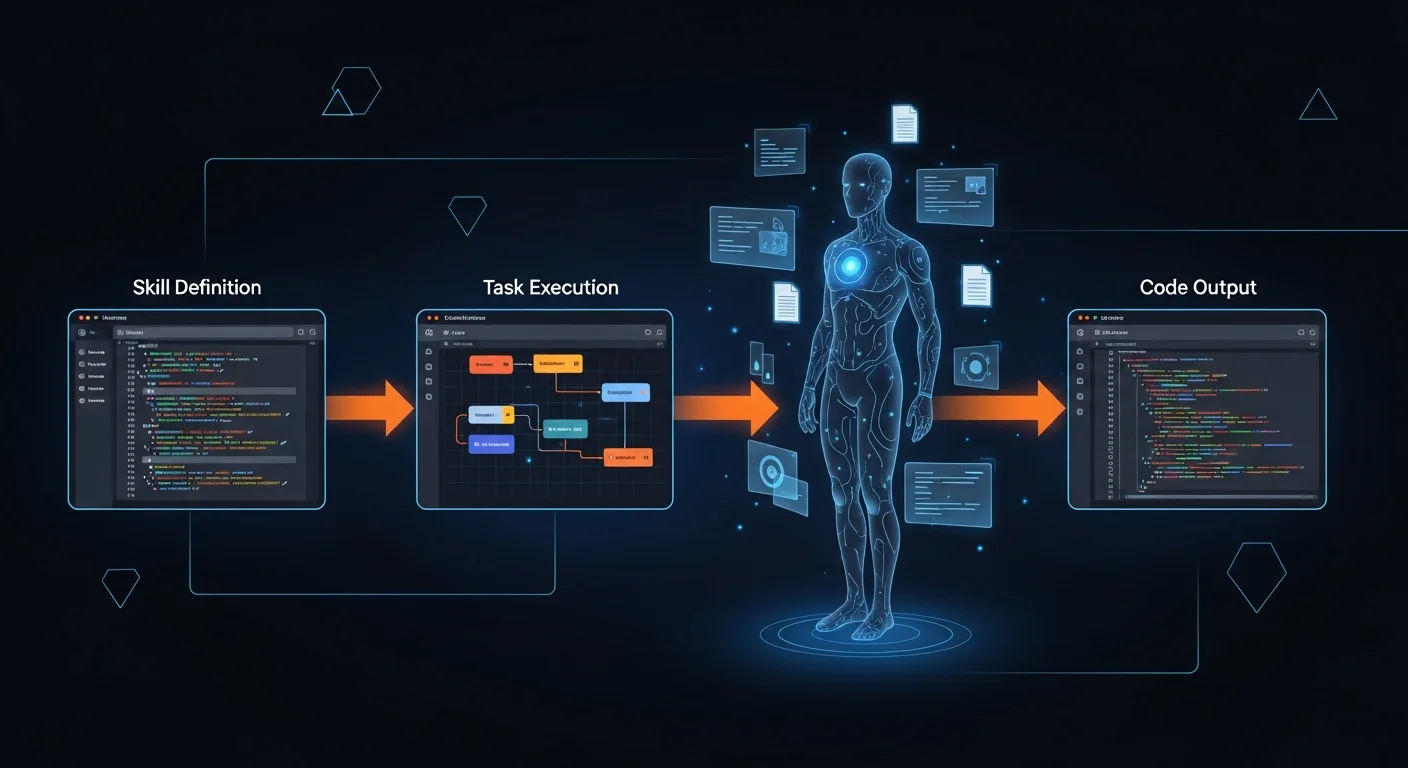
The delegation skill enables powerful parallel execution patterns for complex tasks:
Parallel Execution (Independent Tasks)
// T002 and T003 have no blockers — run simultaneously
await startAsyncSubagent({
  task: "T002", fromPlan: true,
  relevantFiles: ["src/components/auth.py"]
});
await startAsyncSubagent({
  task: "T003", fromPlan: true,
  relevantFiles: ["src/routes/api.py"]
});
// Wait for both to complete, then launch dependent tasks
Sequential Execution (Dependencies)
// T001 must finish before T002 can start
const result1 = await subagent({
  task: "T001", fromPlan: true,
  relevantFiles: ["src/db/schema.py"]
});
// T001 done, T002 now unblocked
const result2 = await subagent({
  task: "T002", fromPlan: true,
  relevantFiles: ["src/routes/users.py"]
});
Key rules: always pass relevantFiles so subagents don't waste time searching, never start tasks with incomplete blockers, and keep skill-dependent work (database, secrets) with the parent agent.
Custom Skill Authoring
Creating your own skills is the most powerful way to customize Claude for your project. Here is a complete example of a blog content creation skill:
---
name: blog-content
description: Create blog posts with SEO optimization, images, and DB insertion.
---

# Blog Content Creation Skill

## When to Use
When the user asks to create a blog post, article, or content piece.

## Steps
1. Research the topic using web-search skill
2. Generate 5 WebP images using media-generation
3. Write SEO-optimized content (1500-2500 words)
4. Insert into blog_posts table with proper metadata
5. Add tags and category associations
6. Verify the post renders correctly with screenshot

## SEO Requirements
- Title: max 60 characters, include primary keyword
- Meta description: max 160 characters
- Use H2/H3 hierarchy, include internal links
- Add alt text to all images
- Include structured data (Schema.org)
When to Create a Custom Skill
- You repeat the same instructions across multiple sessions
- Your project has unique conventions or patterns that Claude needs to follow
- You want consistent behavior for specific task types
- You need to teach Claude about a custom API, internal tool, or workflow
- You want to share knowledge across team members working in the same project
Session Plans and replit.md
Two special files complement the skill system:
.local/session_plan.md
For complex requests with multiple tasks, Claude creates a session plan with task IDs, dependencies, and acceptance criteria. This ensures systematic execution and nothing gets missed. The plan is deleted after all tasks are complete.
replit.md
This file is always loaded into Claude's memory at the start of every session. Use it for persistent project information: architecture overview, user preferences, dependency list, known issues, and conventions. Keep it updated as your project evolves.
Production Patterns
In production environments, skills play a critical role in deployment, monitoring, and maintenance:
- Deployment skill: Configures production builds, environment variables, and cloud publishing
- Fetch-deployment-logs skill: Debug production issues by analyzing server logs
- Database skill (read-only mode): Query production data safely without modification risk
- Diagnostics skill: Access LSP errors and suggest rollback when changes break things
- Code review skill: Mandatory architectural review before delivering features to users
Recommended Books for AI Development
To go deeper into AI-assisted development and prompt engineering:
- AI-Assisted Coding Foundations — Build your foundation for working effectively with AI tools
- Prompt Engineering for Developers — Write prompts that produce reliable, high-quality results
- Building Production-Ready Apps with AI Pair Programming — Ship real products with AI assistance
- System Design with AI Support — Architecture patterns for AI-augmented systems
- Becoming an AI-Driven Senior Engineer — Level up your career with AI mastery



