
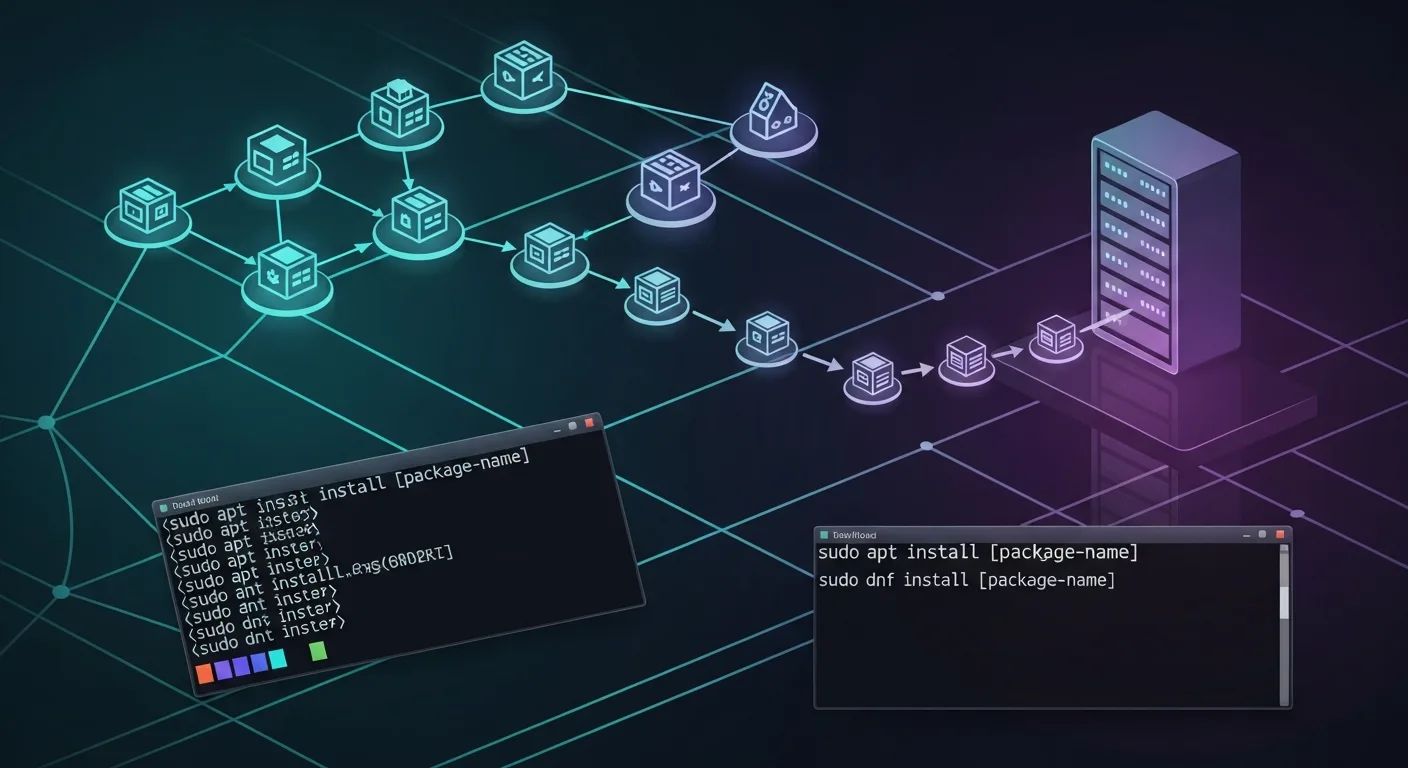
Package management is how you install, update, and remove software on Linux. Each distribution family uses its own package manager, but the concepts are the same. This guide covers every major package manager with side-by-side comparisons, making it easy to work across different Linux distributions.
📥 Free Cheat Sheet
Download our Linux Package Management Cheat Sheet PDF — APT vs DNF vs Zypper comparison table you can print and pin.
Package Manager Overview
| Distribution | Package Format | Package Manager |
|---|---|---|
| Debian, Ubuntu, Mint | .deb | apt / dpkg |
| RHEL, CentOS, Fedora, AlmaLinux | .rpm | dnf / yum / rpm |
| openSUSE, SLES | .rpm | zypper / rpm |
| Arch, Manjaro | .pkg.tar.zst | pacman |
APT (Debian/Ubuntu)
# Update package lists
sudo apt update

# Upgrade all packages
sudo apt upgrade
sudo apt full-upgrade   # Also handles dependency changes

# Install packages
sudo apt install nginx php-fpm mariadb-server

# Install specific version
sudo apt install nginx=1.24.0-1

# Remove package (keep config)
sudo apt remove nginx

# Remove package and config
sudo apt purge nginx

# Remove unused dependencies
sudo apt autoremove

# Search for packages
apt search nginx
apt-cache search nginx

# Show package info
apt show nginx
apt-cache policy nginx   # Show available versions

# List installed packages
apt list --installed
dpkg -l

# List files in a package
dpkg -L nginx

# Find which package owns a file
dpkg -S /usr/sbin/nginx

# Download package without installing
apt download nginx

# Fix broken dependencies
sudo apt --fix-broken install
Repository Management
# List repositories
cat /etc/apt/sources.list
ls /etc/apt/sources.list.d/

# Add PPA (Ubuntu)
sudo add-apt-repository ppa:ondrej/php

# Add custom repository
echo "deb https://repo.example.com/debian stable main" | sudo tee /etc/apt/sources.list.d/custom.list

# Add repository GPG key
curl -fsSL https://repo.example.com/gpg.key | sudo gpg --dearmor -o /etc/apt/keyrings/custom.gpg

# Remove repository
sudo add-apt-repository --remove ppa:ondrej/php
DNF (RHEL/Fedora/AlmaLinux)
# Update package database
sudo dnf check-update

# Upgrade all packages
sudo dnf upgrade

# Install packages
sudo dnf install nginx php-fpm mariadb-server

# Install from specific repo
sudo dnf install --repo=epel htop

# Remove package
sudo dnf remove nginx

# Remove unused dependencies
sudo dnf autoremove

# Search
dnf search nginx

# Show package info
dnf info nginx

# List installed
dnf list installed

# List available updates
dnf list updates

# View package history
dnf history
dnf history info 15
dnf history undo 15   # Undo transaction

# Group install
sudo dnf group install "Development Tools"
dnf group list

# Enable/disable repository
sudo dnf config-manager --enable epel
sudo dnf config-manager --disable epel

# Add EPEL repository
sudo dnf install epel-release

# Clean cache
sudo dnf clean all
Zypper (openSUSE/SLES)
# Refresh repositories
sudo zypper refresh

# Update all packages
sudo zypper update

# Distribution upgrade
sudo zypper dup

# Install
sudo zypper install nginx

# Remove
sudo zypper remove nginx

# Search
zypper search nginx

# Show info
zypper info nginx

# List repositories
zypper repos

# Add repository
sudo zypper addrepo https://repo.example.com/suse/ custom-repo

# Clean cache
sudo zypper clean
Snap and Flatpak — Universal Packages
Snap
# Install snap
sudo apt install snapd

# Find snaps
snap find code

# Install snap
sudo snap install code --classic

# List installed snaps
snap list

# Update snaps
sudo snap refresh

# Remove snap
sudo snap remove code

# View snap services
snap services
Flatpak
# Install flatpak
sudo apt install flatpak

# Add Flathub repository
flatpak remote-add --if-not-exists flathub https://dl.flathub.org/repo/flathub.flatpakrepo

# Search
flatpak search firefox

# Install
flatpak install flathub org.mozilla.firefox

# List installed
flatpak list

# Update
flatpak update

# Remove
flatpak uninstall org.mozilla.firefox
Cross-Distribution Command Comparison
| Task | APT | DNF | Zypper |
|---|---|---|---|
| Update index | apt update | dnf check-update | zypper refresh |
| Upgrade all | apt upgrade | dnf upgrade | zypper update |
| Install | apt install X | dnf install X | zypper install X |
| Remove | apt remove X | dnf remove X | zypper remove X |
| Search | apt search X | dnf search X | zypper search X |
| Info | apt show X | dnf info X | zypper info X |
| Clean cache | apt clean | dnf clean all | zypper clean |
Security: Automatic Updates
# Debian/Ubuntu — unattended-upgrades
sudo apt install unattended-upgrades
sudo dpkg-reconfigure -plow unattended-upgrades

# RHEL/Fedora — dnf-automatic
sudo dnf install dnf-automatic
sudo systemctl enable --now dnf-automatic-install.timer

# Check automatic update logs
cat /var/log/unattended-upgrades/unattended-upgrades.log    # Debian
journalctl -u dnf-automatic-install                          # RHEL
📚 Distribution-Specific Guides
- Debian Linux for Absolute Beginners — APT mastery from day one
- Ubuntu Server Administration — Complete Ubuntu management guide
- AlmaLinux for Beginners — DNF and RPM-based administration
- Rocky Linux 9 Administration — Enterprise Linux management
- Linux Patch Management & System Updates — Enterprise update strategies



