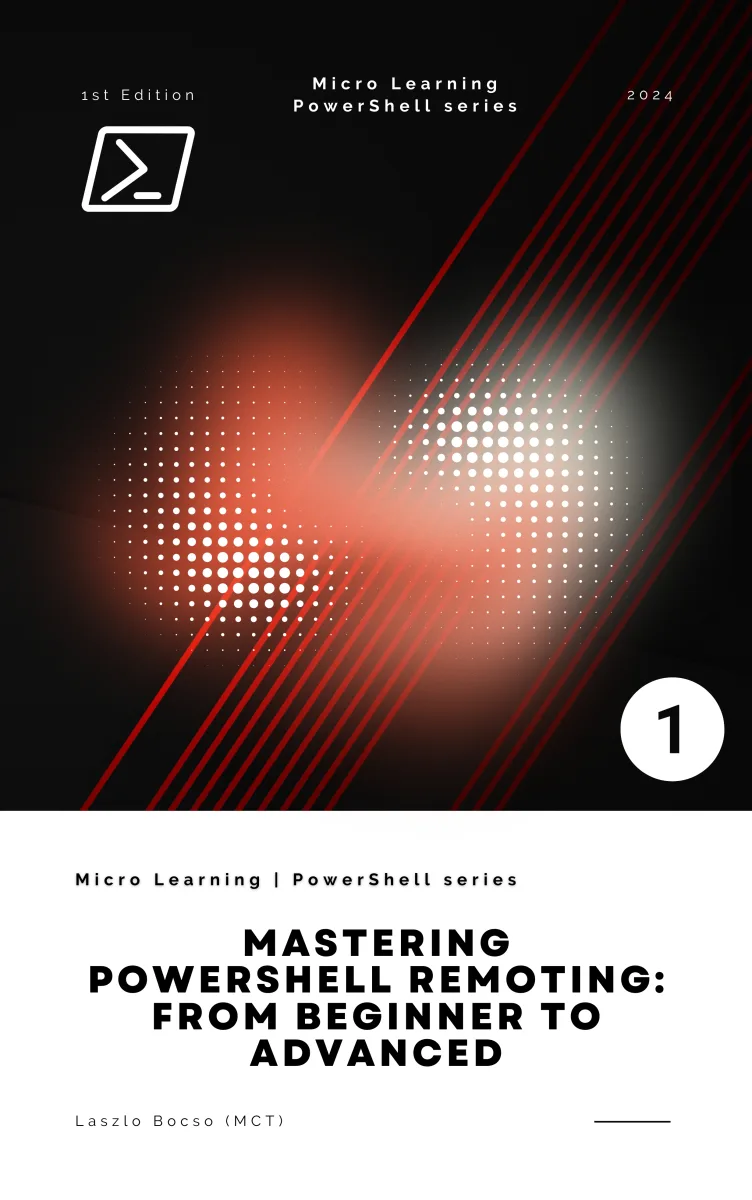
Mastering PowerShell Remoting: From Beginner to Advanced
What's Included:
At a Glance
Mastering PowerShell Remoting: From Beginner to Advanced is a professional PowerShell eBook by Laszlo Bocso, 267 pages, available as an instant PDF and EPUB download for €8.90 with lifetime access and free updates. Master PowerShell Remoting from setup to enterprise scale. Learn WinRM and SSH remoting, secure authentication, session management, troubleshooting, and real-wo...
- Length: 267 pages
- Format: PDF and EPUB (instant download)
- Language: English
- Topic: PowerShell
- Edition: 1st Edition
- Price: €8.90
Key Highlights
- Beginner-to-advanced PowerShell Remoting roadmap
- WinRM setup + authentication best practices
- Interactive remoting and command execution patterns
- PSSession lifecycle management and reuse
- Remote scripting, file transfer patterns, and output handling
- Parallel remoting at scale (throttling and orchestration)
- Session configuration customization and constrained endpoints
- Just Enough Administration (JEA) for delegated access
- SSH remoting for cross-platform environments
- Troubleshooting and diagnostics playbooks
- Enterprise patterns: auditing, monitoring, and compliance readiness
- Real-world case studies across operations and DevOps
Overview
Master PowerShell Remoting from setup to enterprise scale. Learn WinRM and SSH remoting, secure authentication, session management, troubleshooting, and real-world automation workflows.
The Problem
PowerShell Remoting is often misunderstood and underused because many administrators:
- Rely on RDP or manual server access instead of automation
- Struggle with WinRM configuration and trusted hosts
- Don’t fully understand authentication, delegation, and encryption
- Run into firewall, policy, DNS, or certificate issues with no clear diagnostics
- Cannot scale remote operations to dozens or hundreds of machines safely
- Have no consistent strategy for auditing, monitoring, and least-privilege access
The result is slow administration, fragile scripts, and avoidable security risk.
The Solution
Mastering PowerShell Remoting provides a clear and practical system for building remoting skills from foundational setup to advanced enterprise operations.
- Step-by-step remoting setup with production-safe configuration
- Security-first approach: authentication, encryption, and access control
- Practical remoting patterns you can reuse in real environments
- Multi-host orchestration with throttling and parallel execution techniques
- Constrained endpoints and JEA guidance for secure delegation
- SSH remoting coverage for modern cross-platform infrastructure
- Troubleshooting playbooks: what to check, how to confirm, how to fix
- Enterprise readiness: auditing, monitoring, logging, and governance
By the end, you won’t just understand remoting — you’ll be able to operate it confidently in production.
About This Book
Mastering PowerShell Remoting: From Beginner to Advanced is a hands-on, step-by-step guide for learning how to manage Windows and cross-platform systems remotely using PowerShell — securely, efficiently, and at scale.
PowerShell Remoting is one of the most valuable skills in modern IT operations. It enables you to execute commands and scripts across remote machines, manage servers and workstations in bulk, automate repetitive tasks, and build reliable administrative workflows for enterprise and hybrid environments.
This book is written for beginners who need a clear foundation, and for experienced administrators who want advanced patterns, security best practices, and production-ready strategies. You will learn both traditional WinRM-based remoting and modern SSH-based remoting, including constrained endpoints and Just Enough Administration (JEA) for secure delegation.
What You'll Learn
- How PowerShell Remoting works: concepts, terminology, and architecture
- Setting up remoting correctly (WinRM configuration and prerequisites)
- Authentication methods and security best practices
- Enabling interactive remoting with
Enter-PSSession - Running remote commands at scale with
Invoke-Command - Managing persistent remote sessions (PSSessions) effectively
- Executing scripts remotely and handling output, errors, and logging
- Parallel execution, throttling, and multi-host orchestration patterns
- Session configurations, constrained endpoints, and JEA (least privilege)
- SSH-based remoting for cross-platform environments
- Troubleshooting common remoting failures and diagnosing root causes
- Enterprise-scale remoting design, auditing, and monitoring strategies
- Real-world workflows for operations, DevOps, deployment, and automation
Every section is designed to move you from “I know the cmdlets” to “I can run secure remote operations confidently under pressure.”
Open a terminal. Build your remoting foundation. Scale it safely.
Who Is This Book For?
- Windows and hybrid system administrators
- IT professionals automating server and workstation management
- DevOps engineers building remote automation workflows
- Security professionals enforcing least-privilege administration
- Developers integrating remote execution into tooling and scripts
Who Is This Book NOT For?
- Readers looking for GUI-only or RDP-only administration workflows
- Absolute beginners with no PowerShell fundamentals at all
- Users seeking deep low-level Windows internals (kernel/debugger focus)
Table of Contents
- Introduction to PowerShell Remoting
- Setting Up the Environment
- Security Considerations
- Getting Started with PowerShell Remoting
- Basic Remoting Commands and Usage
- Executing Scripts Remotely
- Advanced Remoting Techniques
- Managing Multiple Computers
- Customizing Remoting Configurations (JEA, SSH Remoting)
- Troubleshooting Remoting Issues
- Remoting in Enterprise Environments
- Scripting and Automation with Remoting
- Monitoring and Auditing Remoting Activities
- Real-World Use Cases
- Case Studies
- Future of PowerShell Remoting
- Appendix A: PowerShell Remoting Cheat Sheet
- Appendix B: Useful PowerShell Remoting Scripts
- Appendix C: Additional Resources and References
- Glossary
Requirements
- Basic PowerShell knowledge (cmdlets, pipeline, variables)
- Access to at least two machines or VMs for practice (Windows and/or Linux)
- Admin privileges in a lab environment for configuration tasks
- Willingness to practice troubleshooting scenarios