Table of Contents
- What is Microsoft Azure?
- Why Learn Azure in 2026?
- Who Is This For?
- How Azure Works
- Azure CLI Essentials
- Azure Virtual Machines
- Azure Networking
- Azure Storage
- Azure Kubernetes Service (AKS)
- Azure SQL & Databases
- Azure App Service
- Azure Functions (Serverless)
- Identity & Security
- Monitoring & Cost Management
- Azure vs AWS vs GCP
- Azure Certifications
- Free Azure Cheat Sheet
What is Microsoft Azure?
Microsoft Azure is the second-largest cloud computing platform globally, offering 200+ services spanning compute, storage, networking, databases, AI, analytics, and more. Azure integrates deeply with the Microsoft enterprise ecosystem — Active Directory, Windows Server, SQL Server, Microsoft 365, and the Power Platform — making it the natural choice for organizations already using Microsoft technologies.
With 60+ data center regions worldwide (more than any other cloud provider), $85+ billion in annual cloud revenue, and industry-leading hybrid cloud capabilities through Azure Arc, Azure powers everything from small startups to the world's largest enterprises, governments, and healthcare organizations.
Why Learn Azure in 2026?
| Factor | Detail |
|---|---|
| Market Position | #2 cloud provider with 24% market share and fastest growth |
| Enterprise Adoption | 95% of Fortune 500 companies use Azure |
| Job Market | Average Azure admin salary: $125,000–$160,000/year |
| Hybrid Cloud Leader | Azure Arc extends management to on-premise and multi-cloud |
| AI Integration | Azure OpenAI Service provides direct access to GPT-4, DALL-E, Whisper |
| Certifications | Microsoft certifications are among the most recognized in IT |
Who Is This For?
- System Administrators — Managing enterprise infrastructure on Azure
- DevOps Engineers — Building CI/CD pipelines with Azure DevOps
- Cloud Architects — Designing scalable Azure solutions
- Developers — Building and deploying applications on Azure App Service, Functions
- IT Professionals — Transitioning from on-premise to cloud infrastructure
How Azure Works
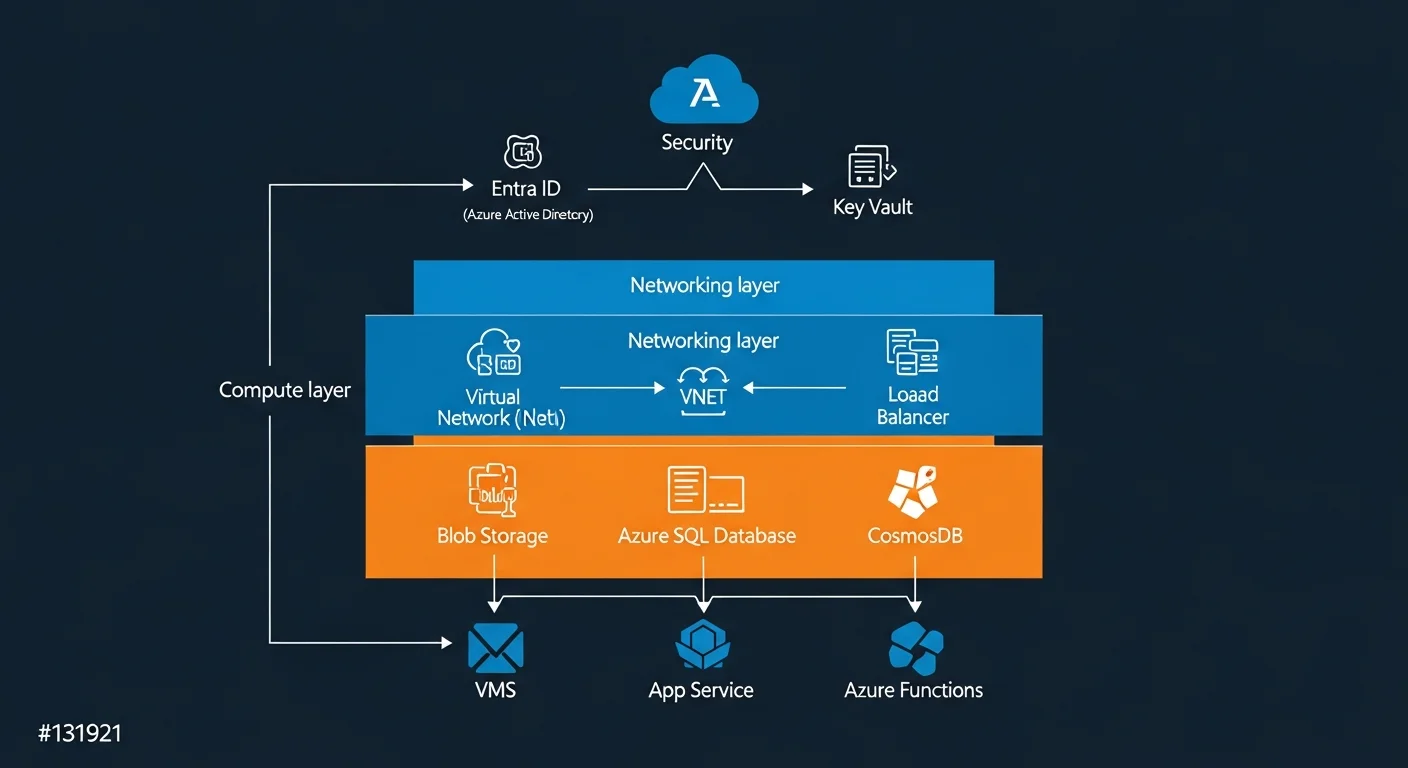
Azure organizes resources through a clear hierarchy:
| Level | What It Is | Example |
|---|---|---|
| Tenant | Your organization's Azure AD instance | contoso.onmicrosoft.com |
| Subscription | A billing boundary with resource limits | Production, Development |
| Resource Group | A logical container for related resources | rg-webapp-prod-westeu |
| Resource | An individual service instance | Virtual Machine, SQL Database |
Azure CLI Essentials
# Install Azure CLI
curl -sL https://aka.ms/InstallAzureCLIDeb | sudo bash

# Login to Azure
az login

# Set default subscription
az account set --subscription "My Subscription"

# Create resource group
az group create --name myRG --location westeurope

# List all resources in a group
az resource list --resource-group myRG --output table
Azure Virtual Machines
# Create Ubuntu VM
az vm create \
  --resource-group myRG \
  --name myVM \
  --image Ubuntu2204 \
  --size Standard_B2s \
  --admin-username azureuser \
  --generate-ssh-keys

# Open port 80 for web traffic
az vm open-port --port 80 --resource-group myRG --name myVM

# SSH into VM
ssh azureuser@$(az vm show -g myRG -n myVM -d --query publicIps -o tsv)

# Deallocate VM (stop billing for compute)
az vm deallocate --resource-group myRG --name myVM
Azure Networking
# Create VNet with subnet
az network vnet create \
  --resource-group myRG \
  --name myVNet \
  --address-prefix 10.0.0.0/16 \
  --subnet-name mySubnet \
  --subnet-prefix 10.0.1.0/24

# Create Network Security Group
az network nsg create --resource-group myRG --name myNSG

# Allow SSH traffic
az network nsg rule create \
  --resource-group myRG --nsg-name myNSG \
  --name AllowSSH --priority 100 \
  --destination-port-ranges 22 --access Allow \
  --protocol Tcp --direction Inbound
Azure Storage
# Create storage account
az storage account create \
  --name mystorageacct \
  --resource-group myRG \
  --location westeurope \
  --sku Standard_LRS

# Upload file to blob storage
az storage blob upload \
  --account-name mystorageacct \
  --container-name mycontainer \
  --name myfile.txt --file ./myfile.txt
Azure Kubernetes Service (AKS)
AKS is Azure's managed Kubernetes service, making it easy to deploy and manage containerized applications.
# Create AKS cluster
az aks create \
  --resource-group myRG \
  --name myAKS \
  --node-count 3 \
  --generate-ssh-keys

# Get credentials
az aks get-credentials --resource-group myRG --name myAKS

# Verify
kubectl get nodes
Azure SQL & Databases
# Create Azure SQL server + database
az sql server create --name myserver --resource-group myRG \
  --location westeurope --admin-user sqladmin --admin-password 'P@ss!'

az sql db create --resource-group myRG --server myserver \
  --name mydb --service-objective S0
Azure App Service
# Create App Service (PaaS web hosting)
az appservice plan create --name myPlan --resource-group myRG --sku B1 --is-linux
az webapp create --resource-group myRG --plan myPlan \
  --name mywebapp --runtime 'NODE:18-lts'
Azure Functions (Serverless)
# Create and deploy serverless function
func init MyFunc --worker-runtime node
func new --name HttpTrigger --template 'HTTP trigger'
func start  # Run locally
func azure functionapp publish myFuncApp  # Deploy
Identity & Security
# Create service principal for automation
az ad sp create-for-rbac --name myapp \
  --role contributor \
  --scopes /subscriptions/SUB_ID/resourceGroups/myRG

# Azure Key Vault for secrets
az keyvault create --name myVault --resource-group myRG
az keyvault secret set --vault-name myVault --name dbPassword --value 'secret'
Monitoring & Cost Management
Azure Monitor and Cost Management help you track performance and spending. Use az monitor commands and the Azure Advisor for optimization recommendations.
Azure vs AWS vs GCP
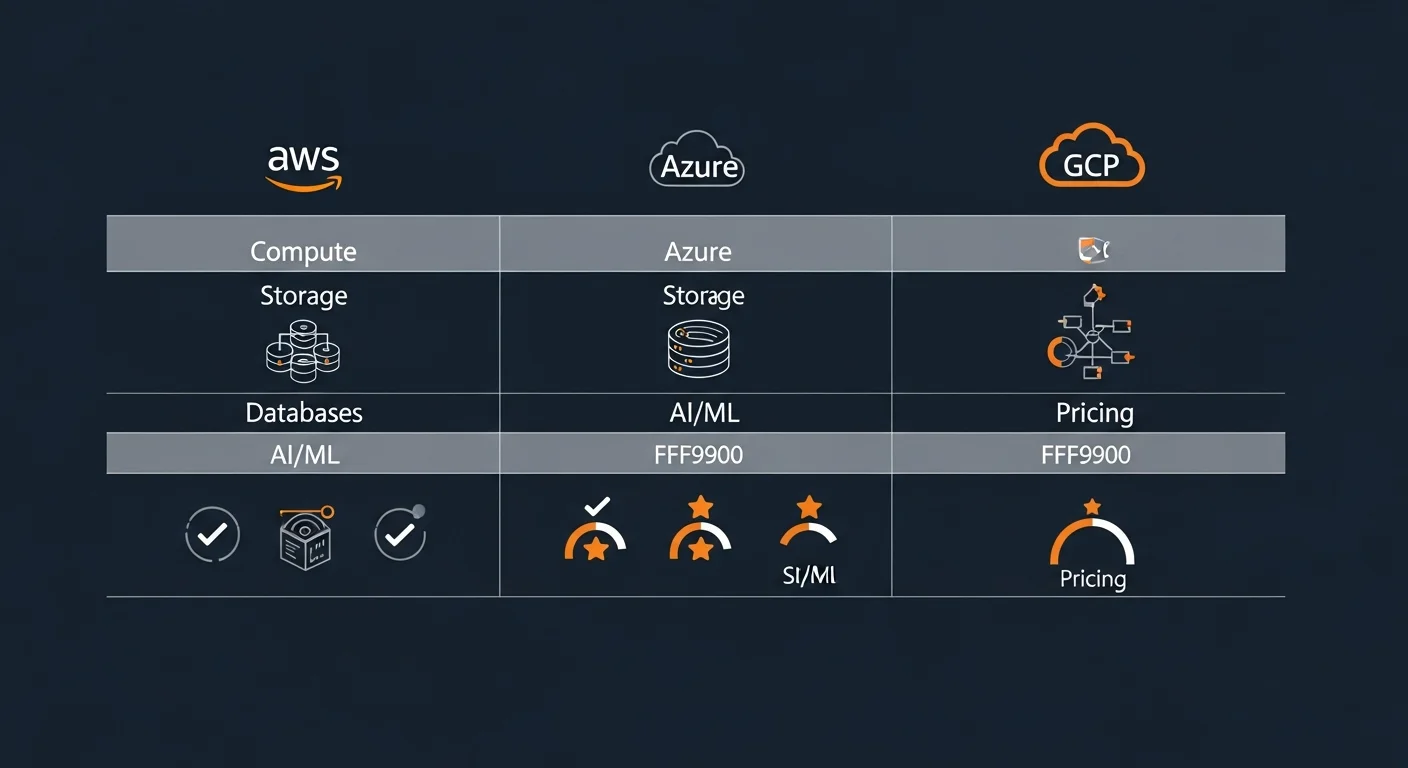
| Feature | Azure | AWS | GCP |
|---|---|---|---|
| Market Share | 24% | 31% | 12% |
| Regions | 60+ | 33+ | 40+ |
| Strength | Enterprise, Hybrid | Broadest services | Data, AI, Kubernetes |
| Identity | Entra ID (best) | IAM | Cloud Identity |
| Kubernetes | AKS | EKS | GKE (best) |
| AI/ML | Azure OpenAI | Bedrock, SageMaker | Vertex AI, Gemini |
| Serverless | Functions | Lambda (most mature) | Cloud Run (unique) |
Azure Certifications
| Certification | Focus | Level |
|---|---|---|
| AZ-900 | Azure Fundamentals | Beginner |
| AZ-104 | Azure Administrator | Intermediate |
| AZ-204 | Azure Developer | Intermediate |
| AZ-305 | Solutions Architect | Advanced |
| AZ-400 | DevOps Engineer | Advanced |
Free Azure Cheat Sheet
Download our comprehensive 6-page Azure cheat sheet covering CLI commands, VM management, networking, storage, AKS, databases, serverless, identity, and cost optimization.
Download Free Azure Complete Guide Cheat Sheet (PDF)