Master Linux System Administration
Linux powers over 90% of the world's servers, from small web hosting environments to massive cloud infrastructure at companies like Google, Amazon, and Facebook. As a Linux system administrator, you hold the keys to the digital backbone of modern business. Whether you are just starting your career or looking to advance into senior-level positions, mastering Linux administration is one of the most valuable investments you can make in your professional development.
At Dargslan, we have assembled a comprehensive collection of books, tutorials, cheat sheets, and learning paths that take you from your first terminal command to managing enterprise-grade infrastructure. Every resource is carefully curated to ensure practical, hands-on knowledge that you can apply immediately in real-world environments.
Why Linux Administration Matters in 2025
The demand for skilled Linux administrators continues to grow year after year. According to the Linux Foundation's annual report, 90% of hiring managers are seeking Linux talent, and the average salary for a Linux system administrator ranges from $70,000 to $120,000+ depending on experience and specialization. Cloud computing, DevOps, and containerization have only amplified the need for professionals who understand Linux at a deep level.
Beyond career opportunities, Linux administration skills give you complete control over your servers. You understand exactly how services run, how resources are allocated, and how to troubleshoot issues that would leave others helpless. This deep understanding translates directly into more reliable systems, faster incident response, and better architectural decisions.
What You Will Learn
Our curated collection covers every aspect of Linux system administration, organized in a logical progression from fundamentals to advanced topics:
Linux Fundamentals and Command Line Mastery
Every great Linux administrator starts with a solid command line foundation. Our beginner resources cover essential commands, file system navigation, file permissions, process management, and text processing tools like grep, sed, and awk. You will learn to work efficiently in the terminal, chain commands with pipes, redirect I/O streams, and write basic one-liners that solve real problems.
User and Permission Management
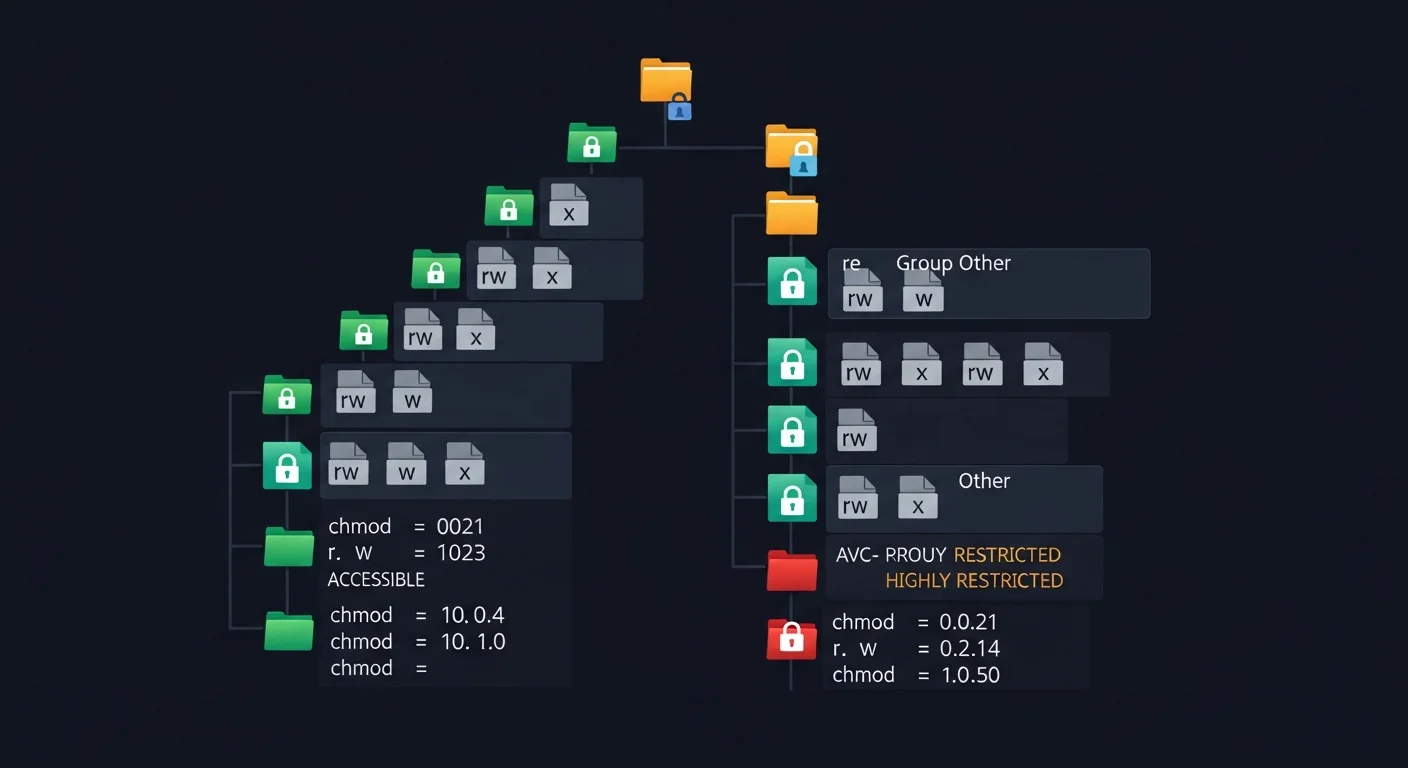
Security starts with proper access control. Learn to create and manage user accounts, configure groups, set file ownership and permissions, implement sudo policies, and audit user activity. Understanding the Linux permission model — including setuid, setgid, sticky bits, and ACLs — is crucial for maintaining secure systems.
Package Management and System Updates
Keep your systems current and secure with proper package management. Our resources cover APT (Debian/Ubuntu), YUM/DNF (RHEL/CentOS/Fedora), Zypper (openSUSE), and Pacman (Arch Linux). Learn to manage repositories, handle dependencies, create custom packages, and implement update strategies that minimize downtime.
Service Configuration and Management
Modern Linux systems rely on systemd for service management. Learn to create, configure, enable, and troubleshoot systemd units. Our resources cover service dependencies, socket activation, timer units (modern cron replacement), resource limits with cgroups, and journal-based logging with journalctl.
Storage and File System Management
Master disk partitioning, LVM (Logical Volume Manager), RAID configurations, file system creation and maintenance (ext4, XFS, Btrfs, ZFS), NFS and Samba shares, iSCSI targets, and backup strategies. Learn to monitor disk health, handle storage failures gracefully, and plan capacity for growing environments.
Performance Tuning and Optimization
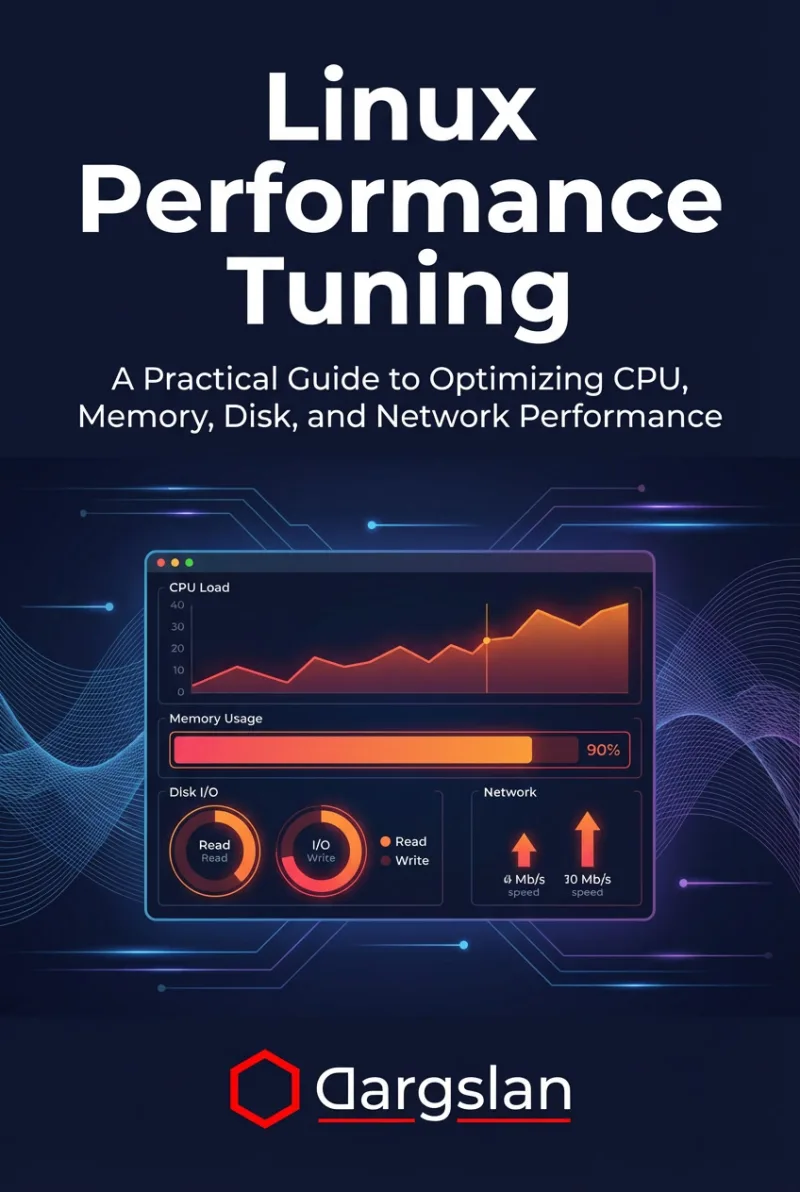
Identify and resolve performance bottlenecks using tools like top, htop, vmstat, iostat, sar, and perf. Learn to tune kernel parameters via sysctl, optimize memory usage, configure swap, adjust I/O schedulers, and implement resource limits. Our advanced resources cover NUMA-aware configurations and CPU pinning for high-performance workloads.
Logging, Monitoring, and Alerting
Build comprehensive monitoring solutions with tools like Nagios, Zabbix, Prometheus, and Grafana. Learn to centralize logs with rsyslog, syslog-ng, or the ELK stack (Elasticsearch, Logstash, Kibana). Configure meaningful alerts that catch problems before they impact users, and build dashboards that give you instant visibility into system health.
Backup and Disaster Recovery
Implement robust backup strategies using tools like rsync, tar, Bacula, Bareos, and BorgBackup. Learn to design backup rotation schemes (grandfather-father-son), test restore procedures, create disaster recovery plans, and implement automated backup verification. Our resources cover both on-site and off-site backup strategies.
Career Path and Certifications
Our learning paths are aligned with industry-recognized certifications to help you validate your skills:
- LPIC-1 (Linux Professional Institute Certification Level 1): Validates fundamental Linux administration skills including system architecture, installation, package management, and basic networking.
- LPIC-2 (Level 2): Covers advanced administration including kernel management, system startup, file systems, advanced storage, networking, and system security.
- RHCSA (Red Hat Certified System Administrator): Validates the ability to perform core system administration tasks on Red Hat Enterprise Linux, the leading enterprise distribution.
- RHCE (Red Hat Certified Engineer): Demonstrates advanced skills in managing and automating Red Hat Enterprise Linux deployments.
- CompTIA Linux+: A vendor-neutral certification covering Linux administration fundamentals, ideal for professionals working with multiple distributions.
Recommended Learning Path
For the best learning experience, we recommend following this progression:
- Start with fundamentals: Build your command line confidence and understand the Linux file system hierarchy.
- Set up practice environments: Create virtual machines using VirtualBox or VMware to safely experiment.
- Move to administration tasks: Practice user management, service configuration, and package management.
- Explore advanced topics: Dive into storage, networking, security, and performance tuning.
- Build real projects: Set up a web server, mail server, or database server to solidify your knowledge.
- Pursue certification: Validate your skills with LPIC or RHCSA/RHCE certifications.
Browse our recommended books, tutorials, and cheat sheets below to start your Linux administration journey. Each resource has been selected for its practical value and clarity of instruction.