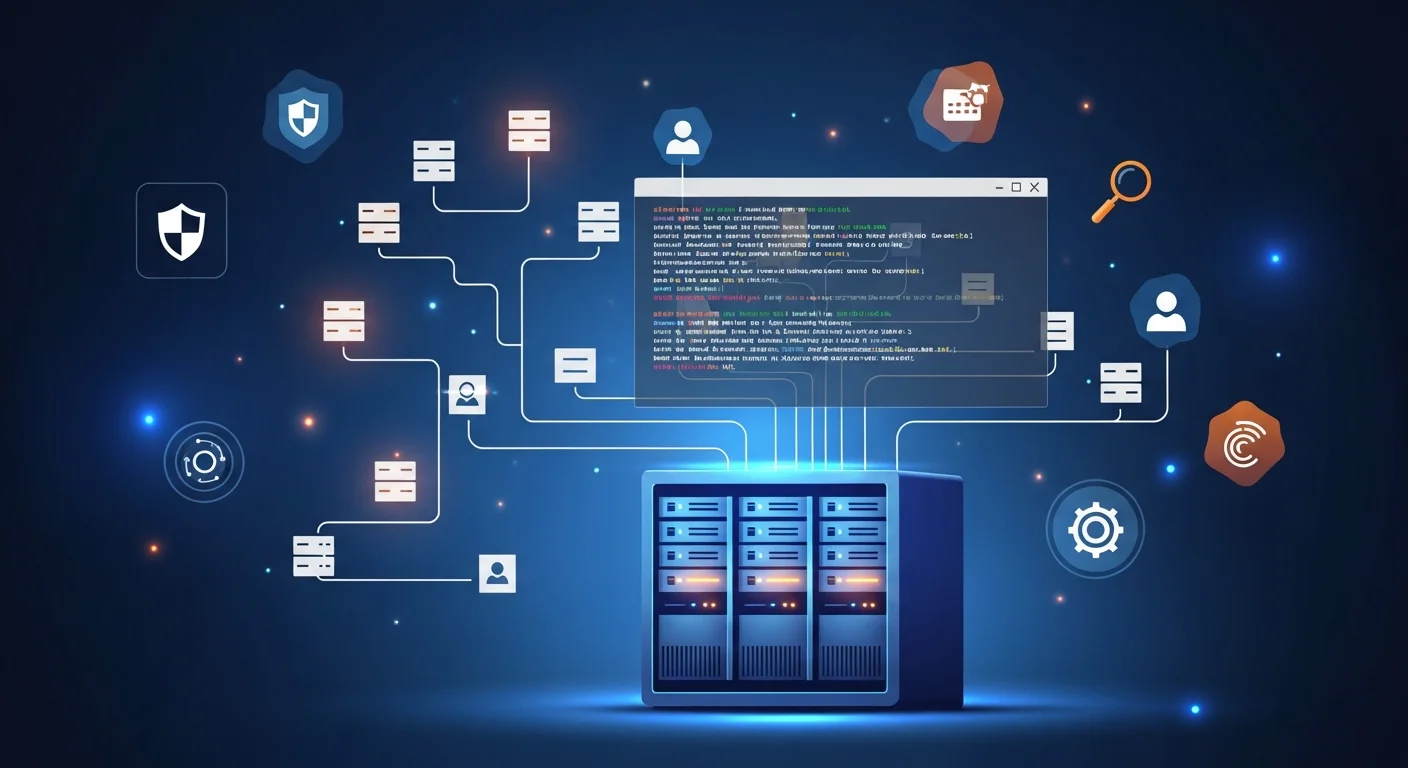
Windows Server: Enterprise Infrastructure Foundation
Windows Server remains the backbone of enterprise IT infrastructure, with over 73% of organizations running Windows Server workloads. From Active Directory managing user identities to Hyper-V hosting virtual machines, Windows Server provides a comprehensive platform for building and managing enterprise services. Mastering Windows Server administration opens doors to some of the highest-paying IT infrastructure roles.
Active Directory: The Identity Foundation
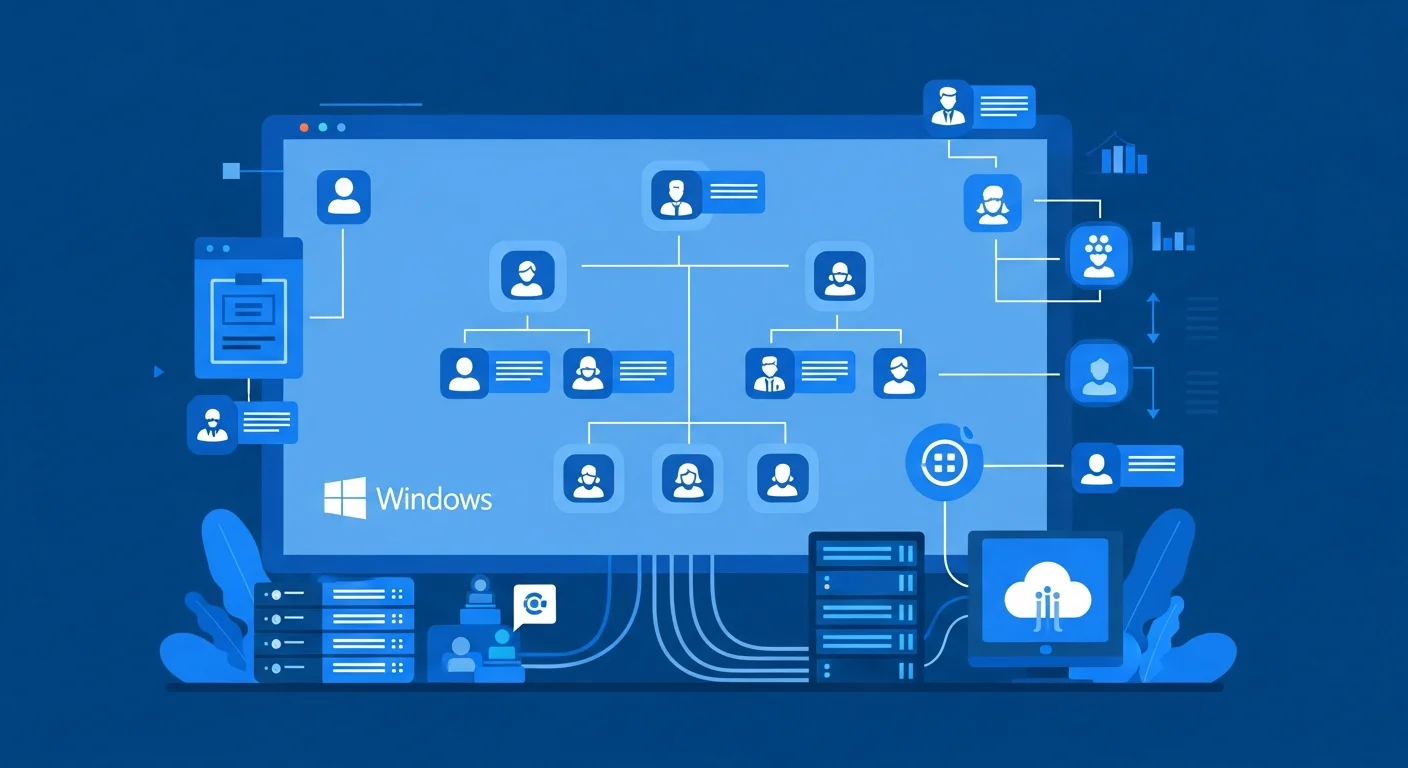
Active Directory Domain Services (AD DS) is the central identity management system for most enterprises. Understanding AD architecture — domains, forests, trusts, organizational units, and sites — is essential for any Windows administrator. AD manages user authentication, computer accounts, group policies, and resource access across the entire organization.
Modern AD administration extends to hybrid identity with Azure Active Directory (now Entra ID). Azure AD Connect synchronizes on-premises identities to the cloud, enabling single sign-on across both environments. Understanding hybrid identity scenarios — password hash sync, pass-through authentication, and federation with ADFS — is increasingly important as organizations adopt cloud services.
Group Policy: Enterprise Configuration Management
Group Policy Objects (GPOs) provide centralized configuration management for Windows environments. Through GPOs, administrators control security settings, software deployment, desktop configurations, and compliance policies across thousands of machines. Effective GPO design follows principles of least privilege, using security filtering and WMI filters to target policies precisely.
Group Policy troubleshooting requires understanding processing order (Local, Site, Domain, OU), inheritance and blocking, and tools like gpresult, Group Policy Modeling, and the Event Viewer. Documenting your GPO structure and maintaining a change management process prevents configuration drift and unexpected behavior.
PowerShell: The Administration Engine
PowerShell has transformed Windows administration from GUI clicking to repeatable, scriptable, and auditable automation. Modern PowerShell skills go far beyond basic cmdlets: creating functions and modules, working with the pipeline, remote management with PSRemoting, Desired State Configuration (DSC) for infrastructure as code, and integration with REST APIs for cloud management.
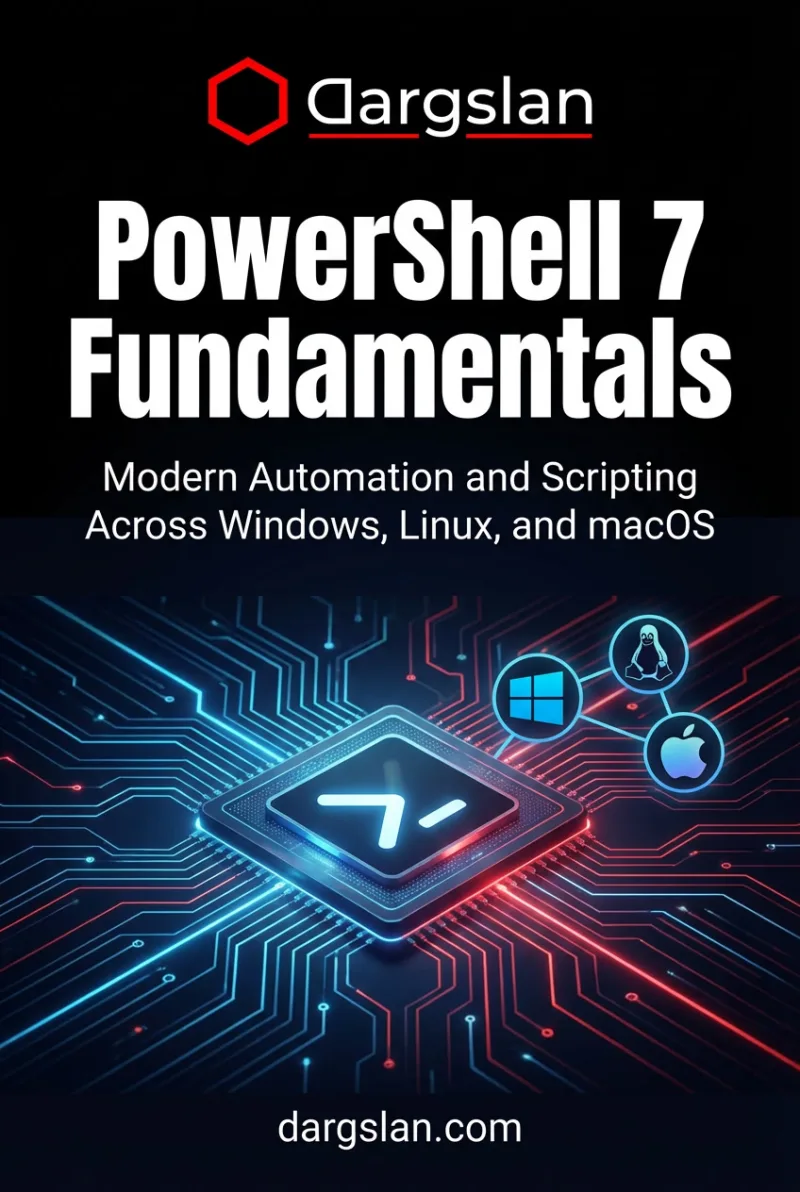
PowerShell 7 (cross-platform) extends your automation capabilities to Linux and macOS, while PowerShell remoting enables managing hundreds of servers from a single console. Investing in PowerShell mastery provides the single highest return on time investment for any Windows administrator.
Windows Server Networking and Security
Windows Server provides comprehensive networking services: DNS for name resolution, DHCP for IP address management, NPS/RADIUS for network authentication, Remote Access for VPN, and Web Application Proxy for publishing applications securely. Understanding these services and their interactions is crucial for enterprise infrastructure.
Security hardening follows Microsoft Security Baselines, implementing measures like credential protection with Credential Guard, privileged access management with LAPS, advanced audit policies, and Windows Defender integration. Regular security assessments and compliance checking with tools like Microsoft Security Compliance Toolkit ensure your environment meets organizational and regulatory standards.
Virtualization with Hyper-V
Hyper-V provides enterprise-grade virtualization built into Windows Server. Key capabilities include live migration for zero-downtime maintenance, replica for disaster recovery, storage spaces for software-defined storage, and nested virtualization for lab and development environments. Understanding Hyper-V management with System Center Virtual Machine Manager (SCVMM) or Windows Admin Center is essential for modern data center operations.
Your Windows Server Learning Path
Our curated collection of Windows Server books covers everything from basic administration to advanced enterprise architecture. Whether you are preparing for Microsoft certifications, managing your first domain controller, or designing a multi-site enterprise infrastructure, these resources provide the depth and practical guidance you need.
Recommended Books 12

Related Articles 3
Cheat Sheets 4
PowerShell Commands Cheat Sheet
Essential cmdlets for Windows administration. Covers navigation, files, system info, pipeline, filte...
Download Free →PowerShell Beginner's Complete Guide
A comprehensive 5-page PowerShell reference covering objects, pipeline, file system, control flow, f...
Download Free →PowerShell Intermediate Guide
A 7-page guide to intermediate PowerShell. Covers advanced pipeline, custom functions with validatio...
Download Free →Ruby Quick Reference
A 1-page quick reference for Ruby: variables, collections (arrays, hashes), classes, modules, blocks...
Download Free →