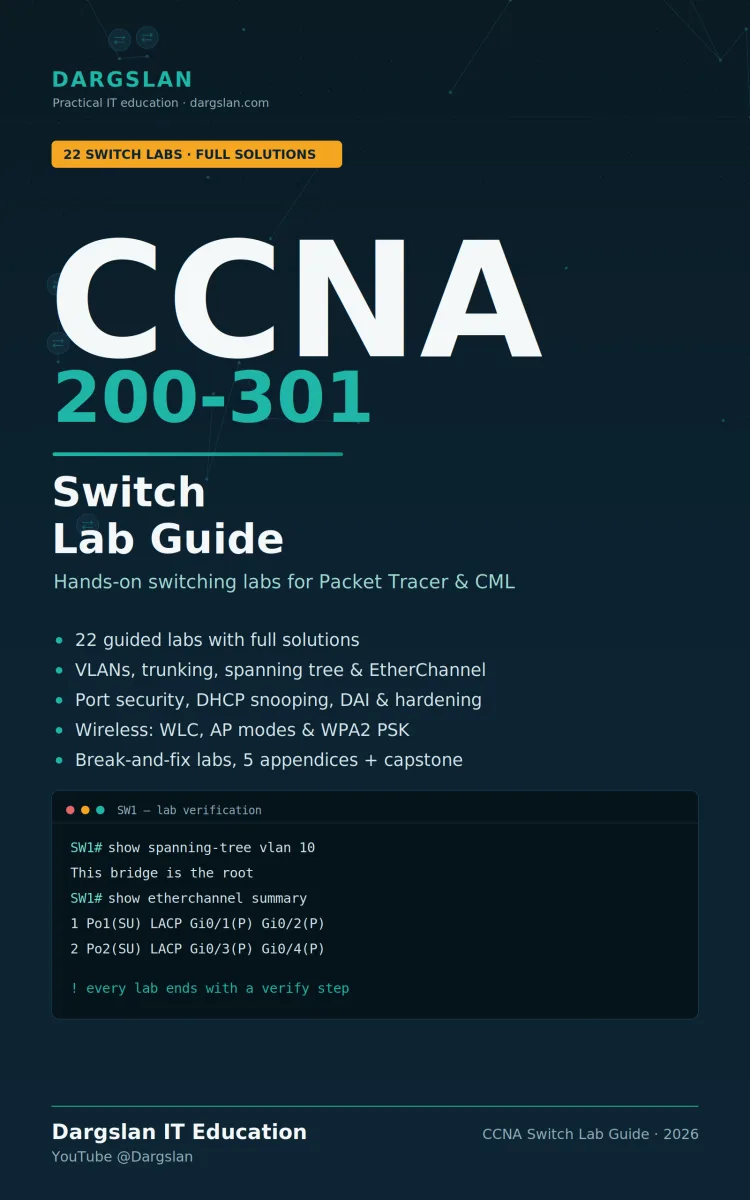
CCNA 200-301 - Switch Lab Guide
What's Included:
At a Glance
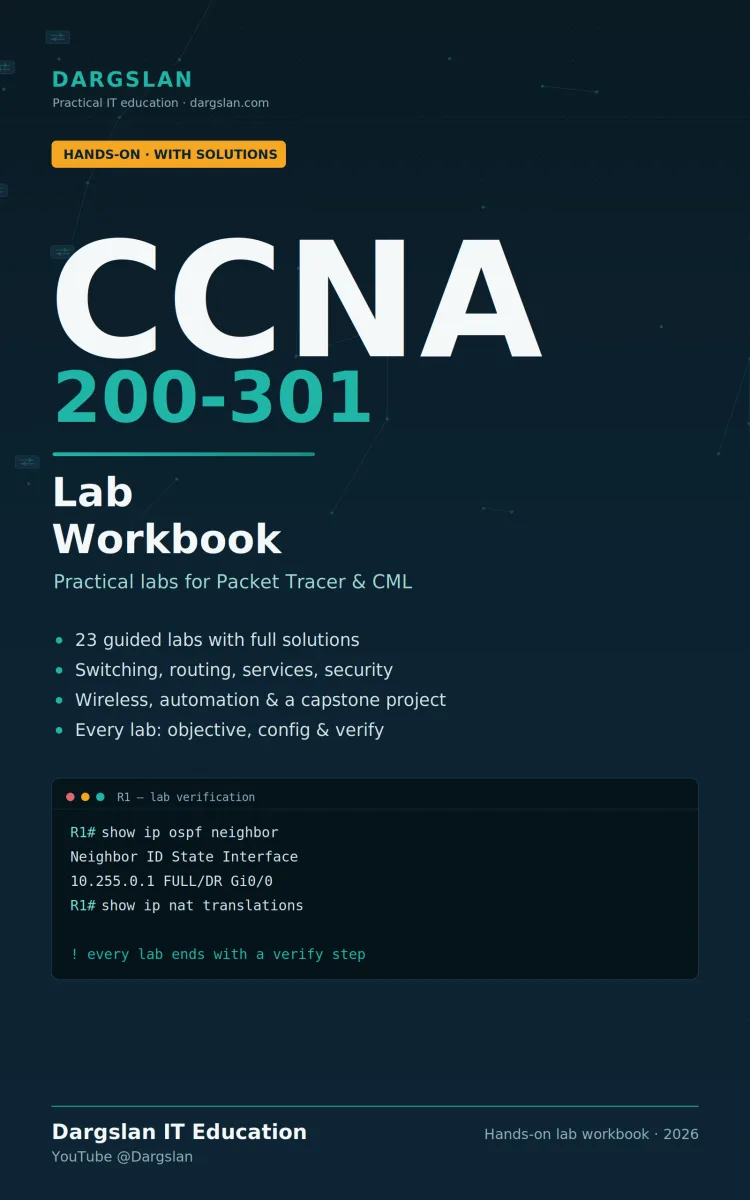
CCNA 200-301 - Switch Lab Guide is a professional NETWORKING & SECURITY eBook by Dargslan, 112 pages, available as an instant PDF and EPUB download for €10.90 with lifetime access and free updates. Get hands-on with real switch configuration until the commands become second nature. This CCNA 200-301 switch lab guide delivers structured labs—objective, topo...
- Length: 112 pages
- Format: PDF and EPUB (instant download)
- Language: English
- Topic: NETWORKING & SECURITY
- Edition: 1st Edition
- Price: €10.90
Key Highlights
- Hands-on switch labs aligned with the CCNA 200-301 exam blueprint
- Every lab includes objective, topology, tasks, full solution, and verification
- Attempt-first methodology that builds real, durable skill
- Difficulty labels (Beginner, Intermediate, Advanced, Project) to pace yourself
- Switch fundamentals: MAC address table, management SVI, interface status, duplex, speed, PoE, and auto-MDIX
- VLANs, including voice VLANs and the parking VLAN
- 802.1Q trunking and trunk fault troubleshooting
- Spanning tree: root election, port roles, PortFast, BPDU Guard, RSTP, and per-VLAN load balancing
- LACP EtherChannel and diagnosing channels that won't form
- Layer 2 security: port security, DHCP snooping, Dynamic ARP Inspection, and access-port hardening
- Inter-VLAN routing with a Layer 3 switch, plus CDP, LLDP, and SPAN for operations
- Wireless LANs: architectures, wiring, WLC management, and WPA2 configuration
- A structured break-and-fix method with six realistic switching faults
- A full multi-part capstone: a complete campus access layer
- Works with free Cisco Packet Tracer or CML; reference appendices included
Overview
Get hands-on with real switch configuration until the commands become second nature. This CCNA 200-301 switch lab guide delivers structured labs—objective, topology, tasks, solution, and verification—covering VLANs, trunking, spanning tree, EtherChannel, Layer 2 security, inter-VLAN routing, and WLANs.
The Problem
You can read every chapter on VLANs, watch every video on spanning tree, and still freeze the moment you're at a live switch prompt with a topology to build. That's the trap: understanding a concept and configuring it are two entirely different skills—and the CCNA 200-301 exam, with its configuration and troubleshooting focus, rewards the second one. So do the jobs it leads to.
Most study material leaves this gap wide open. It explains what a trunk or an EtherChannel is, but never puts you in front of a real topology with a task to complete and a way to verify you got it right. So candidates memorize commands they've never typed, walk into the exam unable to configure under pressure, and land in their first networking role unable to troubleshoot a trunk that won't come up or a spanning tree that keeps re-converging. Passive reading simply doesn't build the reflexes real switching work demands.
The Solution
This CCNA 200-301 Switch Lab Guide closes that gap by putting you in front of real switch configurations until the commands and the reasoning become second nature. Every lab gives you an objective, a topology and addressing plan to recreate, and tasks to attempt—then the complete per-device solution and the verification commands that prove it works.
Built around an attempt-first methodology, the labs make the learning happen in the gap between reading the task and getting it working. Difficulty labels let you pace yourself from beginner fundamentals through advanced troubleshooting and a full project capstone. You'll configure VLANs, trunking, spanning tree, EtherChannel, Layer 2 security, inter-VLAN routing, and wireless LANs—verifying your work at every step and even breaking and fixing realistic switching faults. With suggested paths for exam prep, experienced learners, and troubleshooting practice, plus built-in reference appendices, this guide turns switching theory into hands-on, job-ready skill.
About This Book
This CCNA 200-301 Switch Lab Guide is built for one purpose: to get you configuring real switches until the commands—and the reasoning behind them—become second nature. Passing the CCNA and thriving on the job isn't about memorizing syntax; it's about building the muscle memory that comes only from configuring, verifying, and troubleshooting switched networks yourself. This guide is designed around exactly that.
Every Lab Follows a Proven Shape
Each lab is structured so you always know what you're building and how to prove it works. Every lab includes a clear objective (what you're building and why it matters), a topology and addressing plan to recreate exactly in your simulator, tasks to attempt before looking at any answers, the complete solution configured per device, verification commands with expected output, and a challenge extension that deepens the lesson.
Attempt First, Then Check
The solutions are there so you're never stuck—not so you can copy them. The real learning happens in the gap between reading the task and getting it working, so every lab is built around a genuine attempt before you look. This attempt-first methodology is what turns passive reading into durable, exam-ready and job-ready skill.
Paced for Every Level
Each lab is tagged so you can pace yourself. Beginner labs build fundamentals, Intermediate labs combine skills, Advanced labs add troubleshooting and tuning, and a full multi-part Project capstone brings everything together into a complete campus access layer build.
Comprehensive Switching-Focused Coverage
The guide progresses logically through the switching topics that matter most on the CCNA 200-301 exam and in real networks:
- Switch fundamentals — watching the MAC address table learn, management SVI and secure access, interface status and mismatches, collision and broadcast domains, and duplex, speed, PoE, and auto-MDIX
- VLANs — creating VLANs and assigning ports, plus voice VLANs and the parking VLAN
- Trunking — configuring 802.1Q trunks and troubleshooting realistic trunk faults
- Spanning Tree — root bridge election and port roles, convergence and port states, PortFast, BPDU Guard, RSTP, and per-VLAN root bridges for load balancing
- EtherChannel — building a LACP EtherChannel and diagnosing a channel that won't form
- Layer 2 security — port security, DHCP snooping, Dynamic ARP Inspection, and an access-port hardening checklist
- Inter-VLAN routing and operations — routing between VLANs with a Layer 3 switch, how APs attach to switches, and CDP, LLDP, and SPAN for operations
- Wireless LANs — wireless fundamentals and architectures, wiring the wireless infrastructure, managing the WLC, and creating a WLAN with WPA2
- Capstone project — a complete campus access layer build that ties it all together
Get Started in 15 Minutes
You can build your first lab quickly: install Cisco Packet Tracer (free with a Cisco NetAcad account) or open CML, read Section 0 to set up the shared VLAN and addressing plan and configuration workflow, then build Lab 1.1—one switch, three PCs, and your first look at the MAC address table. Run the verification commands, compare your output to the guide's, and continue in order, with each section building on the one before.
Suggested Learning Paths
The guide adapts to your goal. For exam preparation, work straight through, then repeat the spanning tree, EtherChannel, and Layer 2 security sections without looking at the solutions. If you already know the basics, start at spanning tree and continue to the capstone. For focused troubleshooting practice, jump to the trunk and EtherChannel break-and-fix labs, then return to any section where you struggled.
Reference Material Built In
A robust set of appendices supports your study and stays useful long after: a command summary, a spanning tree reference, a troubleshooting reference, an exam-day recall card, and a glossary.
Why This Guide
Networking is learned by doing. By configuring switches, verifying your work, breaking things, and fixing them across dozens of structured labs, you'll build the intuitive expertise the CCNA exam rewards and employers demand. Install your simulator, open Section 0, and start building.
Who Is This Book For?
- CCNA 200-301 candidates who need hands-on switch configuration practice
- Learners who understand switching theory but freeze at the CLI
- Self-study students using Cisco Packet Tracer or CML
- Aspiring network engineers building real Layer 2 configuration and troubleshooting skills
- Help desk and IT staff moving into networking roles
- Anyone pairing a CCNA study guide with hands-on lab practice
- Networking professionals refreshing their switching skills
Who Is This Book NOT For?
- Readers wanting conceptual theory rather than hands-on labs (pair this with a study guide)
- Those unwilling to set up a simulator like Packet Tracer or CML
- Candidates seeking only multiple-choice practice questions with no configuration
- Engineers preparing for advanced certifications like CCNP or CCIE
- Anyone looking primarily for router-focused labs rather than switch configuration
Table of Contents
- Section 0 — Before You Begin: what you need, the VLAN and addressing plan, the switch configuration workflow, how a switch actually works
- Section 1 — Switch Fundamentals: MAC address table, management SVI and secure access, interface status and mismatches, collision/broadcast domains, duplex, speed, PoE, and auto-MDIX
- Section 2 — VLANs: creating VLANs and assigning ports, voice VLANs and the parking VLAN
- Section 3 — Trunking: configuring an 802.1Q trunk, trunk troubleshooting
- Section 4 — Spanning Tree: root bridge election and port roles, convergence and port states, PortFast, BPDU Guard, RSTP, per-VLAN root bridges for load balancing
- Section 5 — EtherChannel: building a LACP EtherChannel, diagnosing a channel that won't form
- Section 6 — Layer 2 Security: port security, DHCP snooping and Dynamic ARP Inspection, access-port hardening checklist
- Section 7 — Inter-VLAN Routing & Operations: routing with a Layer 3 switch, how APs attach, CDP/LLDP/SPAN, structured troubleshooting and break-and-fix faults
- Section 8 — Wireless LANs: wireless fundamentals and architectures, wiring the infrastructure, managing the WLC, creating a WLAN with WPA2, wireless security standards
- Section 9 — Capstone Project: the complete campus access layer build
- Appendix A — Command Summary
- Appendix B — Spanning Tree Reference
- Appendix C — Troubleshooting Reference
- Appendix D — Exam-Day Recall Card
- Appendix E — Glossary
Requirements
- Cisco Packet Tracer (free with a Cisco NetAcad account) or Cisco CML
- A computer capable of running a network simulator
- Basic familiarity with CCNA concepts (this is a lab guide, ideally paired with a study guide)
- Comfort with a command-line interface, or willingness to build it through the labs
- Basic understanding of IP addressing and subnetting
- A goal of sitting the CCNA 200-301 exam or building practical switching skills