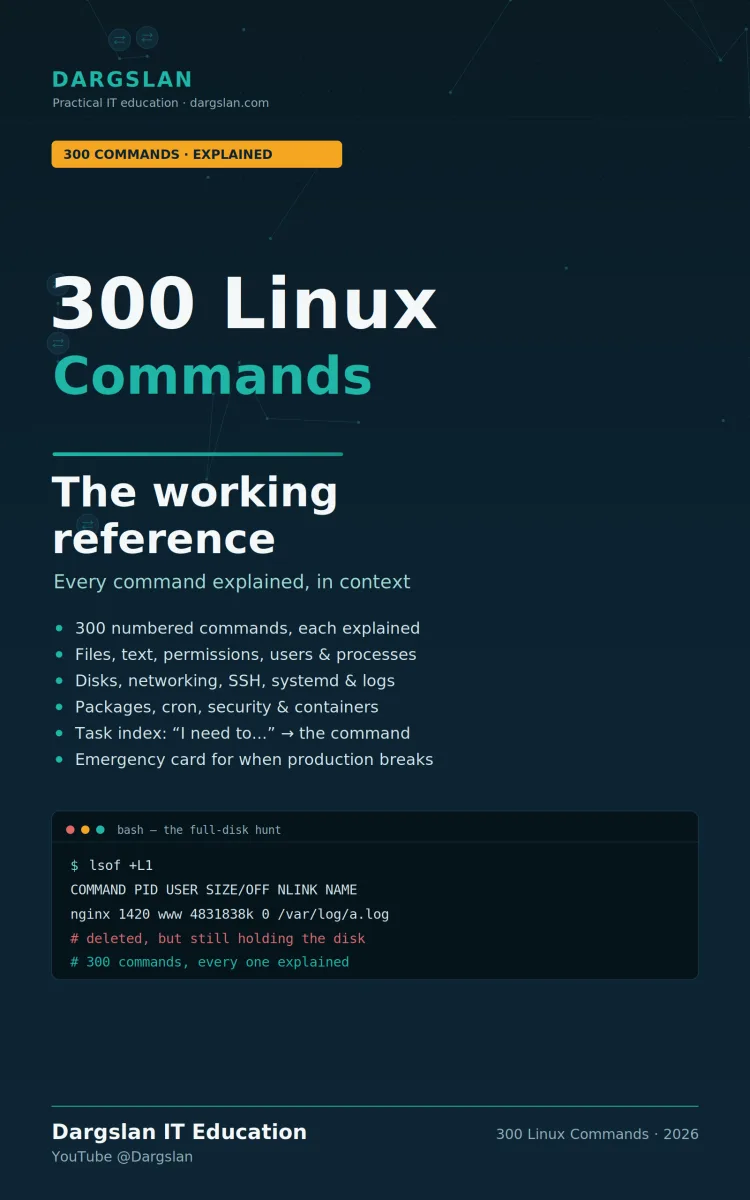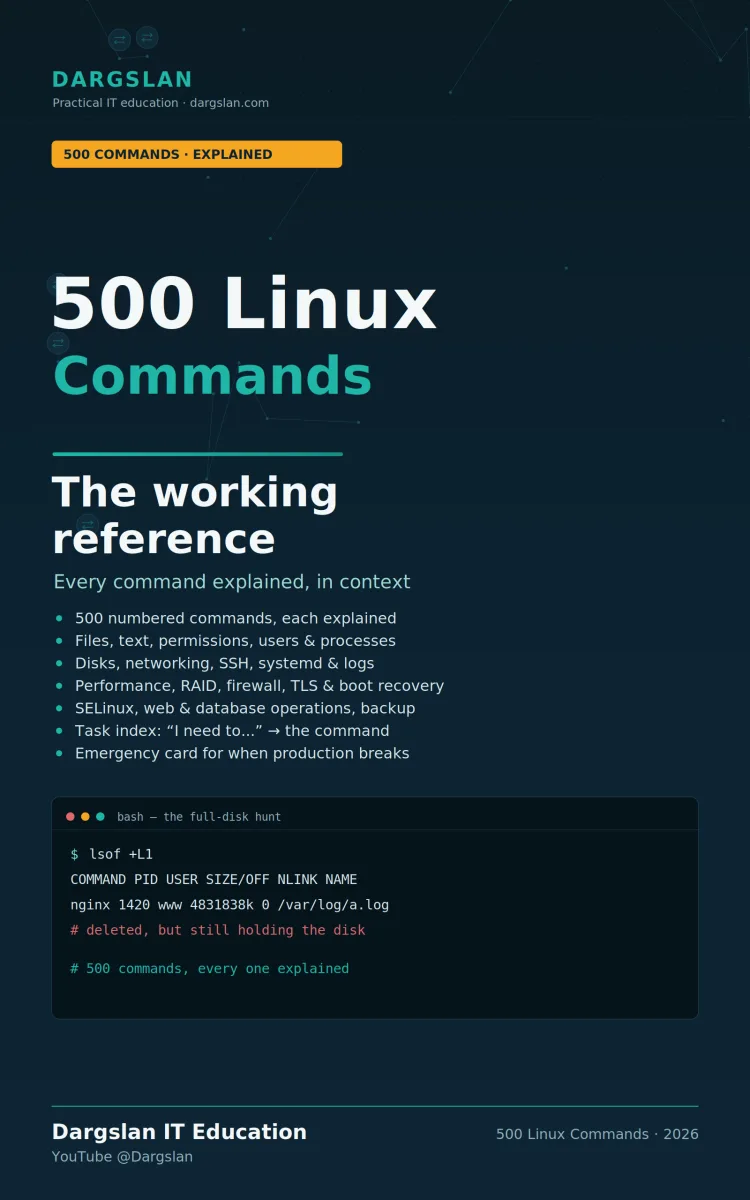
500 Linux Commands
The working reference
What's Included:
At a Glance
500 Linux Commands is a professional Linux Administration eBook by Dargslan, 219 pages, available as an instant PDF and EPUB download for €0.00 with lifetime access and free updates. The working reference.
- Length: 219 pages
- Format: PDF and EPUB (instant download)
- Language: English
- Topic: Linux Administration
- Edition: 1st Edition
- Price: €0.00
Key Highlights
- 500 numbered Linux commands, every one explained in context
- Plain explanations of what each does and when to reach for it—not a man-page rehash
- Notes that flag the trap, the caveat, or the reason a command matters
- Grouped by what you actually do: files, text, permissions, processes, disks, networking, services, logs, and more
- Advanced coverage: performance and debugging (the USE method), advanced storage, firewalls
- TLS, certificates and secrets; boot, kernel and recovery; SELinux, AppArmor and hardening
- Web and database operations, backup and recovery, virtualization, and Git
- Answers real head-scratchers, like why a service works as root but not as itself
- Three ways in: by topic, by task ("I need to…" index), and under pressure (emergency card)
- Emergency triage card, the full-disk emergency, and what NOT to do under pressure
- Clear conventions: uppercase to substitute, sudo only where truly required
- Tested on current Debian/Ubuntu and RHEL-family systems, with differences noted
- Shell fundamentals, bash patterns worth memorizing, and the quoting rule that prevents most bugs
- Written for the terminal, not the exam; appendices include a task index, emergency card, quick reference, and glossary
Overview
500 essential Linux commands, every one explained in context—not a rehash of the man pages. From files, text, and permissions to performance, TLS, boot recovery, hardening, and virtualization, grouped by what you're actually doing, with the traps that catch people flagged. Written for the terminal.
The Problem
Linux has thousands of commands, each with dozens of options, and the official documentation treats them all equally. Man pages are exhaustive and precise—and almost useless when you just need the one command that does the thing, with the two flags people actually use. So you search the web, copy a snippet you don't fully understand, and hope it doesn't hide a trap you didn't see.
That gap costs you constantly, and it gets worse the deeper you go. Everyday commands you can eventually memorize, but the advanced situations—a performance mystery, a TLS certificate problem, a system that won't boot, a service that works as root but not as itself—come up rarely enough that you never build muscle memory, and matter enough that getting them wrong is expensive. Scattered knowledge and man pages that bury the useful 5% under the rarely-used 95% leave you slower and less certain than you should be, exactly when it counts.
The Solution
500 Linux Commands is the working reference that gap has been missing—broad enough for daily work and deep enough for the hard situations. Five hundred commands administrators genuinely type, each shown exactly as you'd enter it and explained in plain language: what it does, when you'd reach for it, and the trap that catches people. No certification objectives, no options nobody uses.
Beyond the everyday sections, it goes into performance and debugging (with the USE method), advanced storage, firewalls, TLS and secrets, boot and kernel recovery, hardening, web and database ops, backup, virtualization, and Git. It gets you to the right command three ways—by topic, by task ("I need to…" index), and under pressure (an emergency triage card)—and everything is tested on current Debian/Ubuntu and RHEL-family systems. It's the experienced colleague looking over your shoulder, next to your keyboard, whenever you need it.
About This Book
500 Linux Commands: The Working Reference delivers exactly what its title promises—five hundred numbered commands, every one explained in context, built for the terminal rather than the exam. Each entry shows the command exactly as you'd type it, followed by a plain explanation of what it does and when you'd reach for it. Not a restatement of the manual page—a real explanation of why it matters and what trips people up.
This is a reference you keep open while you work. There are no certification objectives here. Every command earned its place by being one administrators genuinely type, and the notes point out the traps that catch people, not the options nobody uses. With 500 commands spanning everyday tasks through advanced operations, it's a reference deep enough to grow with you.
Organized Around What You Actually Do
The commands are grouped by task, following the areas you really work in: files and directories, finding files, text processing, permissions and ownership, users and groups, processes, system and hardware, disks and filesystems, networking, SSH and transfers, packages and archives, systemd services, logs and journald, scheduling and security, and containers and scripting. When you're looking for the right tool, it's exactly where you'd expect it.
Deep Enough for Advanced Work
Beyond the everyday essentials, this expanded edition goes further into the territory serious administrators live in: performance and debugging (including the USE method), advanced storage, firewalls and advanced networking, TLS, certificates and secrets, boot, kernel and recovery, SELinux, AppArmor and hardening, web and database operations, backup and recovery, virtualization, and Git and productivity. It's a reference that covers not just your daily commands but the harder situations you hit less often—and need most when you do.
Three Ways In
The book is designed to get you to the right command fast, three different ways. By topic, the sections follow the areas you work in. By task, an "I need to…" index takes you straight to the command number. And under pressure, an emergency triage card is built for when production is broken and you have five minutes—including the full-disk emergency and, just as important, what not to do under stress.
Explanations That Point Out the Traps
What sets this reference apart is the notes. Below each entry, italic lines flag the trap, the caveat, or the reason a command matters—the practical knowledge that turns a command you've seen into one you can use safely. It's the difference between knowing that lsof +L1 exists and understanding that it's how you find the deleted file a process is still holding open while your disk quietly fills up.
Answers to the Questions That Stump People
The advanced sections don't just list commands—they address the real head-scratchers, like why a service works as root but not as itself, and how the boot sequence actually unfolds when you need to recover a system. These are the moments where a plain, correct explanation saves hours.
Clear, Consistent Conventions
Everything is written to be typed. Uppercase means substitute your own value (FILE, USER, HOST, PID). sudo appears only where root privileges are genuinely required. Commands are tested on current Debian/Ubuntu and RHEL-family systems, with differences noted where they exist—so what you read works on the systems you actually run.
Foundations and Patterns Worth Memorizing
The book grounds you in the shell fundamentals used throughout, how to read a permission string, and running commands safely. The scripting section includes bash patterns worth memorizing and the quoting rule that prevents most bugs—the small, high-leverage knowledge that makes everything else more reliable.
Reference Material for the Long Haul
The appendices are built to be reached for again and again: a task index that maps "I need to…" straight to the command, an emergency card for triage under pressure, a quick reference, and a glossary.
Who This Is For
Whether you're a system administrator who wants a faster, deeper reference, a DevOps or SRE engineer, a developer who lives partly in the terminal, or anyone building real command-line fluency, this book meets you where the work happens. It's not a tutorial to read once and shelve—it's a working reference that earns its place next to your keyboard and keeps earning it as your skills grow.
Why This Book
Man pages tell you every option a command has; they rarely tell you which ones you'll actually use, or the mistake that's about to cost you an hour. This book fills that gap—500 commands, each explained the way an experienced colleague would explain it, so you spend less time searching and more time getting the job done.
Who Is This Book For?
- System administrators who want a fast, deep, practical command reference
- DevOps and SRE engineers working across many Linux systems
- Developers who live partly in the terminal and want to work faster
- Intermediate and advanced Linux users expanding into harder territory
- Support and operations staff who need the right command under pressure
- Self-hosters and home lab enthusiasts running their own Linux servers
- Anyone tired of digging through man pages for the 5% they actually use
Who Is This Book NOT For?
- Complete beginners who have never used a terminal (some command-line familiarity is assumed)
- Readers wanting a narrative, tutorial-style course rather than a reference
- Those seeking certification exam objectives and practice questions
- Users looking for a Windows or macOS command reference
- Anyone wanting exhaustive coverage of every option rather than the practical core
Table of Contents
- Section 0 — Before You Begin: how to read an entry, running commands safely, shell fundamentals used throughout
- Section 1 — Files & Directories
- Section 2 — Finding Files
- Section 3 — Text Processing
- Section 4 — Permissions & Ownership
- Section 5 — Users & Groups
- Section 6 — Processes
- Section 7 — System & Hardware
- Section 8 — Disks & Filesystems
- Section 9 — Networking
- Section 10 — SSH & Transfers
- Section 11 — Packages & Archives
- Section 12 — systemd Services
- Section 13 — Logs & journald
- Section 14 — Scheduling & Security
- Section 15 — Containers & Scripting (bash patterns and quoting)
- Section 16 — Performance & Debugging (the USE method)
- Section 17 — Advanced Storage
- Section 18 — Firewall & Advanced Networking
- Section 19 — TLS, Certificates & Secrets
- Section 20 — Boot, Kernel & Recovery (the boot sequence)
- Section 21 — SELinux, AppArmor & Hardening
- Section 22 — Web & Database Operations
- Section 23 — Backup & Recovery
- Section 24 — Virtualization
- Section 25 — Git & Productivity
- Appendix A — Task Index ("I need to…")
- Appendix B — Emergency Card: triage in order, the full-disk emergency, what not to do under pressure
- Appendix C — Quick Reference
- Appendix D — Glossary
Requirements
- Basic familiarity with a Linux terminal and shell navigation
- Access to a Linux system (Debian/Ubuntu or RHEL-family recommended) to try commands
- Sudo or root access for the commands that require elevated privileges
- General understanding of files, processes, and permissions is helpful
- Some administration experience helps for the advanced sections, but each entry stands on its own
- Best used hands-on, with a terminal open beside the book