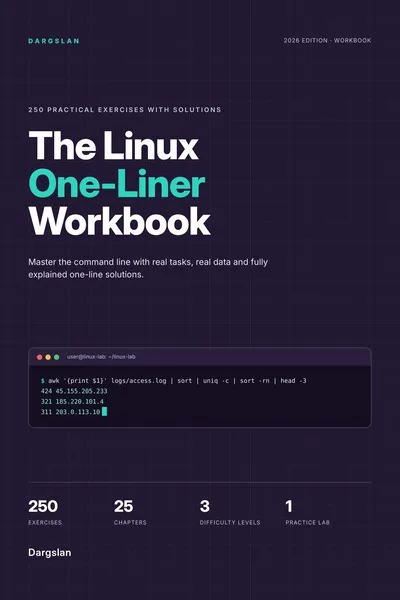
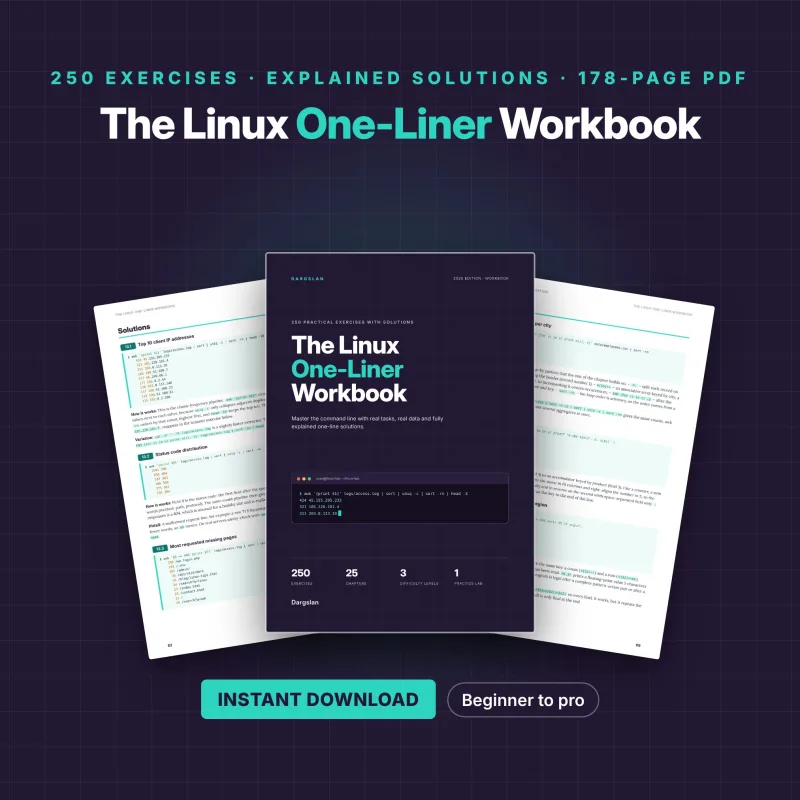
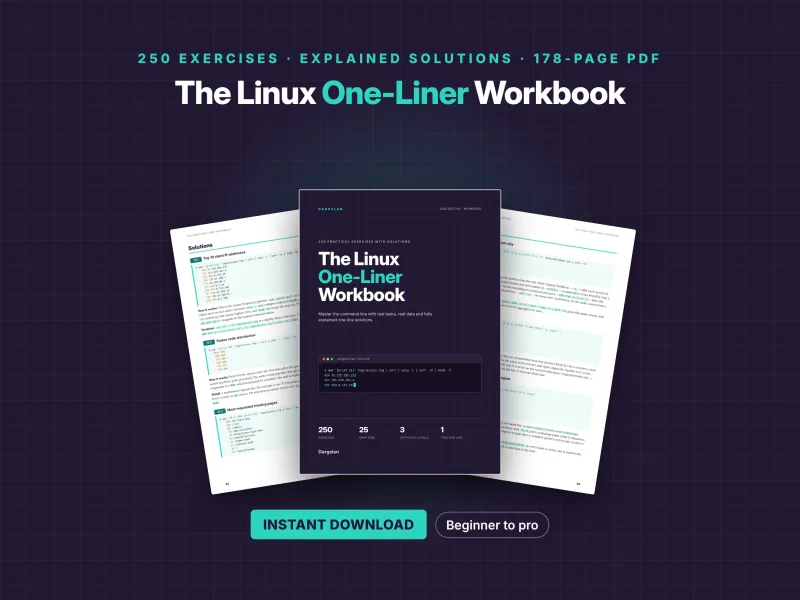

The Linux One-Liner Workbook
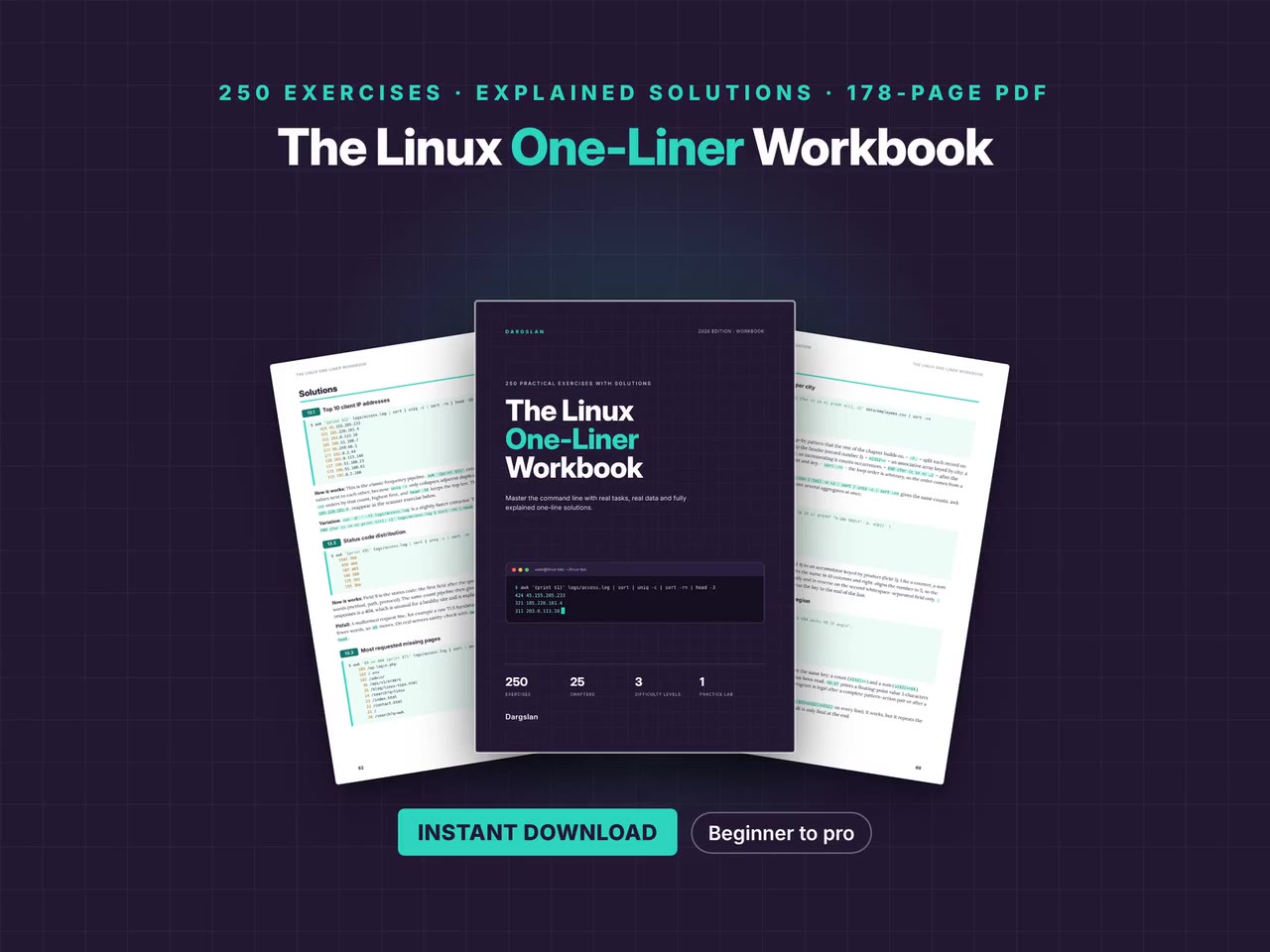
250 Practical Exercises with Explained Solutions
What's Included:
At a Glance
The Linux One-Liner Workbook is a professional Linux Fundamentals eBook by Dargslan, 178 pages, available as an instant PDF and EPUB download for €13.90, DRM-free and yours to keep, with free updates. 250 Practical Exercises with Explained Solutions.
- Length: 178 pages
- Format: PDF and EPUB (instant download)
- Language: English
- Topic: Linux Fundamentals
- Edition: 1st Edition
- Price: €13.90
Key Highlights
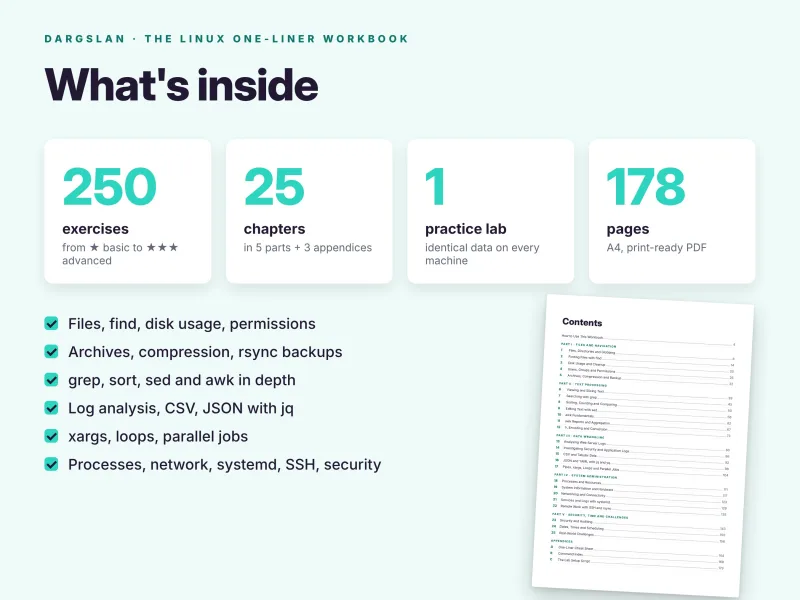
- 178 pages, 250 exercises in 25 chapters and 5 parts
- Every solution a single command line, with real output
- Option-by-option explanations, plus variations and pitfalls
- Three difficulty levels in every chapter: basic, intermediate and advanced
- Solutions on separate pages, so you can try first
- Practice lab script with web, SSH and application logs, CSV, JSON and config files
- Deterministic lab data: your output matches the book exactly
- grep, sed, awk, find, xargs, jq, yq, datamash, rsync, systemd and more
- 10 real-world challenges that combine everything
- Tested on Debian 13, Ubuntu 26.04 LTS and the RHEL 10 family
- 5-page cheat sheet and an index of 110+ commands
- PDF + EPUB + lab script + all solutions as a ZIP
Overview
Master the Linux command line by doing: 250 practical exercises, each solved with a single command line and explained option by option, on a practice lab of real logs, CSV, JSON and config files. 178 pages. PDF + EPUB + lab script + code ZIP.
The Problem
Many Linux users know the names of the classic tools – grep, sed, awk, find, xargs – but still copy commands from search results whenever a real question comes up. Tutorials explain options in isolation, on toy examples, and rarely show how to combine tools into a pipeline that answers something useful: who is attacking the server, which service is failing, which files are duplicates.
Without realistic data to practise on and without explanations of why a command works, the knowledge never turns into fluency, and every new task starts from scratch.
The Solution
The Linux One-Liner Workbook builds fluency through practice: 250 exercises in 25 chapters, each solved with a single command line and explained option by option, with real output, variations and pitfalls.
A setup script creates a deterministic practice lab with web server, SSH and application logs, CSV and JSON data, configuration files and messy file trees, so your results match the book exactly. You progress from files and find through grep, sed and awk to log analysis, jq and yq, xargs and parallel jobs, system administration, security audits and ten real-world challenges. A 5-page cheat sheet and a command index of 110+ commands keep it useful long after you finish.
About This Book
The Linux One-Liner Workbook: 250 Practical Exercises with Explained Solutions
Reading about the command line is not the same as using it. You can know what grep, awk, sed and find do and still freeze when a real question arrives: which IP addresses hammered the SSH server last night, which service throws the most errors, which files in this tree are duplicates, which certificate expires next. Fluency comes from practice – solving real tasks, on real data, until joining small tools with pipes becomes second nature. The Linux One-Liner Workbook gives you exactly that practice.
This 178-page workbook contains 250 hands-on exercises, and every solution is a one-liner: a single command line, usually a pipeline, that you can type, run, change and reuse. After each set of exercises you get the solutions with their real output and a precise explanation of every option, pattern and pipe, often with a variation and a common pitfall. You learn the commands – and you learn to think in small tools joined by pipes.
A practice lab that matches the book exactly
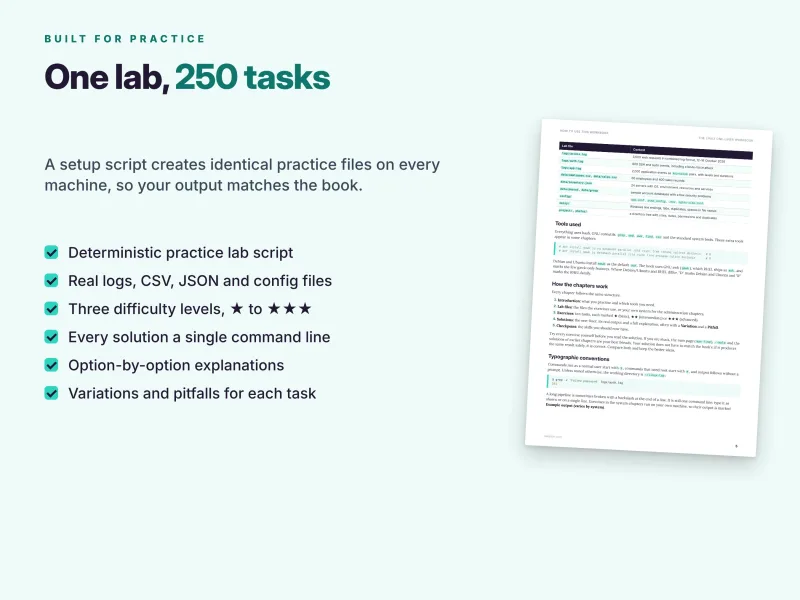
Most exercises work on the same set of realistic files, created by a single script, setup-lab.sh, which is included as a separate download and also printed in full in Appendix C. One command builds the lab in ~/linux-lab:
logs/access.log– 3,000 web requests in combined log format;logs/auth.log– 800 SSH and sudo events, including a brute-force attack;logs/app.log– 2,000 application events askey=valuepairs with levels and durations;data/employees.csvanddata/sales.csv– 60 employees and 400 sales records;data/inventory.json– 24 servers with OS, environment, resources and services;- sample
passwdandgroupfiles with a few security problems, configuration files such assshd_config,.envand an nginx site, amessy/folder with Windows line endings, tabs, duplicates and spaces in file names, and project and photo trees with sizes, dates, permissions and duplicates.
The data is generated deterministically, so every reader gets byte-for-byte identical files and your output matches the output printed in the book. Recreating the lab takes a second, so you can start every chapter fresh – even after a sed -i edit or a cleanup with find -delete.
Tested on current Linux, works almost anywhere
Everything uses bash, GNU coreutils, grep, sed, awk, find, tar and the standard system tools. The workbook is tested on Debian 13, Ubuntu 26.04 LTS and the RHEL 10 family (AlmaLinux, Rocky Linux), and it works on any current Linux system, in a virtual machine, under WSL or in a container. A few chapters use extra tools – gawk, jq, yq, datamash, GNU parallel, zstd, rsync, sqlite3, dos2unix and others – and the install commands are given for both apt and dnf. Since Debian and Ubuntu install mawk as the default awk, the book explains the difference and marks the few GNU awk-only features.
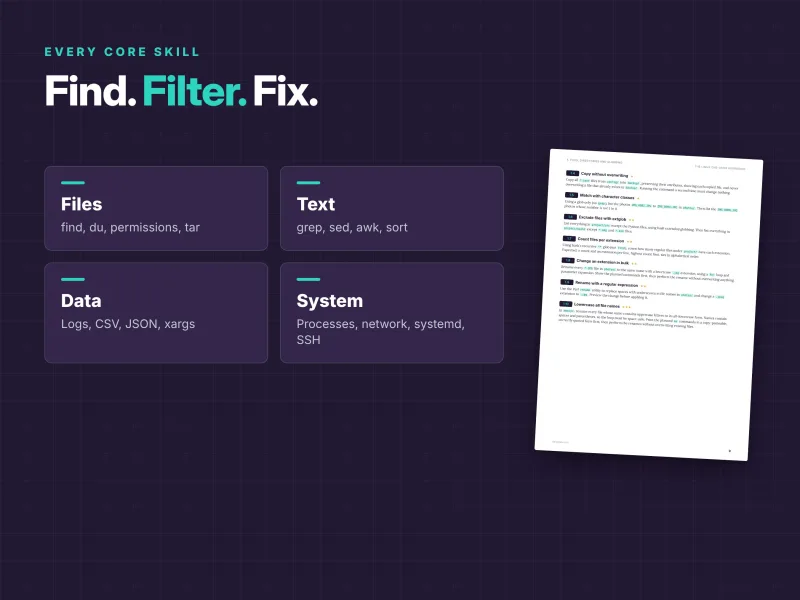
Part I – Files and navigation
You start where every administrator spends the day: the file system. You work with files, directories and globbing, bulk renaming and the names with spaces that break so many scripts. The find chapter covers names, sizes, dates, permissions, regular expressions, skipping whole directories, -exec and deleting backup files safely. You measure disk usage, track down the largest files, sparse files and duplicates, and clean up. You inspect users, groups and permissions, and you build archives with compression, checksums and rsync snapshots.
Part II – Text processing
This is the heart of the command line. You view and slice text with head, tail, cut and sed -n, search with grep and ripgrep using regular expressions, and sort, count, compare and join files. The sed chapter edits configuration files safely: replacing strings everywhere, deleting ranges, stripping comments and blank lines, reordering with groups, fixing CRLF line endings in place with a backup, uncommenting a directive and changing a value in one section only. Two chapters on awk take you from fields and patterns to reports, group-by aggregation and joins. A chapter on tr, encodings and conversion covers line endings, base64, hex and number formatting.
Part III – Data wrangling
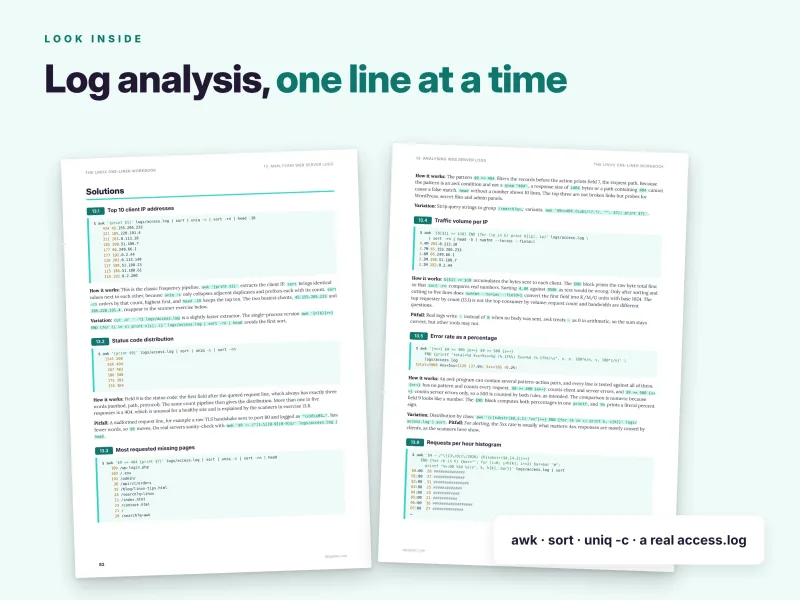
Now you answer real questions from real data. You analyse web server logs: top client IPs, status code distribution, the most requested missing pages, traffic per IP, error rates, a requests-per-hour histogram, bots versus humans, vulnerability scanners, the busiest single minute and unique visitors per day. You investigate security and application logs: brute-force attackers, the usernames they try, sudo usage, errors per service, the slowest requests and percentile response times. You process CSV and tabular data with awk, datamash and SQLite one-liners, query and transform JSON and YAML with jq and yq – including generating /etc/hosts lines and converting JSON to YAML – and master pipes, xargs, loops and parallel jobs, including names with spaces, empty input, tee, arrays, detecting failures inside pipelines and compressing files in parallel.
Part IV – System administration
These chapters run on your own machine, so their output is marked as example output that varies by system. In processes and resources you find the top memory and CPU consumers, count processes per user, show a process tree, stop processes by name safely, free a busy port, limit runtime and priority, compare load with the number of cores, inspect a process in /proc and find zombies and their parents. System information and hardware covers an OS and kernel summary, CPU and memory, uptime and boot time, disks and partitions, whether a reboot is required, PCI and USB devices, detecting virtualization and finding the largest installed packages.
You check networking and connectivity: interfaces, the default gateway, forward and reverse DNS, your public IP, listening ports with their processes, connections per remote IP, testing a TCP port, HTTP status and timing, download speed and TLS certificate expiry. With systemd and the journal you list failed units and enabled services, read logs since a given time, find the errors of the current and previous boot, see timers and their next run, clean up journal disk usage, find the noisiest units and spot services that restarted. Remote work with SSH and rsync covers key fingerprints, known_hosts entries, installing your public key, running a command on many hosts, mirroring with rsync, streaming tar over SSH, port forwarding, jump hosts, diffing a remote and a local file and a load table across hosts.
Part V – Security, time and challenges
The security and auditing chapter generates strong passwords, verifies checksums, finds dormant accounts with login shells, inventories SUID and SGID files, spots world-writable directories without the sticky bit, finds secrets in configuration files, audits risky sshd settings, detects tampered and backdated files and flags unexpected listening ports. Dates, times and scheduling covers formatting timestamps, epoch conversion, orders per ISO week, cutting a time window out of a log, days between dates, time zone conversion, adding a cron job safely and running a job once later. The workbook ends with 10 real-world challenges that combine everything: attackers who appear in both logs, turning an inventory into hosts and SSH entries, a monthly sales report, renaming photos sequentially, removing duplicate files safely, the busiest error window with context, comparing two directory trees, a disk usage report with shares, enriching employee data with department data and generating a Markdown status report.
How every chapter works
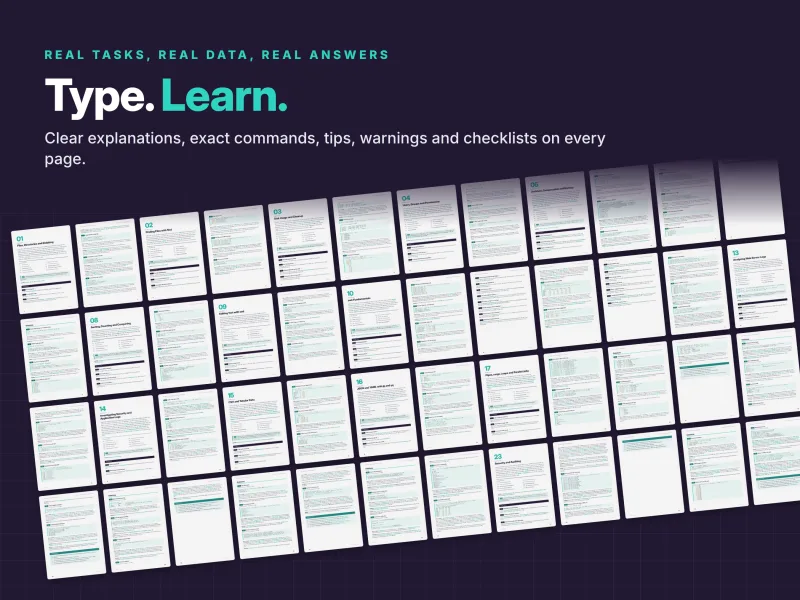
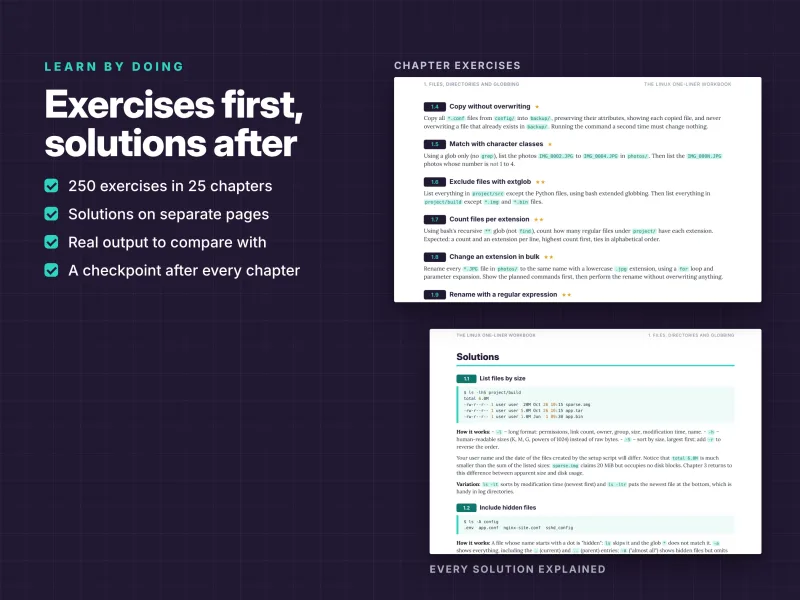
Each chapter follows the same pattern:
- Introduction – what you practise and which tools you need;
- Lab files – the files the exercises use, or your own system for the administration chapters;
- Exercises – ten tasks, each marked as basic, intermediate or advanced, so beginners and experienced users both find a challenge;
- Solutions – on separate pages, so you can try first: the one-liner, its real output and a full explanation, often with a Variation and a Pitfall;
- Checkpoint – the skills you should now have.
Your solution does not have to match the book's. If it produces the same result safely, it is correct – compare both and keep the better ideas.
A taste of the detail: who is attacking the SSH server?
Exercise 14.1 asks you to count the Failed password events per source IP in logs/auth.log, most active attacker first. The solution is one line:
awk '/Failed password/ {print $(NF-3)}' logs/auth.log | sort | uniq -c | sort -rn
The output ranks the four attackers in the lab, led by 45.155.205.233 with 248 failures. The explanation shows why this works when simpler attempts fail. Failed-password lines come in two shapes – … for root from IP port N ssh2 and … for invalid user NAME from IP port N ssh2 – so the IP address is not at a fixed position from the left. It is, however, always fourth from the right, and $(NF-3) addresses it: NF is the number of fields, and the parentheses make awk evaluate NF-3 as a field number. Counting from the end of the line is a robust technique whenever the beginning varies.
The variation shows the same extraction with grep -oP and \K, which discards everything matched before it. Later exercises in the same chapter build on this: the usernames attackers try, the attack window per IP with first and last timestamps, a fail2ban-style threshold of failures per clock hour, and the average and 95th-percentile response time per service. This is the level of detail you get throughout the book: not only a command that works, but the reasoning that lets you write the next one yourself.
Golden rules of one-liners
Alongside the exercises, the workbook teaches the habits that keep one-liners safe:
- Look before you change – run
ls,find … -print,echo mv …orsedwithout-ifirst; - quote everything – variables, file names and patterns;
- use null separators for file lists with
find … -print0 | xargs -0; - build pipelines step by step and check intermediate output with
head; - know your locale –
LC_ALL=Cmakes sorting predictable; - check exit codes with
$?,set -o pipefailand&&; - prefer readable to clever.
Why this workbook is different
- Practice first. 250 exercises, not a command reference – you solve tasks before you read the answer.
- Real data, reproducible results. The deterministic lab means the output in the book is exactly the output on your screen.
- Every solution explained. Each option, pattern and pipe is explained, with variations and pitfalls that show alternative tools and common mistakes.
- Three difficulty levels in every chapter. Beginners and experienced users both find a challenge.
- Useful beyond the book. Log analysis, security audits, JSON processing and certificate checks are tasks you will meet at work the next day.
- Exam-friendly. Ideal hands-on practice for exams such as LFCS and RHCSA.
How to use the workbook
Work through the chapters in order if you want broad fluency, or jump to the area you need – text processing, log analysis, JSON or system administration. Recreate the lab at the start of each chapter, try every exercise yourself, and only then turn the page to the solution. If you are stuck, the man page, --help and the solutions of earlier chapters are your best friends. Ten exercises per chapter make a comfortable session, so a chapter a day takes you through the whole workbook in under a month.
Reference material you will keep using
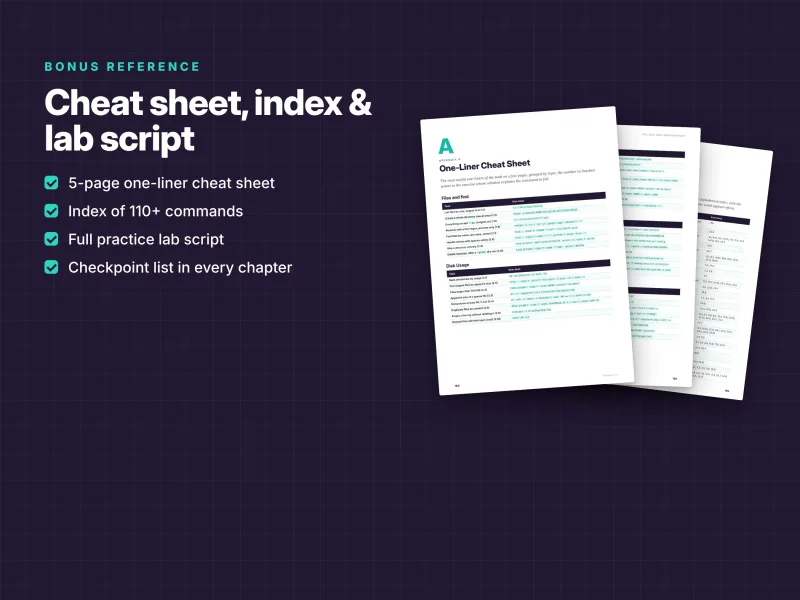
- A 5-page one-liner cheat sheet grouped by task: files and find, disk usage, permissions and security, archives and backup, viewing and searching text, sorting and comparing, sed, tr and encoding, awk, log analysis, CSV and JSON, pipes and loops, processes and systemd, network and SSH, dates and scheduling;
- a command index of 110+ commands, tools and shell constructs, each linked to the exercises that show it in action;
- the complete lab setup script printed in Appendix C;
- a clickable table of contents.
What you get
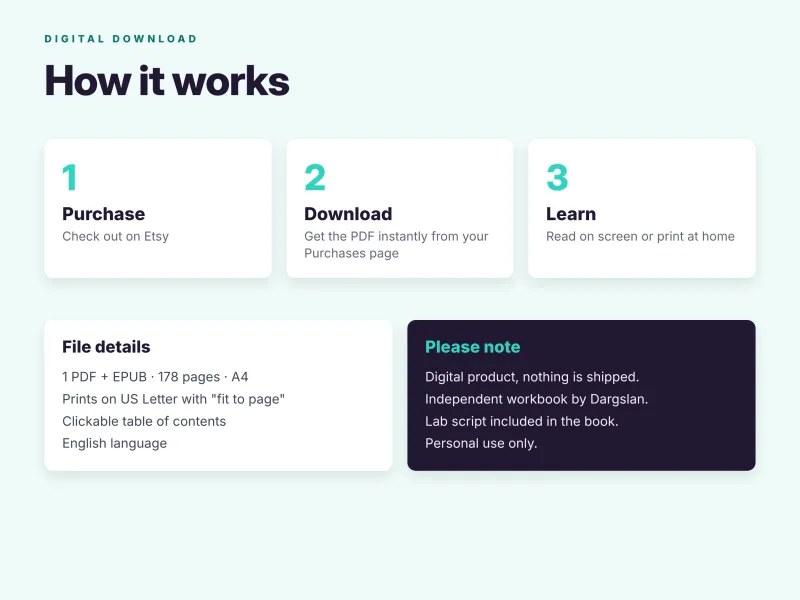
- PDF – 178 pages, A4, printable (prints on US Letter with "fit to page"), with a clickable table of contents;
- EPUB – for Kindle, Kobo, Apple Books and other e-readers;
- Practice lab ZIP –
setup-lab.sh, ready to run withbash setup-lab.sh, which creates the complete lab in~/linux-lab; - Source code ZIP – all solution one-liners sorted by chapter: each chapter's commands are collected in a
commands.shfile in book order, and the lab script is included aslab/setup-lab.sh.
Download all files instantly from your Dargslan account after purchase, or read the book directly in your browser with the Dargslan Online Reader. Nothing is shipped.
Who wrote it
Dargslan publishes practical IT guides for Linux administrators, DevOps engineers and developers. Every Dargslan title is written to be used at the keyboard: real commands, real data, exercises with answers and no filler. The Linux One-Liner Workbook complements the Dargslan guides on Bash scripting, Linux distributions, networking and security.
Start today
Whether you are moving beyond the basics, preparing for a hands-on exam or want faster answers from logs and servers at work, this workbook turns command line knowledge into real skill. Stop reading about Linux – start using it, one line at a time.
This is an independent publication. Linux is a registered trademark of Linus Torvalds. All other trademarks belong to their respective owners.
Who Is This Book For?
- Linux users who know the basics and want real command line fluency
- System administrators and DevOps engineers who want faster answers from logs and servers
- Developers who work on Linux every day
- Students preparing for hands-on exams such as LFCS and RHCSA
- Anyone who learns best by doing rather than reading
Who Is This Book NOT For?
- Absolute beginners who have never opened a terminal: start with our "How to Learn Linux" guide, then come back
- Readers looking for a guide to writing longer shell scripts – see "The Complete Bash Scripting Guide"
- Readers who want a narrative textbook – this is a workbook of exercises and explained solutions
- Windows PowerShell users – the workbook uses bash and the GNU tools (WSL works)
Table of Contents
How to Use This Workbook – p. 4
Part I · Files and Navigation (Chapters 1–5)
Part II · Text Processing (Chapters 6–12)
Part III · Data Wrangling (Chapters 13–17)
Part IV · System Administration (Chapters 18–22)
Part V · Security, Time and Challenges (Chapters 23–25)
- Files, Directories and Globbing – p. 8
- Finding Files with find – p. 14
- Disk Usage and Cleanup – p. 20
- Users, Groups and Permissions – p. 26
- Archives, Compression and Backup – p. 32
- Viewing and Slicing Text – p. 39
- Searching with grep – p. 45
- Sorting, Counting and Comparing – p. 50
- Editing Text with sed – p. 56
- awk Fundamentals – p. 62
- awk Reports and Aggregation – p. 67
- tr, Encoding and Conversion – p. 73
- Analysing Web Server Logs – p. 80
- Investigating Security and Application Logs – p. 86
- CSV and Tabular Data – p. 92
- JSON and YAML with jq and yq – p. 98
- Pipes, xargs, Loops and Parallel Jobs – p. 104
- Processes and Resources – p. 111
- System Information and Hardware – p. 117
- Networking and Connectivity – p. 123
- Services and Logs with systemd – p. 129
- Remote Work with SSH and rsync – p. 135
- Security and Auditing – p. 143
- Dates, Times and Scheduling – p. 150
- Real-World Challenges – p. 156
Appendices
Appendix A: One-Liner Cheat Sheet – p. 164
Appendix B: Command Index – p. 169
Appendix C: The Lab Setup Script – p. 173
Requirements
- Basic Linux knowledge: opening a terminal, moving between directories, running commands
- Any current Linux system with bash and the GNU tools – a physical machine, a virtual machine, WSL or a container
- Tested on Debian 13, Ubuntu 26.04 LTS and the RHEL 10 family (AlmaLinux, Rocky Linux)
- A few extra packages for some chapters, such as gawk, jq, yq, datamash, parallel and sqlite3 (install commands are given)
- sudo access for the system administration chapters