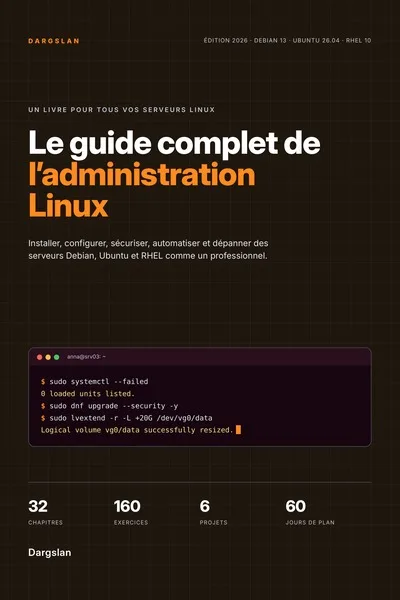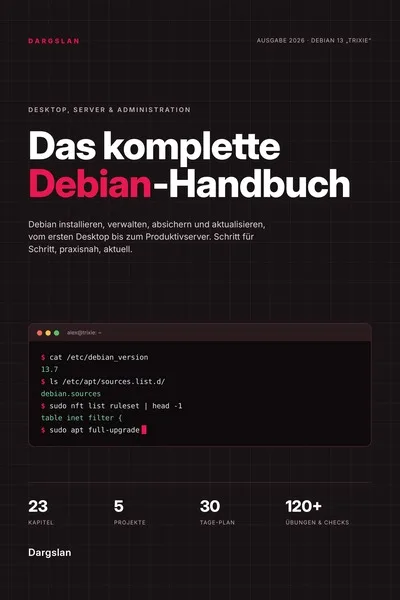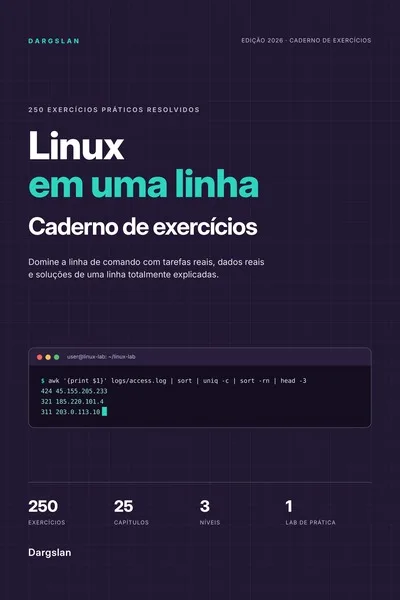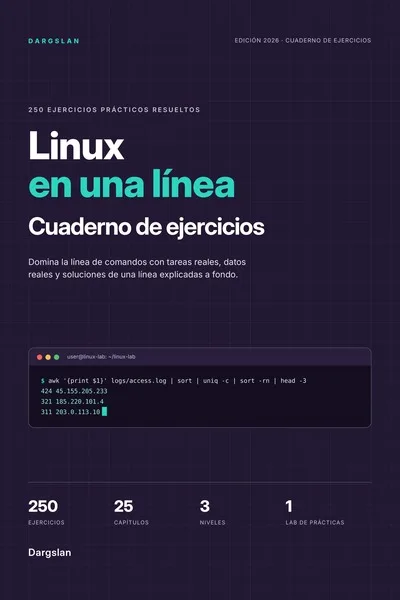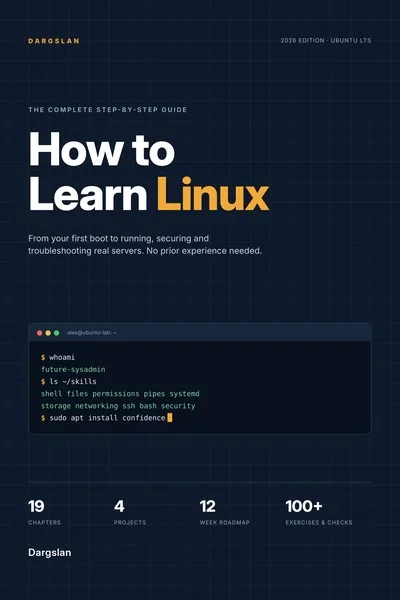
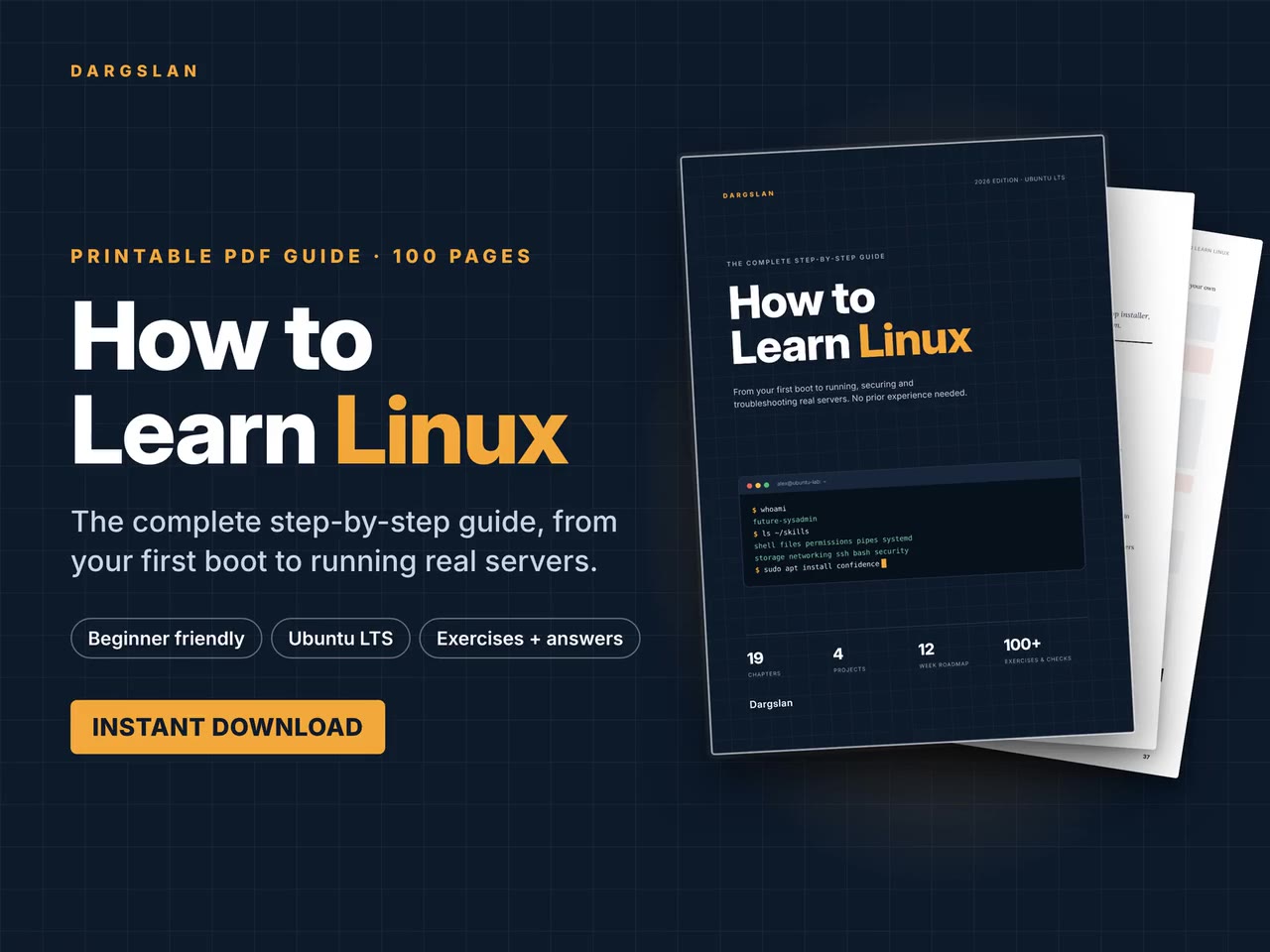
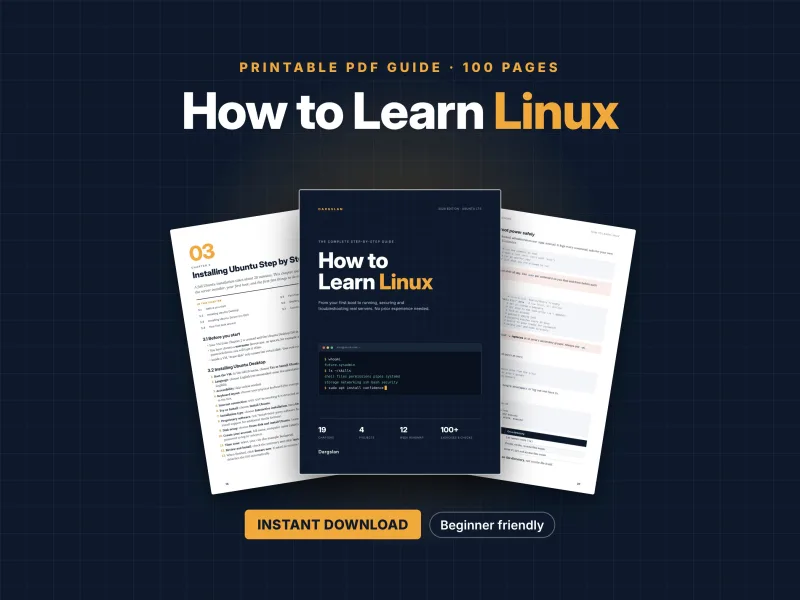
How to Learn Linux
The Complete Step-by-Step Guide
What's Included:
At a Glance
How to Learn Linux is a professional Linux Fundamentals eBook by Dargslan, 100 pages, available as an instant PDF and EPUB download for €12.90, DRM-free and yours to keep, with free updates. The Complete Step-by-Step Guide.
- Length: 100 pages
- Format: PDF and EPUB (instant download)
- Language: English
- Topic: Linux Fundamentals
- Edition: 1st Edition
- Price: €12.90
Key Highlights
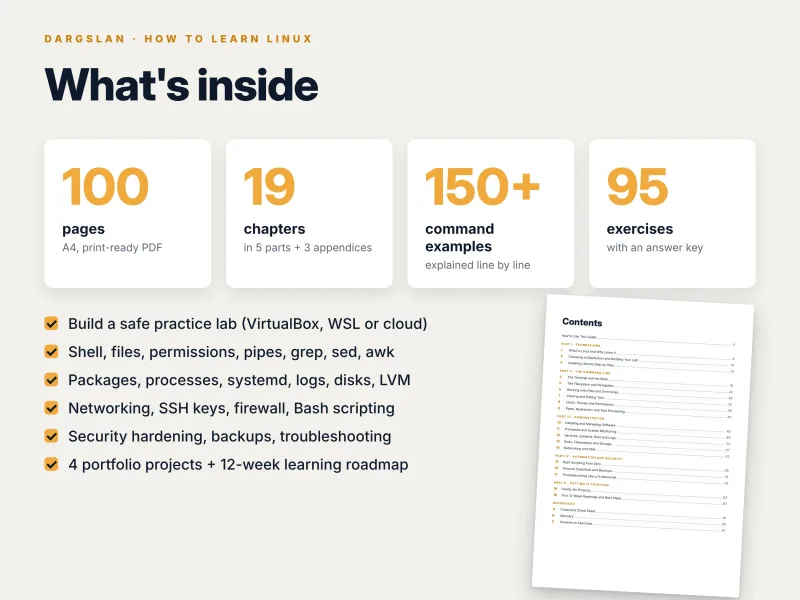
- 100 pages, 19 chapters in 5 parts, plus 3 appendices
- No prior experience needed – starts from what an operating system is
- Written for Ubuntu LTS, with Red Hat–family equivalents where commands differ
- Step-by-step lab setup with VirtualBox, snapshots, WSL 2 or a cloud VM
- 150+ real terminal command examples, explained line by line
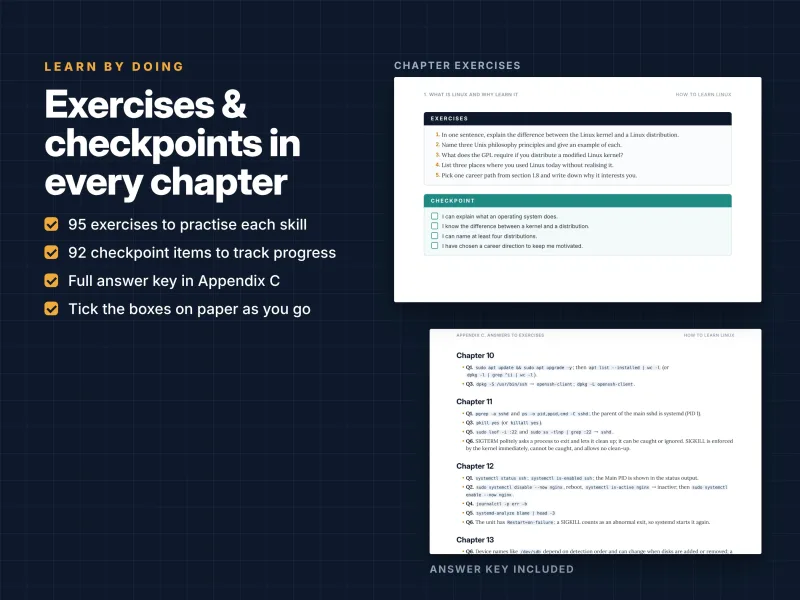
- 95 exercises with a complete answer key and a checkpoint in every chapter
- Bash scripting from zero, security hardening, Fail2ban and backups
- A professional six-step troubleshooting method with practice scenarios
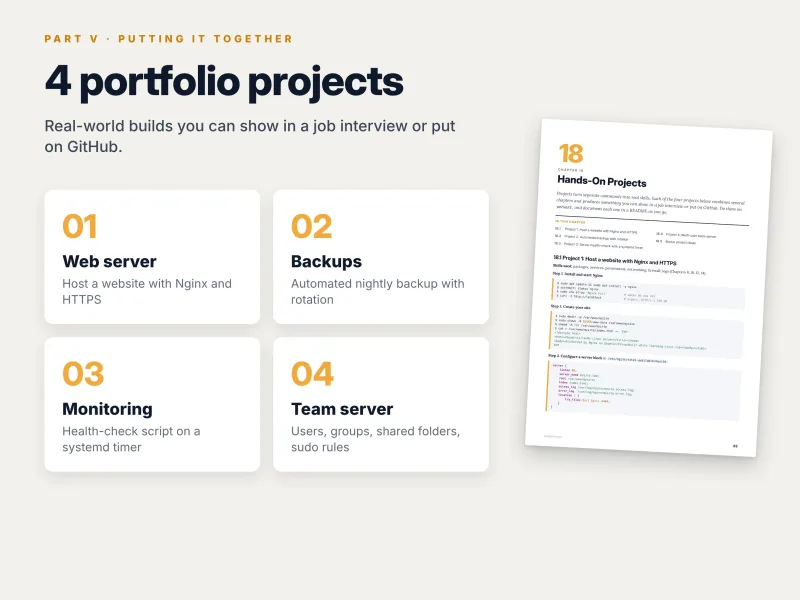
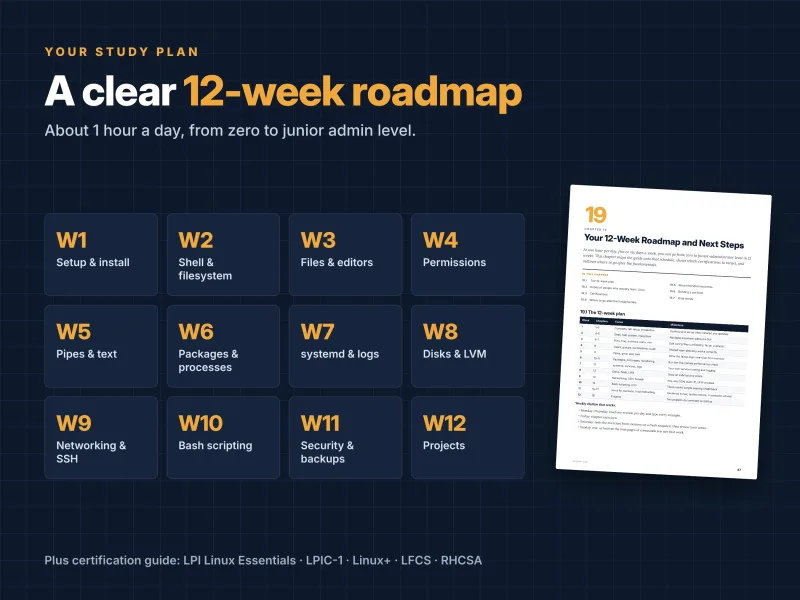
- 4 hands-on portfolio projects and a 12-week roadmap
- Command cheat sheet with 100+ commands, glossary and certification guide
- PDF + EPUB + all code examples as a ZIP
Overview
Learn Linux from zero, step by step: 100 pages from your first boot to running, securing and troubleshooting real servers on Ubuntu LTS. 95 exercises, 4 projects and a 12-week roadmap. No experience needed. PDF + EPUB + code ZIP.
The Problem
Learning Linux on your own is harder than it should be. Tutorials jump between distributions, assume knowledge you do not have yet and teach commands in isolation, so you end up with a pile of copied snippets but no idea how the system fits together. Many beginners give up after breaking something they did not understand, or never move past the basics because nobody showed them what to learn next.
Employers, meanwhile, expect Linux skills for sysadmin, DevOps, cloud and developer roles – not just knowing commands, but managing users, services, storage, networking and security, and fixing things when they break.
The Solution
How to Learn Linux takes you from zero to running a real server in a clear, step-by-step order. You build a safe practice lab in a virtual machine, install Ubuntu Desktop and Server, and then master the command line, permissions, text processing, software, processes, systemd, storage, networking, SSH, Bash scripting, security and backups.
Every command comes with its expected output and an explanation. Exercises and checkpoints in every chapter, a troubleshooting method with practice scenarios, four portfolio projects and a 12-week roadmap turn reading into real skill. All scripts and commands are included as a ZIP, ready to copy.
About This Book
How to Learn Linux: The Complete Step-by-Step Guide
Linux runs most of the world's servers, the cloud, containers, routers, Android phones and supercomputers. Whether you want to become a system administrator, a DevOps or cloud engineer, a developer who is at home on a server, or you simply want to stop being afraid of the terminal, Linux skills open doors. The problem is where to start. Online tutorials jump between distributions, assume knowledge you do not have yet, and leave you with a pile of commands but no idea how they fit together.
How to Learn Linux solves that. This 100-page guide takes you from your very first boot to running, securing and troubleshooting a real Linux server, one step at a time. It assumes no prior Linux knowledge. Every chapter builds on the previous one, every command is shown with its expected output and explained line by line, and every chapter ends with exercises and a checkpoint, so you always know whether you are ready to move on.
Built on Ubuntu LTS – with the bigger picture in view
The examples are written for Ubuntu LTS (24.04), the most popular starting point for desktop and server Linux. Most commands work unchanged on Debian and other distributions, and where Red Hat–family systems such as Fedora, Rocky Linux and AlmaLinux differ – dnf instead of apt, firewalld instead of UFW – the guide shows the equivalent. You learn Linux, not just one distribution.
All you need is a computer with at least 8 GB of RAM and 40 GB of free disk space, an internet connection and roughly one hour a day. You build your own practice lab in a virtual machine, so you can experiment, break things and restore a snapshot in seconds without any risk to your computer.
Part I – Foundations
You begin by understanding what you are learning: what an operating system does, the difference between the kernel and a distribution, a short history of Unix and Linux, open source and licensing, the Unix philosophy, where Linux runs today and which career paths start with Linux skills.
Then you build your lab. The guide compares distribution families, LTS and rolling releases, and four ways to run Linux – virtual machine, WSL 2 on Windows, dual boot and a cloud VM. Step by step you install VirtualBox, download Ubuntu, create the virtual machine and learn to use snapshots as your undo button. Apple Silicon users get the UTM alternative. You then install Ubuntu Desktop and Ubuntu Server (without a graphical interface), take your first look around, complete the first five tasks on any new Linux system, shut down and reboot properly and fix common installation problems.
Part II – The command line
This is where Linux becomes yours. You learn the difference between a terminal, a console and a shell, read the prompt, take a command apart into its pieces and master your first 15 commands. Keyboard shortcuts and history tricks save you hours, and four help tools – --help, man, tldr and info – mean you are never stuck. You learn built-ins, aliases, environment variables, quoting and how to run several commands in one line.
Next comes the filesystem: the Filesystem Hierarchy Standard, absolute and relative paths, pwd, cd and ls, reading ls -l output, hidden files and the virtual filesystems /proc and /sys. You create, copy, move and delete files safely, use wildcards, find anything with find and locate, understand hard and symbolic links, measure disk usage and create compressed archives. You view and compare text with less, head, tail and diff, edit with nano and vim, and learn to edit system files safely.
Two chapters form the core of every Linux skill set. Users, groups and permissions covers the root account, account files, sudo, managing users and groups, reading and changing permissions with chmod, chown and chgrp, umask, special permissions, safe sudo configuration and a preview of ACLs. Pipes, redirection and text processing teaches the three standard streams, redirection and pipes, grep and regular expressions, the text-processing toolkit, sed and awk in practice – and puts it all together in real one-liners.
Part III – Administration
Now you run the system. You install and manage software with apt and dpkg on Debian and Ubuntu and with dnf on Red Hat, Fedora, Rocky and AlmaLinux, configure repositories, use Snap and Flatpak, build from source when there is no package, enable automatic security updates and troubleshoot package problems.
You learn what a process is, list and monitor processes with ps, top and htop, understand memory, send signals, manage foreground and background jobs, adjust priorities and run a five-minute performance check. The systemd chapter walks through the boot process in six steps, units and targets, controlling services with systemctl, writing your own service, logs with journalctl and the classic files in /var/log, a preview of systemd timers and rescuing a system that will not boot.
The storage chapter shows how Linux names disks, how to inspect storage, add a practice disk, partition it, create filesystems, mount them temporarily and permanently with /etc/fstab, add swap, use LVM for flexible storage, check and repair filesystems and work with USB drives and ISO images. Networking and SSH completes the part: networking in five concepts, inspecting the network, testing connectivity step by step, DNS tools, ports and sockets with ss, curl and wget, a static IP with Netplan, SSH key-based authentication step by step, the SSH client config file, transferring files, hardening the SSH server and the UFW firewall.
Part IV – Automation and security
Bash scripting from zero takes you from your first script through variables, arguments and read, arithmetic, if and case, loops, functions and arrays to writing robust scripts – ending with a complete system report script and scheduling with cron.
The security chapter teaches the security mindset and gives you a new-server hardening checklist you can apply to every machine: updates, automatic security updates, a personal admin user, SSH keys only, a firewall, Fail2ban, removing unneeded services, time synchronisation, log retention and tested backups. You reduce the attack surface, set up Fail2ban, audit file permissions, meet AppArmor and SELinux, learn encryption basics and the 3-2-1 backup rule, and build an automated nightly backup step by step.
Finally, troubleshooting like a professional: a six-step method, working through the layers, reading error messages properly, solutions for common problems such as a full disk, a service that will not start or an SSH connection that fails, the essential troubleshooting tools – and practice scenarios where you break your own lab on purpose and fix it using only the method.
Part V – Putting it together
Four portfolio projects turn your knowledge into skills you can show an employer:
- Host a website with Nginx and HTTPS – packages, services, permissions, networking, firewall and logs;
- an automated backup with rotation – nightly archives, 7 daily and 4 weekly backups, rsync over SSH to a second machine, logging and a restore script;
- a server health check with a systemd timer – disk, memory, load, services, failed SSH logins and pending security updates, each reported as OK, WARN or CRIT;
- a multi-user team server – groups for three departments, an LVM volume with shared directories, limited sudo rights and onboarding and offboarding scripts.
Bonus project ideas give you more to practise. The last chapter gives you a 12-week roadmap with weekly focus areas and milestones, the habits of people who actually learn Linux, an overview of certifications – Linux Essentials, CompTIA Linux+, LPIC-1, LFCS, RHCSA and RHCE, with advice on when each one makes sense – where to go after the fundamentals, recommended resources and how to build a portfolio.
Learn by doing
Every chapter follows the same structure: concepts explain what a thing is and why it matters, step-by-step walkthroughs show the exact commands with the expected output, Try it yourself boxes give you short tasks to do immediately, exercises check your understanding and a checkpoint lists the skills you should have before moving on. Tips and warnings point out shortcuts and the commands that can break your system. The guide contains more than 150 real terminal command examples and 95 exercises with a full answer key.
The introduction sets out the golden rules for learning Linux: type every command yourself, break things in a virtual machine, read error messages, use the manual before the search engine and practise daily.
A taste of the detail: reading permissions
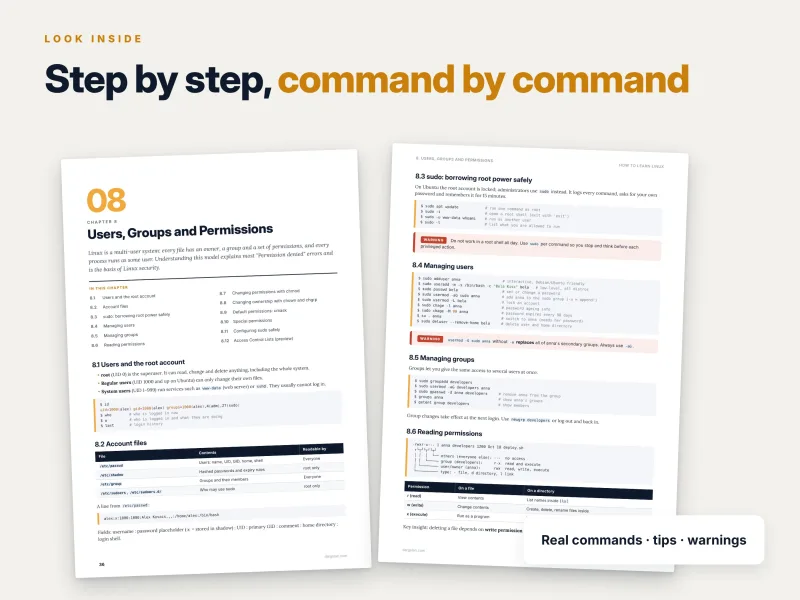
Permissions confuse almost every beginner. The guide takes a line of ls -l output such as -rwxr-x--- 1 anna developers 1200 Oct 18 deploy.sh and labels every part: the file type, then three sets of permissions for the owner (rwx), the group (r-x) and everyone else (---). A table explains what read, write and execute mean on a file and on a directory – and highlights the insight that surprises most learners: deleting a file depends on write permission on the directory, not on the file itself.
You then change permissions in symbolic mode (chmod u+x script.sh, chmod -R g+rX shared/) and in numeric mode, with a reference table of the values you will actually use: 755 for scripts and public directories, 644 for normal files, 700 for ~/.ssh, 600 for private keys, 775 for shared team directories, 640 for configuration files read by a service group – and 777, which is almost never correct. This is the level of explanation you get throughout the book: not just the command, but the rule behind it, so you can work out the next problem on your own.
Where Linux takes you
The guide does not stop at the fundamentals. Chapter 1 maps the roles that start with Linux – system administrator, DevOps engineer, cloud engineer, site reliability engineer, security analyst or pentester, and backend developer – together with the Linux skills each one uses most. The final chapter then shows where to go next for each path: advanced storage and automation for administrators, Git, CI/CD and infrastructure as code for DevOps, Linux on AWS, Azure and GCP for cloud work, Docker and Kubernetes for containers, and Kali Linux, Wireshark and Nmap for cybersecurity. It even recommends a proven sequence after this guide: Git, then Docker, a cloud provider, Ansible and Kubernetes. You finish the book knowing not only Linux, but also your next step.
Why this guide is different
- Truly from zero. No prior experience assumed – the guide starts with what an operating system is and explains every command it uses.
- A safe lab first. You build a virtual machine with snapshots before you touch a single system file, so mistakes become lessons instead of disasters.
- Desktop and server. You install both Ubuntu Desktop and Ubuntu Server and learn to manage a machine without a graphical interface.
- Beyond one distribution. Red Hat–family equivalents are shown where commands differ, so your skills transfer.
- A clear path. A 12-week roadmap at about an hour a day, with milestones, turns good intentions into steady progress.
- Practice built in. Try-it-yourself tasks, exercises, checkpoints, troubleshooting scenarios and portfolio projects make sure you can actually do what you have read.
How to use the guide
Work through the chapters in order the first time: each one builds on the previous one. Follow the 12-week plan – read one section a day and type every example, do the chapter exercises at the end of the week, then redo them from memory on a fresh snapshot. Once you have the fundamentals, the command cheat sheet and the troubleshooting chapter become the pages you return to most often, and the projects give you something concrete to put on GitHub and talk about in interviews.
Reference material you will keep using
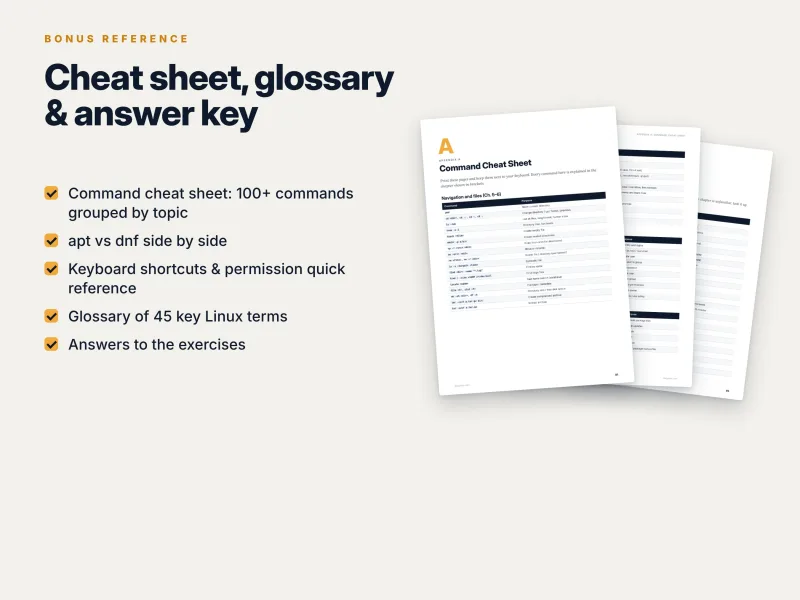
- A command cheat sheet with more than 100 commands, grouped by topic – navigation and files, text, users and permissions, packages for Debian/Ubuntu and Red Hat, processes, services and logs, networking, keyboard shortcuts and a permission quick reference;
- a glossary of key terms, from absolute path to wildcard;
- answers to all exercises;
- a clickable table of contents and cross-references throughout.
What you get
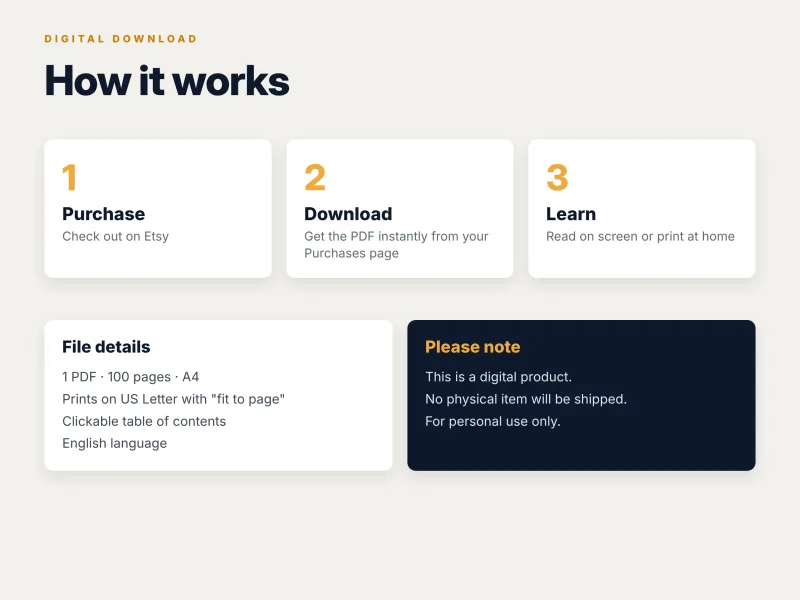
- PDF – 100 pages, A4, printable (prints on US Letter with "fit to page"), with a clickable table of contents;
- EPUB – for Kindle, Kobo, Apple Books and other e-readers;
- Source code ZIP – every script, configuration file and command from the book, sorted by chapter: scripts and files are ready to copy, and each chapter's commands are collected in a
commands.shfile in book order.
Download all files instantly from your Dargslan account after purchase, or read the book directly in your browser with the Dargslan Online Reader. Nothing is shipped.
Who wrote it
Dargslan publishes practical IT guides for Linux administrators, DevOps engineers and developers. Every Dargslan guide is written to be used at the keyboard: real commands, complete examples, exercises with answers and no filler. How to Learn Linux is the starting point of a series covering Linux distributions, web servers, containers, automation, networking and security – when you finish it, you are ready for any of them.
Start today
Whether you are switching from Windows or macOS, studying for your first IT role or preparing for a Linux certification, this guide gives you a structured, practical foundation. Open a terminal, type your first command – and in twelve weeks, run, secure and troubleshoot your own Linux server with confidence.
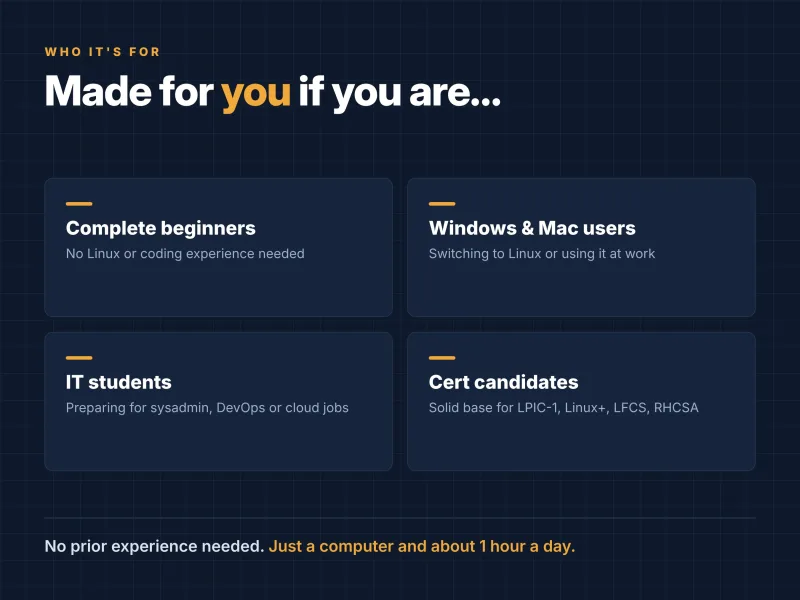
Who Is This Book For?
- Complete beginners with no Linux or coding experience
- Windows and macOS users switching to Linux
- IT students preparing for sysadmin, DevOps or cloud roles
- Career changers who want a structured path into IT
- Anyone preparing for Linux Essentials, LPIC-1, CompTIA Linux+, LFCS or RHCSA
- Developers who want to feel at home on a Linux server
Who Is This Book NOT For?
- Experienced Linux administrators – the guide builds foundations; see our Complete guides on specific distributions, hardening, networking or Bash scripting instead
- Readers who want an exam cram book for one certification – the guide teaches practical skills and maps them to certifications, but it is not an exam question bank
- Readers looking for in-depth Red Hat–only coverage – examples use Ubuntu LTS, with Red Hat equivalents noted where they differ
- Readers who want a video course rather than a written, hands-on guide
Table of Contents
How to Use This Guide – p. 4
Part I · Foundations (Chapters 1–3)
Part II · The Command Line (Chapters 4–9)
Part III · Administration (Chapters 10–14)
Part IV · Automation and Security (Chapters 15–17)
Part V · Putting It Together (Chapters 18–19)
- What Is Linux and Why Learn It – p. 6
- Choosing a Distribution and Building Your Lab – p. 10
- Installing Ubuntu Step by Step – p. 14
- The Terminal and the Shell – p. 19
- The Filesystem and Navigation – p. 24
- Working with Files and Directories – p. 28
- Viewing and Editing Text – p. 32
- Users, Groups and Permissions – p. 36
- Pipes, Redirection and Text Processing – p. 40
- Installing and Managing Software – p. 45
- Processes and System Monitoring – p. 49
- Services, systemd, Boot and Logs – p. 53
- Disks, Filesystems and Storage – p. 57
- Networking and SSH – p. 62
- Bash Scripting from Zero – p. 68
- Security Essentials and Backups – p. 74
- Troubleshooting Like a Professional – p. 79
- Hands-On Projects – p. 83
- Your 12-Week Roadmap and Next Steps – p. 87
Appendices
Appendix A: Command Cheat Sheet – p. 91
Appendix B: Glossary – p. 95
Appendix C: Answers to Exercises – p. 97
Requirements
- No prior Linux or programming experience
- A computer with at least 8 GB of RAM and 40 GB of free disk space (Windows, macOS or Linux)
- An internet connection to download VirtualBox and Ubuntu (both free)
- Basic computer skills: installing programs, downloading files, using a web browser
- About one hour a day to follow the 12-week roadmap
- Optional: a GitHub account to publish your projects as a portfolio