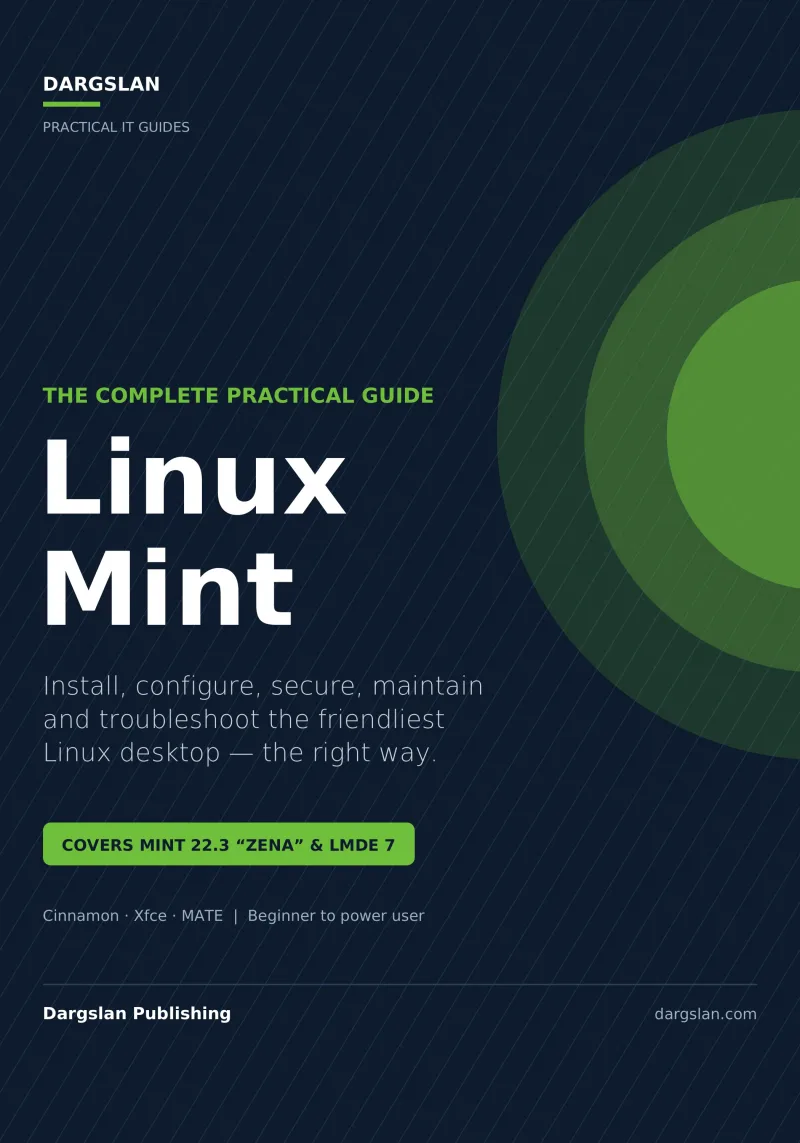
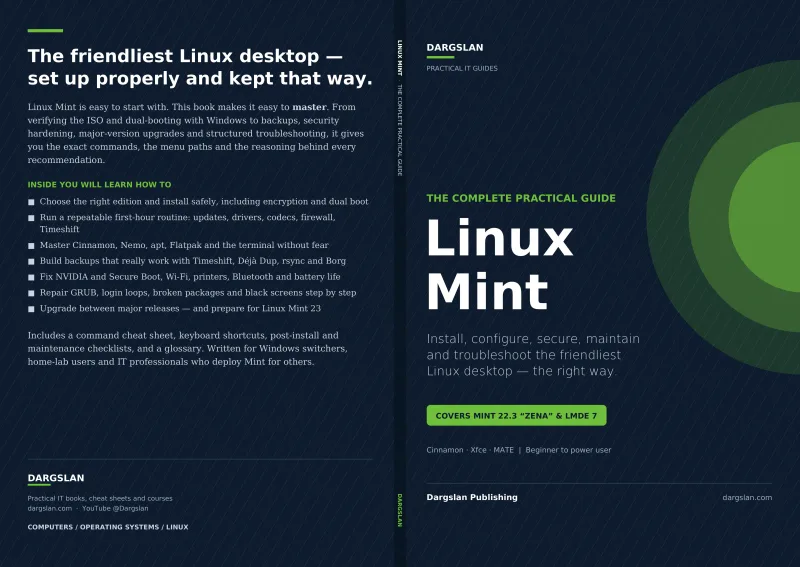
Linux Mint
The Complete Practical Guide
What's Included:
At a Glance
Linux Mint is a professional Linux Fundamentals eBook by Dargslan, 98 pages, available as an instant PDF and EPUB download for €0.00 with lifetime access and free updates. The Complete Practical Guide.
- Length: 98 pages
- Format: PDF and EPUB (instant download)
- Language: English
- Topic: Linux Fundamentals
- Price: €0.00
Key Highlights
- Complete coverage of Linux Mint 22.3 "Zena" and LMDE 7, from first boot to power user
- Cinnamon, Xfce, and MATE editions, with Mint vs. Ubuntu and Mint vs. LMDE explained
- Careful installation, ISO verification, bootable USB, and dual-booting with Windows
- A deliberate first-hour checklist, including setting up Timeshift before anything else
- Master the Cinnamon desktop, System Settings, and the Nemo file manager
- The full software landscape: Software Manager, apt, Flatpak, PPAs, AppImage, and Snap
- A "Terminal Without Fear" chapter and ten commands worth memorising
- Updates and maintenance: Update Manager, kernels, journalctl, systemctl, and disk health
- Backups that actually work: Timeshift, Déjà Dup, rsync, the 3-2-1 rule, and tested restores
- Hardware and drivers: NVIDIA, AMD, Intel, Wi-Fi, printers, Bluetooth, sound, and laptops
- Networking: static IP, DNS, VPNs, Samba, SSH, and remote desktop
- Security and privacy: threat model, firewall, encryption, AppArmor, and a checklist
- Gaming (Steam, Lutris, Heroic, Bottles) and multimedia creation
- Coming from Windows: app equivalents, Microsoft 365, Wine, and VMs
- Major-release upgrades with mintupgrade and professional troubleshooting
- Reference material: command cheat sheet, keyboard shortcuts, checklists, and glossary
Overview
Master the friendliest Linux desktop, the right way. This complete practical guide covers Linux Mint 22.3 "Zena" and LMDE 7 from first boot to power user—installation, the Cinnamon desktop, software, the terminal, updates, backups, drivers, networking, security, gaming, and troubleshooting.
The Problem
Linux Mint is famously beginner-friendly—you can install it in half an hour and have a working desktop. But "friendly" isn't the same as "fully understood," and the gap shows up fast. The install finishes, and then what? Which snapshots and backups should you set up, and before or after updates? Why won't the NVIDIA driver cooperate, the Wi-Fi drop, or the printer do duplex? Is Flatpak, apt, a PPA, or Snap the right way to install that app? The friendly surface hides a lot of decisions.
When something breaks, the friendliness runs out entirely. A black screen after boot, a login loop, a "grub rescue>" prompt, Windows vanishing from the boot menu, or a half-finished major upgrade will stop a casual user cold. The answers are scattered across forum threads of varying quality and age, and piecing them together under stress—or worse, after losing data you never backed up—is exactly the experience Mint's friendly reputation promised to spare you.
The Solution
Linux Mint: The Complete Practical Guide takes you from first boot to confident power user—the right way. Built around Mint 22.3 "Zena" and LMDE 7, every chapter is practical and tested, replacing scattered forum advice with one coherent, trustworthy path.
You'll install Mint properly (including dual-booting), then follow a deliberate first-hour checklist that sets up Timeshift before anything else. You'll master the Cinnamon desktop and Nemo, make sense of the whole software landscape (apt, Flatpak, PPAs, AppImage, Snap), build real terminal confidence, and establish backups that actually work—with tested restores. Dedicated chapters get your hardware, networking, and security right, cover gaming and multimedia, ease the switch from Windows, and handle major upgrades. A professional troubleshooting chapter walks through the exact failures people hit—black screens, login loops, grub rescue, broken updates—so when something goes wrong, you'll know what to do. Cheat sheets and checklists keep it all within reach.
About This Book
Linux Mint: The Complete Practical Guide takes you from your very first boot to confident power user, covering how to install, configure, secure, maintain, and troubleshoot the friendliest Linux desktop—the right way. Built around Linux Mint 22.3 "Zena" and LMDE 7, with the Cinnamon, Xfce, and MATE editions in view, it's written for everyone from curious beginners to experienced users who want to get the most out of Mint.
Why Linux Mint
Mint has earned its reputation as the most approachable path into Linux, and this guide starts by helping you understand it clearly: its philosophy, the differences between editions, how Mint compares to Ubuntu and to LMDE, its release and support model, and the hardware you'll want. From there, every chapter is practical, tested, and focused on getting real work done.
Installed Right, from the Very First Hour
The book walks you carefully through planning and installation—backing up first, downloading and verifying the right ISO, creating a bootable USB, preparing firmware, choosing a partitioning strategy, and dual-booting with Windows. Then it gives you a deliberate first-hour checklist: the Welcome screen, a fast update mirror, setting up Timeshift before anything else, applying updates, installing drivers and codecs, enabling the firewall, and taking a second snapshot. It's the difference between a system that's merely installed and one that's set up properly.
Master the Cinnamon Desktop
You'll learn the desktop inside out: the anatomy of Cinnamon, System Settings as your control centre, working with windows, customising the panel, themes and fonts, displays and scaling, the X11 and Wayland distinction, keyboard shortcuts, startup applications, and accessibility. You'll also master the Nemo file manager, the Linux directory tree, USB and external drives, network shares, permissions without fear, and searching everywhere.
Software, the Terminal, and Staying Current
The guide demystifies the full software landscape on Mint—Software Manager, apt on the command line, Flatpak, vendor repositories, PPAs, AppImage, and Snap—plus removing software cleanly and holding packages. A dedicated "Terminal Without Fear" chapter builds genuine command-line confidence, from navigation and sudo to pipes, processes, editing files, and ten commands worth memorising. Updates and maintenance are covered in depth: the Update Manager, a healthy update rhythm, kernels, point-release upgrades, cleaning up, reading logs with journalctl, managing services with systemctl, and checking disk health.
Backups That Actually Work
Mint makes backups easy, and this book makes them reliable. You'll learn why snapshots are not backups, the 3-2-1 rule, Timeshift in depth, Mint's Backup Tool, automated backups with Déjà Dup, and rsync for full control—plus the step most people skip: testing your restores.
Hardware, Networking, and Security
Dedicated chapters get your hardware working—NVIDIA, AMD, and Intel graphics, Wi-Fi, printers and scanners, Bluetooth, sound, laptop power management, and firmware updates—and get you connected and protected. You'll handle NetworkManager, static IPs, DNS, VPNs, Samba shares, SSH, and remote desktop, then secure your system with a realistic threat model, sensible firewall use, encryption, AppArmor, safe software habits, privacy defaults, and a clear security checklist.
Gaming, Multimedia, and Coming from Windows
Linux gaming has transformed, and the book covers Steam, Lutris, Heroic, Bottles, controllers, and media playback, editing, and graphics. For switchers, a dedicated "Coming from Windows" chapter covers mindset shifts, application equivalents, Microsoft 365 and OneDrive, fonts and document compatibility, running Windows programs with Wine and Bottles, virtual machines, and a migration plan.
Upgrades and Professional Troubleshooting
You'll learn when and how to upgrade between major releases—in-place with mintupgrade or a clean install that keeps your data—and what to do when an upgrade goes wrong. A substantial troubleshooting chapter teaches a professional method and walks through the real problems people hit: black screens, login loops, grub rescue, Windows missing from GRUB, broken packages, full disks, lost network or sound, slow boots, and crashing applications—plus how to ask for help effectively.
Reference Material You'll Keep Using
The book closes with performance tuning guidance and durable references: a command cheat sheet, keyboard shortcuts, post-install and maintenance checklists, a glossary, and curated resources—everything you need to keep your Mint system fast, healthy, and under control long after your first read.
Why This Book
Linux Mint is designed to be friendly, but friendly isn't the same as fully understood. This guide gives you the deeper, practical knowledge to use Mint confidently, maintain it predictably, and recover it when something fails—from first boot to power user.
Who Is This Book For?
- Beginners installing and using Linux Mint for the first time
- Windows users switching to Mint as their desktop
- Intermediate users who want to go from "it works" to real mastery
- Power users seeking a thorough, tested reference for Mint 22.3 and LMDE 7
- Home users, students, and hobbyists running Mint day to day
- Anyone setting up Mint for family, friends, or their own small setup
- Linux switchers who want backups, security, and recovery done properly
Who Is This Book NOT For?
- Readers wanting a server administration or enterprise deployment guide
- Those using a different distribution (Ubuntu, Fedora, Arch) as their main focus
- Advanced Linux veterans who need no desktop or beginner guidance
- Developers seeking a programming or scripting tutorial rather than a desktop guide
- Anyone wanting Windows or macOS coverage rather than Linux Mint
Table of Contents
- Introduction
- Why Linux Mint (history, philosophy, editions, Mint vs. Ubuntu and LMDE, support model, hardware)
- Planning and Installation (backup, ISO, bootable USB, firmware, partitioning, dual-boot, the installer)
- The First Hour After Installation (Welcome screen, update mirror, Timeshift, updates, drivers, codecs, firewall, snapshots)
- Mastering the Cinnamon Desktop (System Settings, panel, themes, displays, X11 and Wayland, shortcuts, accessibility)
- Files, Folders and the Nemo File Manager (directory tree, USB drives, network shares, permissions, search)
- Installing and Managing Software (Software Manager, apt, Flatpak, vendor repos, PPAs, AppImage, Snap)
- The Terminal Without Fear (navigation, sudo, pipes, processes, editing, ten commands worth memorising)
- Updates and Maintenance (Update Manager, kernels, point-release upgrades, journalctl, systemctl, disk health)
- Backups That Actually Work (snapshots vs. backups, 3-2-1, Timeshift, Backup Tool, Déjà Dup, rsync, testing restores)
- Hardware and Drivers (graphics, Wi-Fi, printers, Bluetooth, sound, laptops, firmware)
- Networking (NetworkManager, static IP, DNS, VPNs, Samba, SSH, remote desktop)
- Security and Privacy (threat model, sudo, firewall, encryption, AppArmor, privacy defaults, checklist)
- Gaming and Multimedia (Steam, Lutris, Heroic, Bottles, controllers, playback, editing, graphics)
- Coming from Windows (mindset shifts, app equivalents, Microsoft 365, Wine, virtual machines, a migration plan)
- Upgrading Between Major Releases (mintupgrade, clean install, troubleshooting upgrades, Mint 23 ahead)
- Troubleshooting Like a Professional (the method, GRUB, recovery mode, and common problems)
- Performance Tuning (measure first, startup apps, swap, SSD care, visual effects, hardware upgrades)
- Command Cheat Sheet
- Keyboard Shortcuts
- Post-Install and Maintenance Checklists
- Glossary and Resources
Requirements
- A 64-bit PC capable of running Linux Mint 22.3 or LMDE 7
- A USB stick (and a second computer or phone) to create and verify installation media
- A reliable backup drive before making any system changes
- Willingness to dual-boot or dedicate a machine/VM to Mint
- Basic computer literacy—no prior Linux experience required
- Internet access for updates, drivers, and software