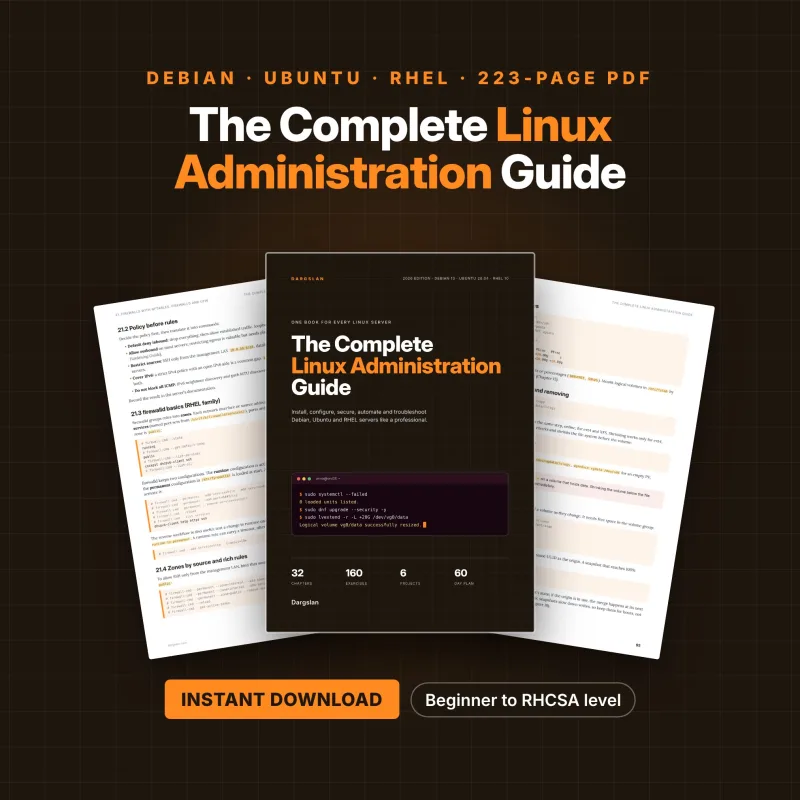

The Complete Linux Administration Guide
Run Debian, Ubuntu and RHEL Servers Like a Professional
What's Included:
At a Glance
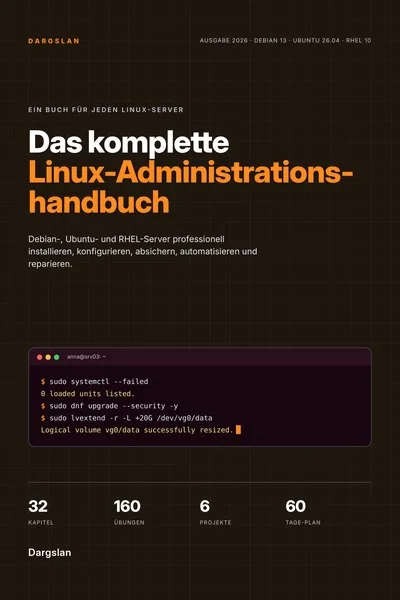
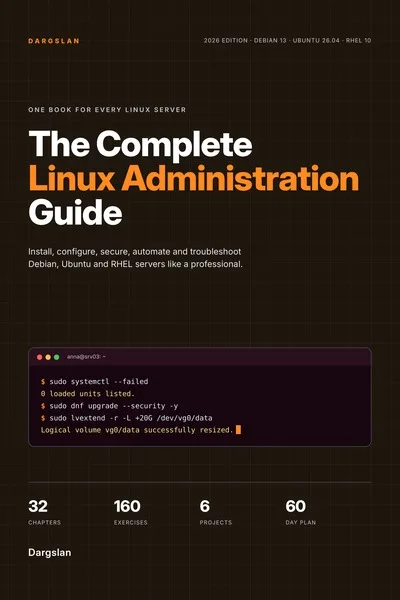
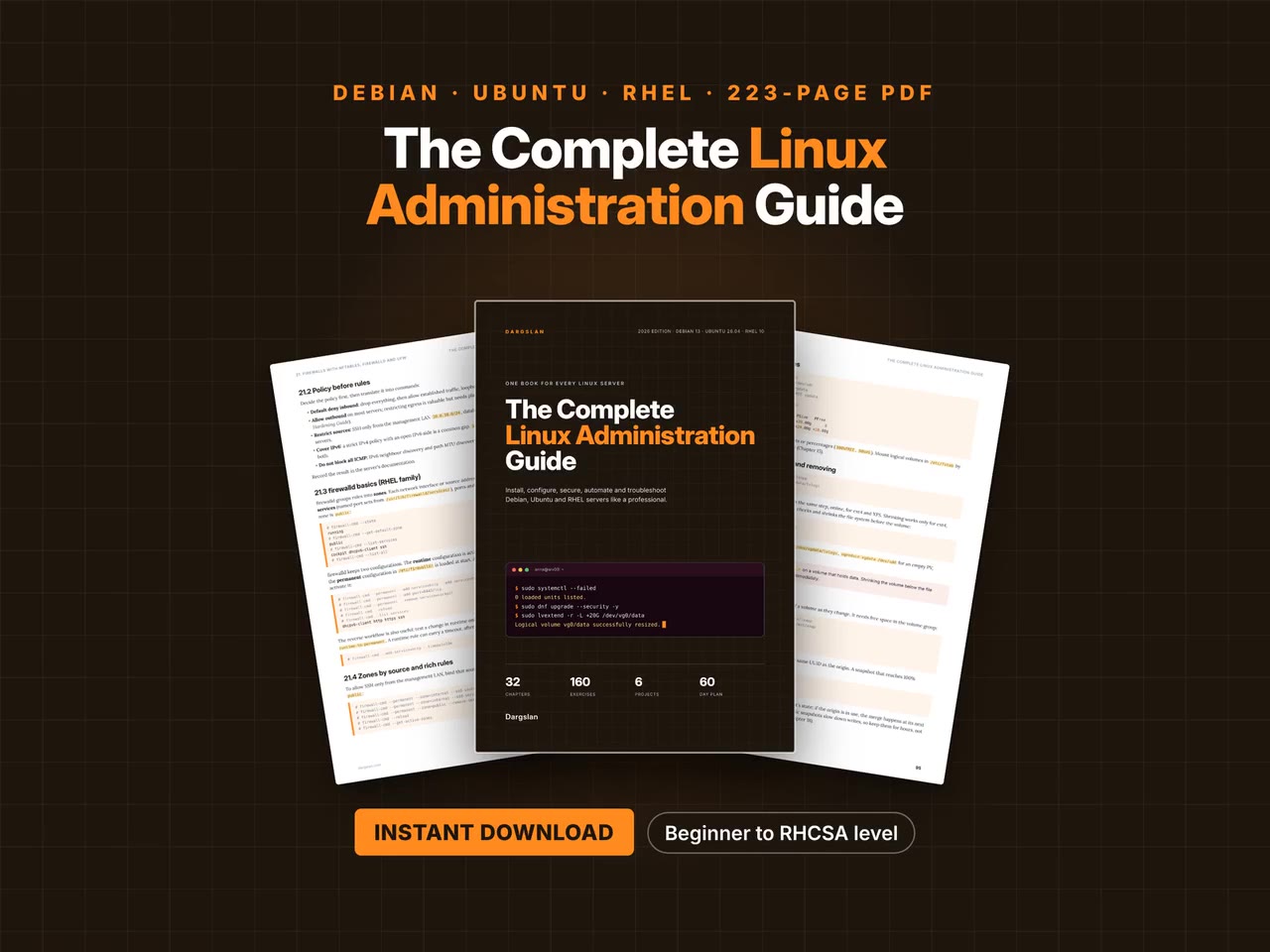
The Complete Linux Administration Guide is a professional Linux Administration eBook by Dargslan, 223 pages, available as an instant PDF and EPUB download for €16.90, DRM-free and yours to keep, with free updates. Run Debian, Ubuntu and RHEL Servers Like a Professional.
- Length: 223 pages
- Format: PDF and EPUB (instant download)
- Language: English
- Topic: Linux Administration
- Edition: 1st Edition
- Price: €16.90
Key Highlights
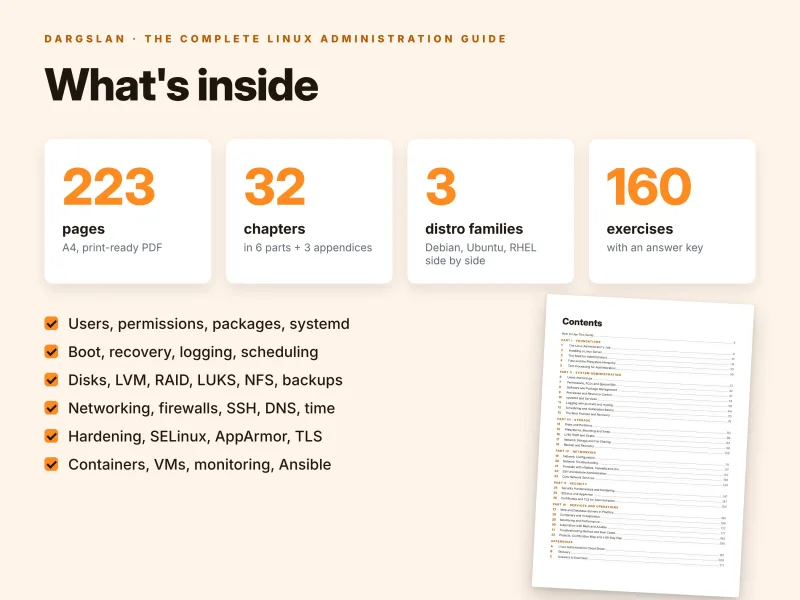
- 223 pages, 32 chapters in 6 parts, plus 3 appendices
- Written for Debian 13, Ubuntu 26.04 LTS and RHEL 10 / AlmaLinux 10 / Rocky Linux 10
- Both distribution families side by side, differences marked D and R
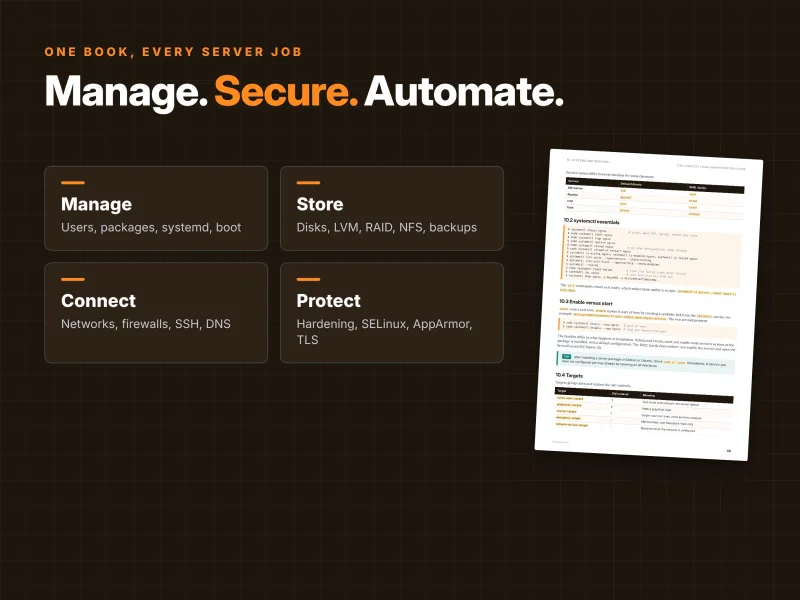
- Users, permissions, apt and dnf, processes, systemd, logging, scheduling, boot and recovery
- Disks, ext4/XFS/Btrfs, LVM, mdadm RAID, Stratis, LUKS, NFS, Samba, restic backups
- NetworkManager, netplan, systemd-networkd, nftables, firewalld, ufw, SSH, DNS, DHCP
- Hardening, auditd, AIDE, OpenSCAP, SELinux, AppArmor, certificates and certbot
- Nginx, Apache, MariaDB, PostgreSQL, Podman Quadlets, Docker, KVM, Prometheus, Ansible
- More than 2,800 lines of commands and configuration
- 160 exercises with a complete answer key and a checkpoint in every chapter
- 12 real-world troubleshooting cases and 6 hands-on projects
- RHCSA and LFCS objective map and a 60-day study plan
- 9-page cheat sheet and a glossary of 88 terms
- PDF + EPUB + all code examples as a ZIP
Overview
Administer Debian 13, Ubuntu 26.04 LTS and RHEL 10 servers side by side: 223 pages on users, packages, systemd, storage, networking, security, services, automation and troubleshooting, with RHCSA/LFCS map. PDF + EPUB + code ZIP.
The Problem
Real-world Linux estates are mixed: a Debian box here, Ubuntu servers there, AlmaLinux or RHEL in production. The skills are the same, but the tools are not – apt or dnf, AppArmor or SELinux, ufw, nftables or firewalld, netplan, ifupdown or NetworkManager, ssh or sshd. Most books and tutorials cover one distribution, often an older release, and leave you to translate the rest under pressure.
The result is copied commands that half work, SELinux switched off because a 403 made no sense, firewall changes that lock you out, and backups nobody has ever restored.
The Solution
The Complete Linux Administration Guide teaches server administration once, on Debian 13, Ubuntu 26.04 LTS and RHEL 10 / AlmaLinux 10 / Rocky Linux 10 at the same time. Every command that differs is shown for both families and marked D or R, so you learn the skill rather than one distribution's spelling of it.
32 chapters in six parts take you from installation to users, packages, systemd, the boot process, storage, networking, security, web and database servers, containers, VMs, monitoring and Ansible. More than 2,800 lines of commands, 160 exercises with answers, 12 troubleshooting cases, 6 projects, an RHCSA and LFCS objective map and a 60-day plan turn knowledge into skill – and all code examples come as a ZIP, ready to copy.
About This Book
The Complete Linux Administration Guide: Run Debian, Ubuntu and RHEL Servers Like a Professional
Linux runs most of the world's servers, and the work of keeping them healthy is the same on every distribution: install carefully, manage users and software, control services, look after storage and the network, secure, back up, monitor and repair. The details, however, are not the same. Debian and Ubuntu use apt and AppArmor; the RHEL family uses dnf, SELinux and firewalld. Ubuntu configures the network with netplan, RHEL with NetworkManager, Debian with ifupdown or systemd-networkd. The SSH service is called ssh on one family and sshd on the other. Most books and courses pick one distribution and leave you to translate everything else yourself – which is exactly what you cannot afford to do at three in the morning on a server you did not install.
The Complete Linux Administration Guide teaches professional server administration on all three major families side by side, from the first login to a monitored, hardened and automated fleet. Across 223 pages, 32 chapters in six parts and three appendices, every command is shown for both families wherever they differ, so you learn the underlying skill once and can apply it on any Linux server you are handed.
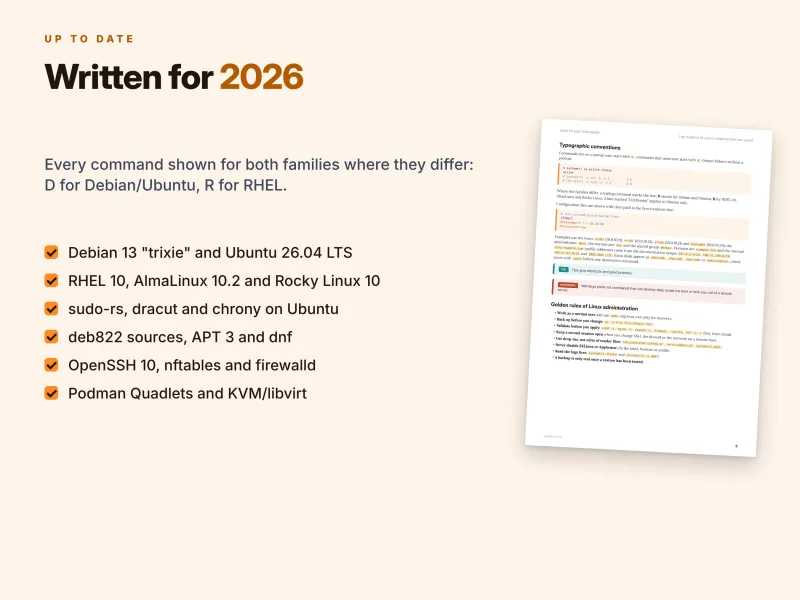
Written for 2026: Debian 13, Ubuntu 26.04 LTS and RHEL 10
The guide is written for the current releases as of November 2026:
- Debian 13 "trixie" – kernel 6.12 LTS, systemd 257, APT 3.0 and deb822
.sourcesfiles; - Ubuntu 26.04 LTS "Resolute Raccoon" – kernel 7.0, systemd 259, netplan, sudo-rs and Rust coreutils by default, and chrony for time;
- RHEL 10, AlmaLinux 10.2 and Rocky Linux 10 – kernel 6.12,
dnf, firewalld, SELinux enforcing and a 10-year lifecycle.
All three share systemd 257 or later, cgroups v2, nftables and OpenSSH 10, so most of what you learn applies everywhere – including the previous releases still running in many data centres.
Part I – Foundations (Chapters 1–5)
You begin with the job itself: what an administrator actually does, how the distribution families relate to each other, release models and lifecycles, physical, virtual and cloud servers, the documentation already on the system, working safely with root and sudo, and keeping a change log. You build the lab that the whole book uses – srv01 with Debian 13, srv02 with Ubuntu 26.04 and srv03 with AlmaLinux 10, plus an optional backup01 host.
Chapter 2 installs real servers: planning, UEFI and Secure Boot, partitioning schemes and minimal installs, then the Debian installer, Ubuntu's Subiquity with autoinstall, Anaconda with Kickstart, and cloud images configured with cloud-init, ending with a first-boot checklist. Chapters 3 to 5 make you fluent at the keyboard: globbing, quoting, redirection, history, aliases and functions, vim survival, tmux for persistent sessions, the filesystem hierarchy, find in depth, links, archives, disk usage, and the text tools administrators use daily – grep with regular expressions, sed for configuration edits, awk for logs and reports, diff and patch, and writing root-owned files safely with tee.
Part II – System Administration (Chapters 6–13)
This is the core of daily administration. You manage users and groups, password ageing with login.defs, system accounts, sudo rules in /etc/sudoers.d and least-privilege principles, and get an overview of central identity with SSSD and FreeIPA. You master permissions: symbolic and octal chmod, umask, setuid, setgid and the sticky bit, a shared group directory, POSIX ACLs, file attributes and capabilities.
Chapter 8 puts apt and dnf side by side: repositories, signing keys and third-party repositories, EPEL, CRB and backports, querying packages, version locking, automatic security updates, and when kernel updates require a reboot or service restarts. You then control processes with signals, nice and ionice, /proc, lsof, cgroups v2 and systemd slices, resource limits and the OOM killer.
The systemd chapter covers units, targets, writing your own service, drop-in overrides with systemctl edit, dependencies, restart policies, socket activation and boot analysis. Logging follows with journalctl filters, a persistent journal, rsyslog rules, logrotate and central logging; scheduling compares cron, anacron, systemd timers and at, and shows how to prevent overlapping jobs with flock. Part II ends with the boot process and recovery: Secure Boot and shim, GRUB 2, grubby on RHEL, initramfs, kernel parameters, rescue and emergency targets, resetting a lost root password, kernel modules and rolling back to an older kernel.
Part III – Storage (Chapters 14–18)
Storage mistakes destroy data, so this part is careful and thorough. You learn block device names and persistent names, GPT and MBR, partitioning tools, SMART and NVMe health checks, wiping disks safely and adding a disk to a running VM. Chapter 15 helps you choose between ext4, XFS and Btrfs, covers mount options, /etc/fstab and systemd mount units, growing and shrinking, checking and repairing, swap, zram and tmpfs.
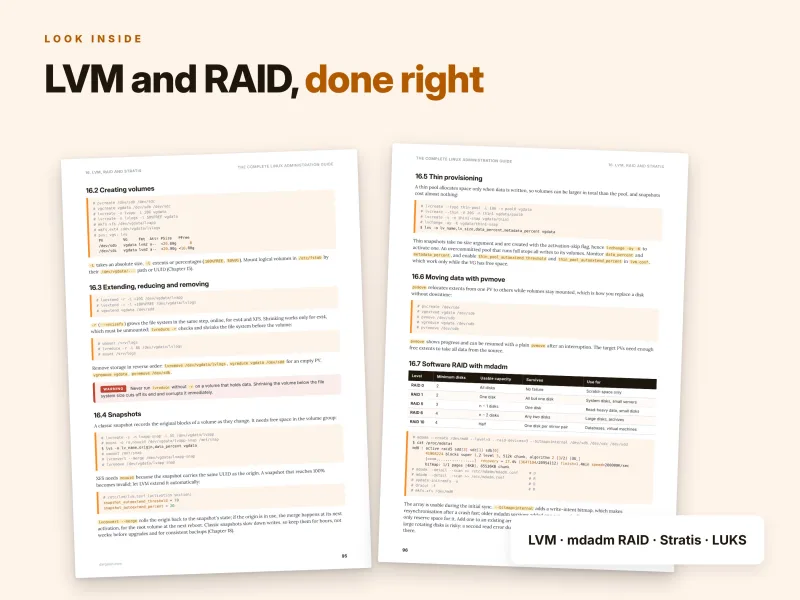
Chapter 16 is the heart of the part: LVM with snapshots, thin provisioning and pvmove, software RAID with mdadm including replacing a failed disk, LVM RAID, Stratis on the RHEL family and LUKS-encrypted volumes. You share storage with NFS, autofs and Samba, mount SMB shares, get an overview of iSCSI and learn the identity-mapping pitfalls that cause "permission denied" on network shares. Chapter 18 turns backup into a discipline: RPO, RTO and the 3-2-1 rule, rsync snapshots with --link-dest, restic, database dumps, snapshots for consistency, automation with a systemd timer, tested restores and a disaster recovery runbook.
Part IV – Networking (Chapters 19–23)
You inspect the live state with ip, then configure the network the way each distribution expects: NetworkManager and nmcli on the RHEL family, netplan on Ubuntu Server, ifupdown and systemd-networkd on Debian, plus DNS client configuration, host names, IPv6 basics, and bonds, bridges and VLANs in brief. Chapter 20 teaches a layered troubleshooting method with ip, ss, dig, curl, openssl, nc and tcpdump.
The firewall chapter covers nftables, firewalld zones and rich rules, ufw on Ubuntu and a plain nftables ruleset on Debian, together with rate limiting, NAT, the interaction between Docker and the host firewall, and testing changes without locking yourself out. SSH gets a full chapter: key-based authentication, the agent, client configuration and jump hosts, hardening with drop-ins, PerSourcePenalties and fail2ban, file copying, port forwarding, SSH certificates and the Cockpit web console. Part IV closes with core network services: chrony as client and LAN server, a caching resolver with Unbound, authoritative zones with BIND, DHCP with ISC Kea and Postfix as a null client.
Part V – Security (Chapters 24–26)
Security starts with a threat model, an update policy and minimal software. Chapter 24 gives you a secure defaults checklist, password and PAM policy, sudo logging, sysctl hardening, auditd, AIDE, Lynis, CIS benchmarks and OpenSCAP. Chapter 25 treats SELinux and AppArmor as tools to understand rather than obstacles to disable: modes, contexts, semanage fcontext and restorecon, booleans, ports, troubleshooting AVC denials, AppArmor profiles and local overrides, and one routine that works on both families. Chapter 26 covers certificates and TLS: file formats, inspecting certificates and live servers, keys and CSRs, self-signed lab certificates, a small internal CA, system trust stores, Let's Encrypt with certbot, shorter certificate lifetimes, profiles and ARI, and monitoring expiry.
Part VI – Services and Operations (Chapters 27–32)
Now the servers do real work. You run Nginx and Apache with virtual hosts, a reverse proxy, PHP-FPM, MariaDB and PostgreSQL, remote database access and dumps, with the firewall and SELinux settings each needs. Chapter 28 covers Podman with Quadlet for containers as systemd services, Docker CE on Debian and Ubuntu, Compose, and KVM with libvirt: preparing the host, creating VMs, virsh, storage pools, networks and snapshots.
Monitoring follows a clear method – utilisation, saturation, errors – with load average explained, CPU, memory, Pressure Stall Information, disk latency, network throughput, sysstat baselines, and Prometheus, node_exporter and Grafana with alerting. Chapter 30 automates with safe Bash scripts and Ansible playbooks that target both families, with secrets in ansible-vault. Chapter 31 is a troubleshooting method with 12 real cases, and Chapter 32 brings everything together with six projects, the certification map and the 60-day plan.
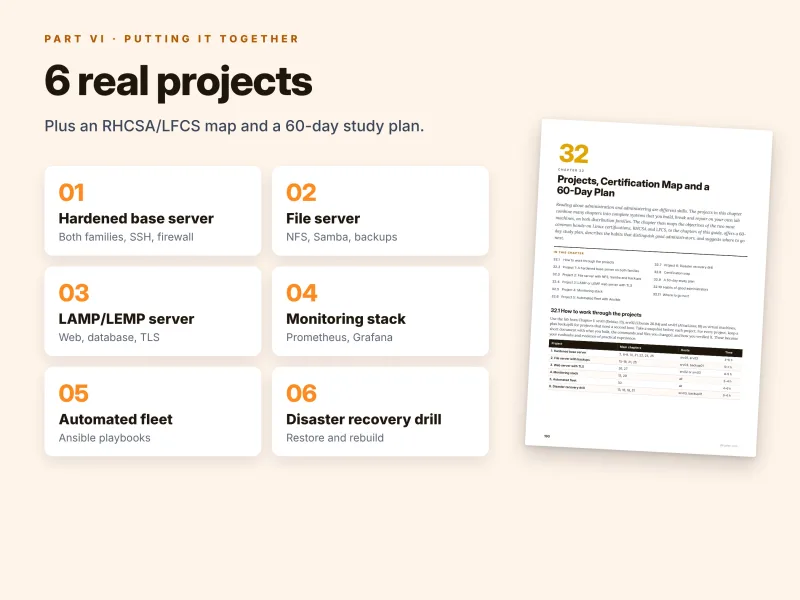
Six projects that combine the whole book
Each project has a step list referencing the relevant chapters, an estimated time and a concrete deliverable:
- A hardened base server on both families – minimal install, sudo, SSH drop-ins, default-deny firewall, auditd, AIDE, SELinux and AppArmor, with before-and-after Lynis scores;
- A file server with NFS, Samba and backups – mdadm RAID 1 with LVM and XFS, a simulated disk failure and a timed restore;
- A LAMP or LEMP web server with TLS – Nginx with MariaDB on Ubuntu, Apache with PostgreSQL on AlmaLinux, certbot and database restore tests;
- A monitoring stack – node_exporter, Prometheus, Grafana and Alertmanager, with every alert triggered deliberately;
- An automated fleet with Ansible – a Git repository that rebuilds a server from a fresh install, with a second run reporting
changed=0; - A disaster recovery drill – break, destroy and rebuild a server from the runbook, playbooks and restic backups, and measure the real recovery time.
A taste of the detail: the 403 that permissions cannot explain
Case 7 of the troubleshooting chapter is one every RHEL administrator meets sooner or later. On srv03, a website returns 403 Forbidden after its files were prepared in a home directory and moved to /var/www/html. The permissions are correct, the ownership is correct, and the web server configuration has not changed. The guide walks through the diagnosis:
$ ls -Z /var/www/html/index.html
unconfined_u:object_r:user_home_t:s0 /var/www/html/index.html
# ausearch -m avc -ts recent
type=AVC msg=audit(...): avc:  denied  { read } for  pid=1520 comm="httpd" name="index.html" ... tcontext=unconfined_u:object_r:user_home_t:s0 tclass=file
The clue is the label: mv keeps the file's original SELinux type, user_home_t, while cp would have created it with the label of the target directory. The fix is restorecon -Rv /var/www/html; for a non-standard directory, you first define the rule with semanage fcontext -a -t httpd_sys_content_t "/srv/web(/.*)?" and then run restorecon. The guide is explicit that setenforce 0 is never the answer – and it adds the Debian and Ubuntu equivalent: an apparmor="DENIED" line in the kernel log.
Every case follows the same pattern – symptom, diagnosis, fix – and covers both families. The other eleven include a full disk, exhausted inodes, space that is not freed after deleting a file, a service that fails with 203/EXEC, emergency mode after an fstab edit, broken DNS, the OOM killer, high load from I/O wait, clock skew breaking TLS and Kerberos, an NFS mount hanging the boot, and being locked out by the firewall or SSH – including the trick of scheduling an automatic firewall rollback with at before applying risky rules.
Why this guide is different
- Three families, one book. Debian, Ubuntu and the RHEL family (RHEL, AlmaLinux, Rocky Linux) are covered together. Lines that differ carry a trailing D (Debian and Ubuntu) or R (RHEL family) mark, so you see the difference at a glance instead of translating tutorials.
- Both certifications. Chapter 32 maps the RHCSA (EX200, RHEL 10 version) objective areas and the LFCS domains and weights to chapters, names the two LFCS topics the guide touches only briefly, and explains how to close the gap.
- Safe by habit. Golden rules run through the whole book: work as a normal user, back up before you change, validate with
sshd -t,visudo -c,findmnt --verifyornft -c -fbefore applying, keep a second session open, use drop-ins instead of editing vendor files, and never disable SELinux or AppArmor. - Current. deb822 sources, APT 3.0, sudo-rs on Ubuntu, OpenSSH 10 with PerSourcePenalties, Podman Quadlets, Stratis, PSI and certificate ARI – the 2026 state of Linux, not advice from a decade ago.
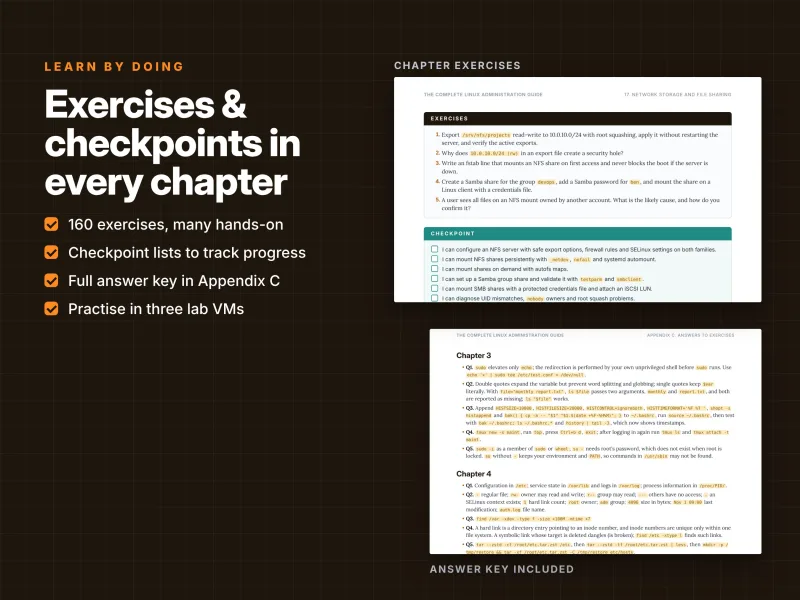
- Practice built in. Five exercises per chapter, 160 in total, with a complete answer key, a checkpoint at the end of every chapter, 12 troubleshooting cases and 6 projects.
- The hub of a series. Every topic is covered at the level a working administrator needs. When you want to go deeper, the sister Dargslan guides take over: The Complete Linux Hardening Guide, Linux Networking Guide, Bash Scripting Guide, Ansible Guide, SSH Guide, Nginx Guide and Apache Guide.
How to use the guide
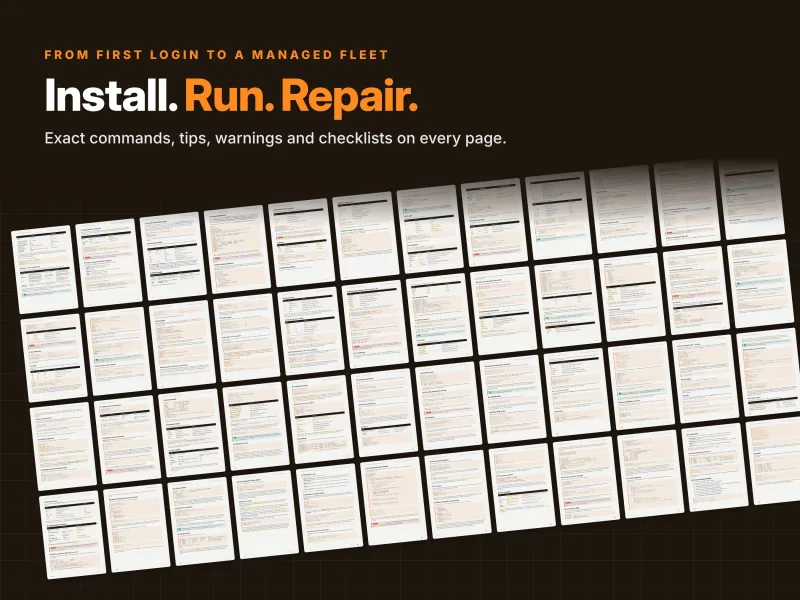
Every chapter follows the same structure: concepts explain what a component does and why it matters, examples show complete commands and files on both families, tips and warnings point out shortcuts and dangerous commands, exercises let you practise, and a checkpoint lists what you should be able to do before moving on. The lab needs a computer that can run three or four small virtual machines on an isolated network; Chapter 1 lists the resources and Chapter 2 covers the installations.
Newcomers to administration should read Parts I and II in order. Experienced administrators can jump to any chapter and follow the "(Chapter N)" cross-references. Certification candidates can follow the 60-day study plan – about an hour a day, with every tenth day for review and the last two days for a mock RHCSA or LFCS exam under time pressure. For RHCSA, do the exercises on the AlmaLinux server; for LFCS, use the Ubuntu server.
Reference material you will keep using
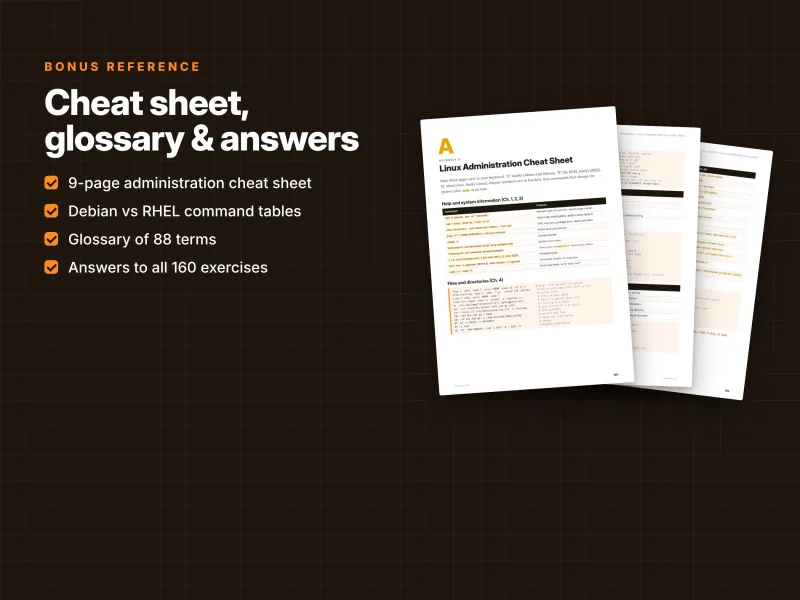
- Appendix A: a 9-page Linux administration cheat sheet organised by topic, with Debian vs RHEL command tables and chapter references;
- Appendix B: a glossary of 88 terms, from the 3-2-1 rule and ACLs to SELinux booleans and zram;
- Appendix C: answers to all 160 exercises;
- more than 2,800 lines of commands and configuration, a troubleshooting tools map, and a clickable table of contents.
What you get
- PDF – 223 pages, A4, printable (prints on US Letter with "fit to page"), with a clickable table of contents;
- EPUB – for Kindle, Kobo, Apple Books and other e-readers;
- Source code ZIP – all code examples from the book sorted by chapter: configuration files, scripts, unit files and playbooks, with each chapter's commands collected in a
commands.shfile in book order.
Download all files instantly from your Dargslan account after purchase, or read the book directly in your browser with the Dargslan Online Reader. Nothing is shipped.
Who it is for
The guide is written for new and junior Linux administrators, Windows administrators moving to Linux, developers and DevOps engineers who run their own servers, RHCSA and LFCS candidates, and homelab builders who want to do things properly. No prior administration experience is required, but you should be comfortable using a computer and willing to work in a terminal.
Start today
Whether you inherited a mixed estate of Debian, Ubuntu and AlmaLinux servers, are preparing for a hands-on certification, or simply want to stop guessing, this guide gives you one consistent method for every Linux server. Build the lab, work through the chapters, break things on purpose and fix them – and run Linux servers like a professional.
This is an independent publication and is not affiliated with, sponsored or endorsed by Debian, Canonical, Red Hat or the Linux Foundation, and it is not official exam material. Linux is a registered trademark of Linus Torvalds; all other trademarks belong to their respective owners.
Who Is This Book For?
- New and junior Linux system administrators
- Windows administrators moving to Linux
- Developers and DevOps engineers who run their own servers
- RHCSA (EX200) and LFCS candidates who want a hands-on study guide
- Administrators responsible for a mix of Debian, Ubuntu and RHEL-family servers
- Homelab builders who want to do things properly
Who Is This Book NOT For?
- Complete Linux beginners who have never used a terminal – start with our "How to Learn Linux" guide
- Readers who work with only one distribution and want it covered in depth, including the desktop – see "The Complete Debian Guide", "The Complete Ubuntu Guide" or "The Complete AlmaLinux Guide"
- Readers who need expert depth on a single topic such as hardening, networking, Bash, Ansible, SSH, Nginx or Apache – the guide covers them at administrator level, and dedicated Dargslan guides go further
- Readers looking for official exam material or exam dumps – this is an independent study guide
- Readers who want a video course rather than a written, hands-on reference
Table of Contents
How to Use This Guide – p. 4
Part I · Foundations (Chapters 1–5)
Part II · System Administration (Chapters 6–13)
Part III · Storage (Chapters 14–18)
Part IV · Networking (Chapters 19–23)
Part V · Security (Chapters 24–26)
Part VI · Services and Operations (Chapters 27–32)
- The Linux Administrator's Job – p. 8
- Installing a Linux Server – p. 13
- The Shell for Administrators – p. 19
- Files and the Filesystem Hierarchy – p. 25
- Text Processing for Administrators – p. 30
- Users and Groups – p. 37
- Permissions, ACLs and Special Bits – p. 42
- Software and Package Management – p. 47
- Processes and Resource Control – p. 53
- systemd and Services – p. 58
- Logging with journald and rsyslog – p. 64
- Scheduling and Automation Basics – p. 70
- The Boot Process and Recovery – p. 76
- Disks and Partitions – p. 83
- Filesystems, Mounting and Swap – p. 88
- LVM, RAID and Stratis – p. 94
- Network Storage and File Sharing – p. 99
- Backup and Recovery – p. 105
- Network Configuration – p. 111
- Network Troubleshooting – p. 117
- Firewalls with nftables, firewalld and ufw – p. 122
- SSH and Remote Administration – p. 128
- Core Network Services – p. 134
- Security Fundamentals and Hardening – p. 141
- SELinux and AppArmor – p. 147
- Certificates and TLS for Administrators – p. 154
- Web and Database Servers in Practice – p. 160
- Containers and Virtualization – p. 166
- Monitoring and Performance – p. 172
- Automation with Bash and Ansible – p. 177
- Troubleshooting Method and Real Cases – p. 184
- Projects, Certification Map and a 60-Day Plan – p. 190
Appendices
Appendix A: Linux Administration Cheat Sheet – p. 197
Appendix B: Glossary – p. 206
Appendix C: Answers to Exercises – p. 211
Requirements
- Basic computer skills and willingness to work in a terminal – no prior administration experience required
- A computer that can run three or four small virtual machines (KVM, VirtualBox, VMware, Hyper-V or Proxmox)
- Installation media for Debian 13, Ubuntu 26.04 LTS and AlmaLinux 10 or Rocky Linux 10 (or RHEL 10 with a free developer subscription)
- Two extra virtual disks for the Debian and RHEL-family VMs for the storage chapters
- An internet connection for package installation
- Optional: a fourth VM for backups, NFS and central logging, and a public domain for the Let's Encrypt examples